Monthly Archives: September 2015
iOS 9 boosts iPhone 6s and iPad Pro security with improved 2FA
Apple has announced that iOS 9 will launch on September 16th. The updated operating system will have even greater security features, including a stronger passcode and improved 2FA.
The post iOS 9 boosts iPhone 6s and iPad Pro security with improved 2FA appeared first on We Live Security.

Know the difference between adware and porn?
“I know it when I see it,” is how US Supreme Court judge Steward Potter described his definition of pornography. But when it comes to adware, the description is far less titillating: You know it when you CAN’T see how to get rid of it.
The post Know the difference between adware and porn? appeared first on Avira Blog.
NY Health Provider Excellus Discloses Data Breach Dating to 2013
Excellus BlueCross BlueShield, a large health care provider in New York state, says it was hit by an attack that began in 2013 and wasn’t discovered until last month, resulting in the compromise of members’ personal information, including Social Security numbers, addresses, financial and account information. The company did not specify how many people potentially […]
Aggressive Android ransomware spreading in the USA
The latest ESET discovery of the first known Android lock-screen-type ransomware that spreads in the wild and sets the phone’s PIN lock is examined.
The post Aggressive Android ransomware spreading in the USA appeared first on We Live Security.


All that you need to know about security changes within Windows 10

The moment has arrived to make a tough decision: install Windows 10 or stick with the old version until you have no other choice but to update. If you still aren’t sure of what to do and are worried about losing a document or important program, you can wait a while, although sooner or later you’ll have to take the leap. When this moment arrives, be it tomorrow or in a few weeks, we have a few tips to help you protect your PC.
The first characteristic of Microsoft’s new operating system that we should be aware of is that it has been designed like a cloud service. This means that now, whether you like it or not, you will share more information than ever with Microsoft. Fortunately, there are some things that you can configure to minimize the damage if you consider this to be a threat to your security.
Even though some users, after trying the beta version, accused Microsoft of having put a keylogger in its operating system to register the information entered by the users on their keyboards. To put you at ease, there is no such thing on the new Windows 10 system. What a few of the Office 360 programs do (just like Google Drive, or Apple’s Siri), however, is analyze the keystrokes in order to improve, among other things, the orthography. It also registers words if you are dictating texts, to fine tune its voice recognition.
If you aren’t at ease with the multinational knowing your every keystroke and syllable that comes from your mouth, you need to know that this feature (which has caused uproar) can be deactivated. All you need to do is enter “settings” and select the privacy options from there.
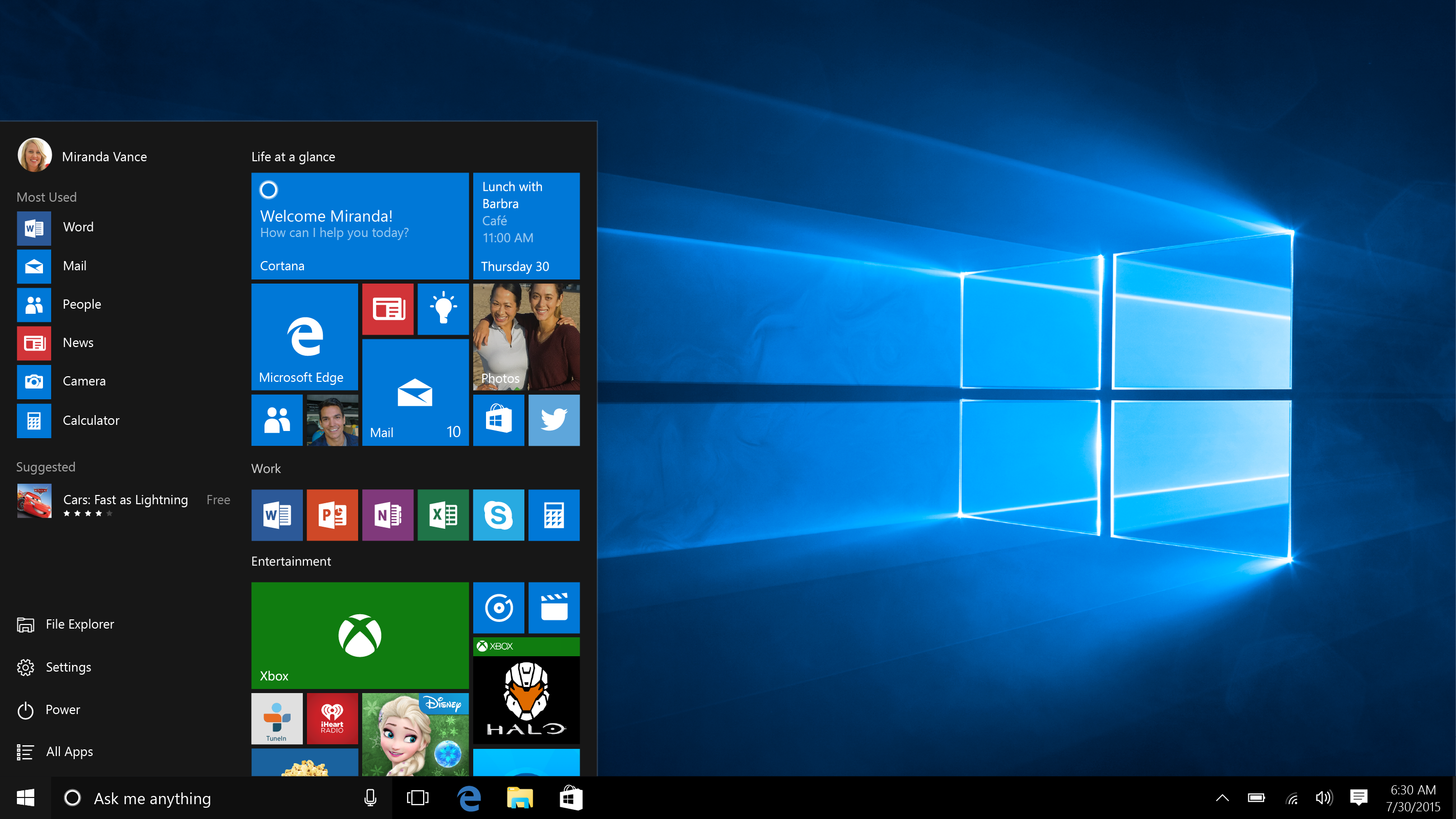
Another of the characteristics of Windows 10 that has caused much debate amongst those concerned with privacy is the Advertisement ID. It is basically a code, a unique identification number, which works like the cookies of a webpage. Thanks to them, advertisers will be able to tailor ads to our preferences.
Microsoft assures us that this code isn’t linked to the user in any way (not with their name, email account, or any profile that contains personal information).In any case, if you don’t want anyone to know what your likes and dislikes are, you can easily deactivate this feature in the settings under the part of “General”.
The new localization options that Microsoft has included in the new version of Windows might also be bothersome. Even though your computer doesn’t have GPS, as is the case with smartphones and tablets, keep in mind that, by desactivating it, limits the possibilities of Cortana (Microsoft’s virtual assistant) which takes note of where you are from time to time in order to complete its mission.
This is the same as what happens with Apple’s Siri and Google Now, whereby the tool needs to access a large amount of personal information to answer possible user questions.
If, having applied these measures, you still aren’t sure and want your computer be even more protected after installing Windows 10, the best thing that we advise you to do is get a good security solution. Panda’s antivirus protection is compatible with the new Microsoft operating system.
The post All that you need to know about security changes within Windows 10 appeared first on MediaCenter Panda Security.
Tell us what you think about Avira
Have you ever wondered why we offer you so many great free products? It’s because everything we do at Avira is aimed at making your online experience a better one.
The post Tell us what you think about Avira appeared first on Avira Blog.