Monthly Archives: February 2016
Skype Users Warned Of T9000 Malware Threat
Clever Bank Hack Allows Crooks To Make Unlimited ATM Withdrawals
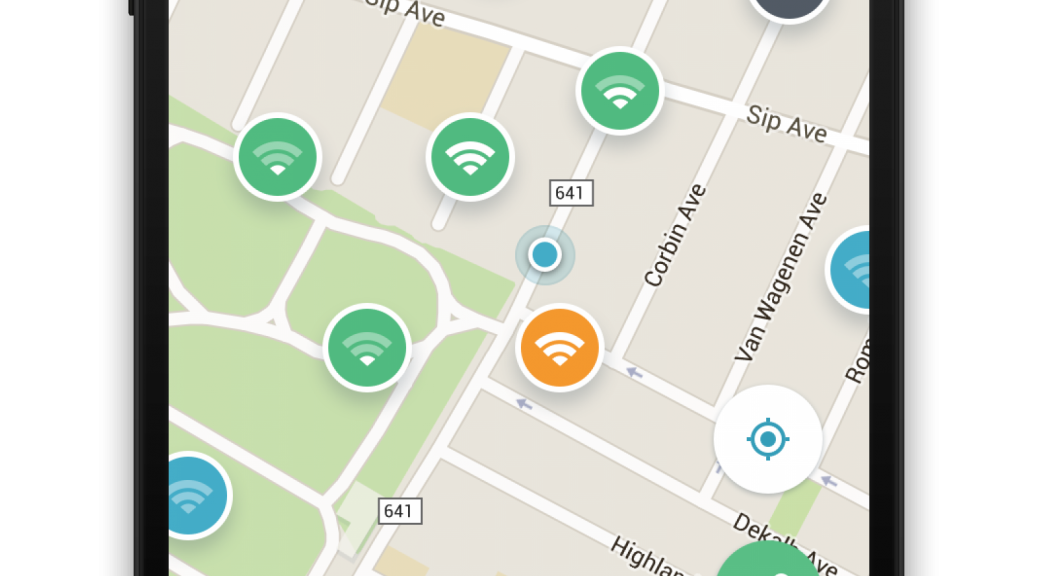
Find reliable, secure Wi-Fi hotspots with new Wi-Fi Finder app
Avast Wi-Fi Finder for Android finds secure Wi-Fi connections, wherever you are.
Everyone loves saving their data by using free Wi-Fi hotspots, but that can be risky if the hotspot is unsecure. Hackers can eavesdrop on what you’re doing, see your messages, watch the sites you navigate to, and even steal usernames and passwords. 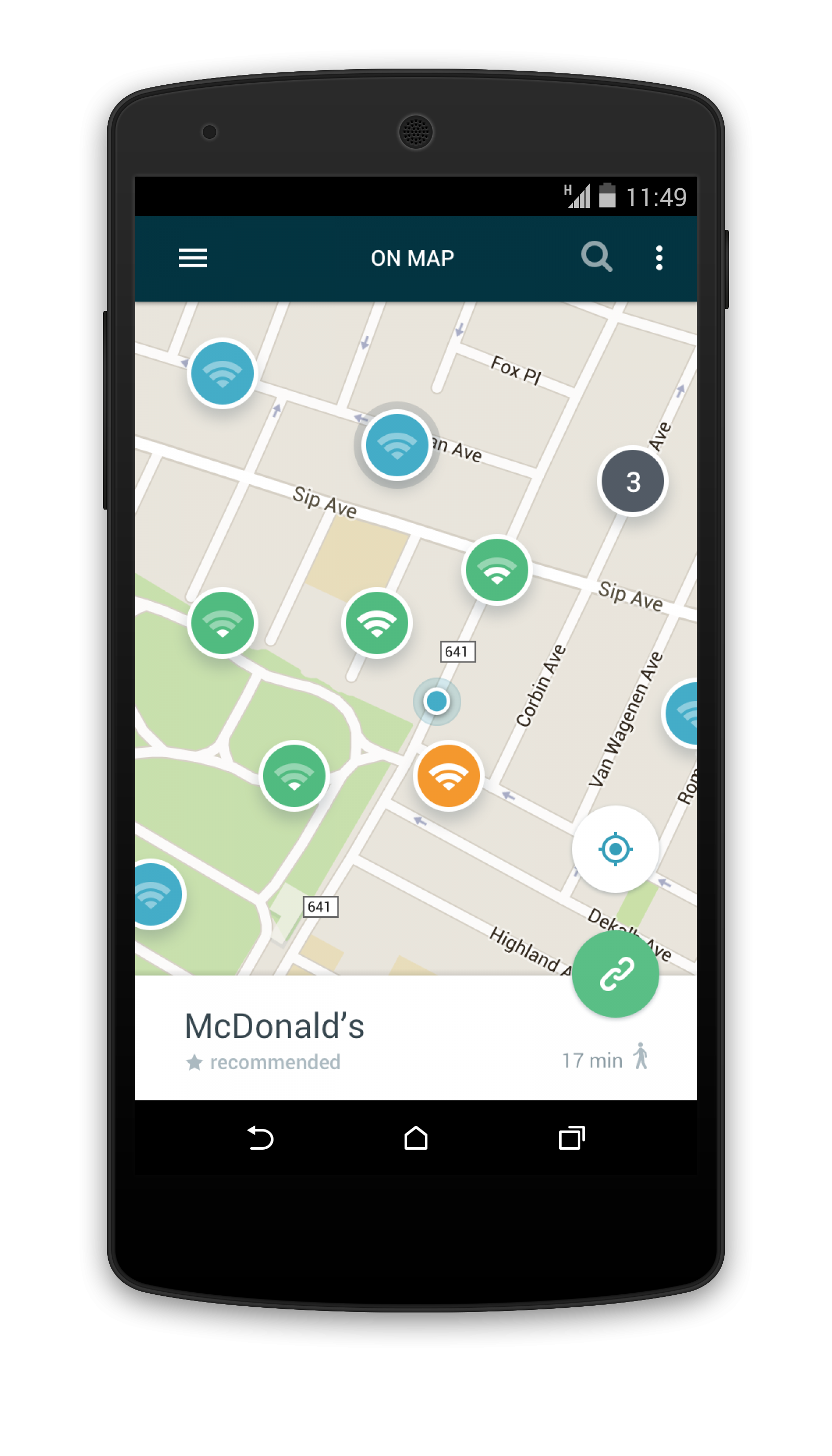
How to find safe Wi-Fi hotspots
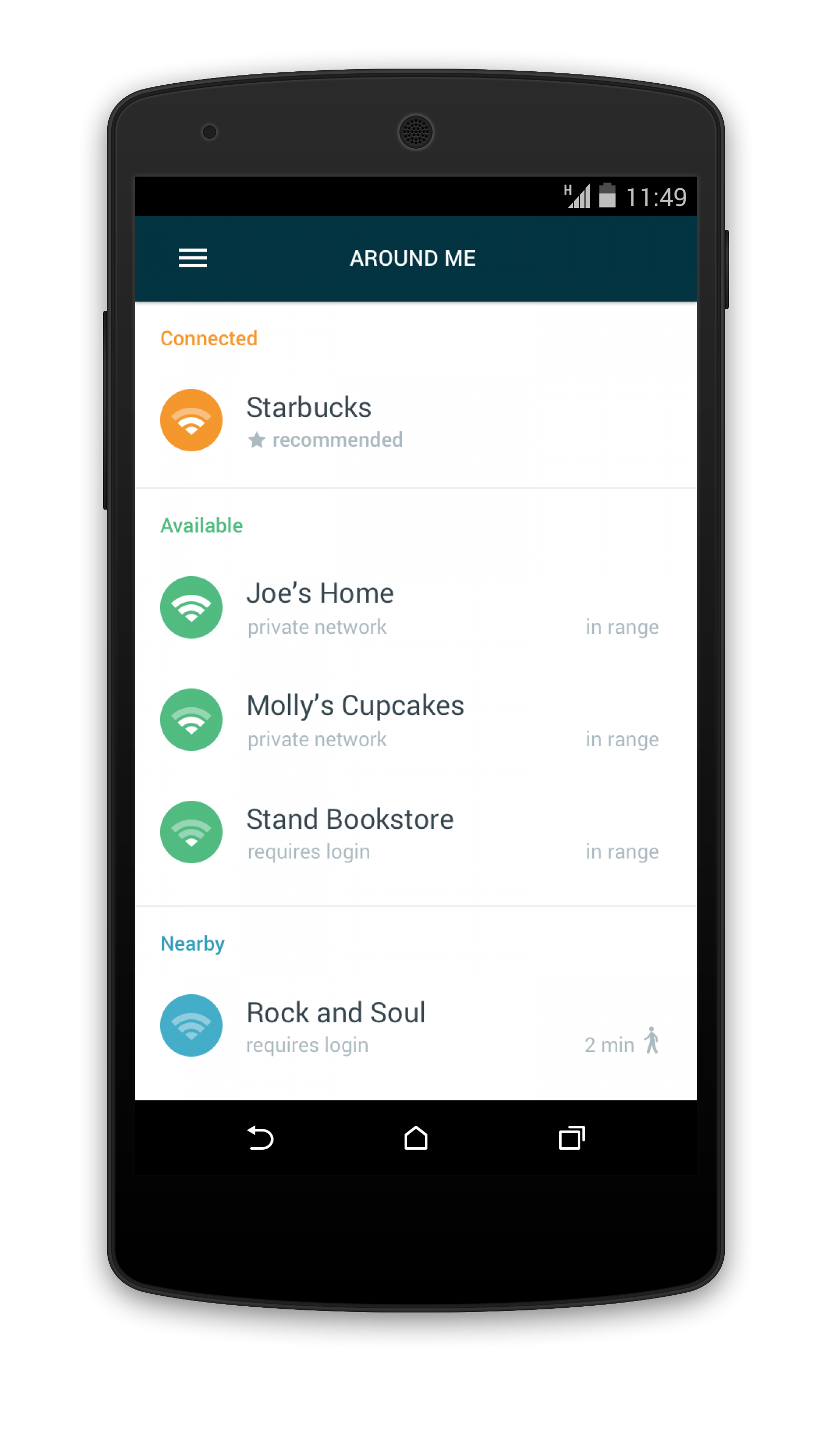
New Avast Wi-Fi Finder is an Android app that can help you find reliable, fast, and secure Wi-Fi connections, wherever you are. With the mobile app’s user-friendly map interface, it’s easy to find hotspots recommended by people around the world. Avast Wi-Fi Finder helps you select a secure Wi-Fi connection without the worry of going over your data plan or the frustration of slow data connections. Avast Wi-Fi Finder is free for Avast Mobile Security users. Download Avast Wi-Fi Finder from the Google Play Store. For iOS, download Wi-Fi Finder from iTunes.
“Many of us have found ourselves in situations when traveling or working remotely in which we’re unable to find reliable and secure Wi-Fi,” said Gagan Singh, president of mobile at Avast. “With the Avast Wi-Fi Finder, consumers are now able to find a safe and fast Wi-Fi connection whether you’re at the gym, hotel, airport, bus station, library or café.”
The Avast Wi-Fi Finder helps you:
- Connect to the fastest, most secure hotspots
- Obtain speed without compromising privacy
- Navigate a collection of nearby Wi-Fi hotspots, recommended and crowdsourced by nearby users
Here’s how Avast found all those safe Wi-Fi hotspots
In August 2015, Avast launched a product crowdsourcing program that allowed Avast Mobile Security users to help Avast harvest nearby available Wi-Fi spots. By enlisting our 230 million users, our team collected Wi-Fi hotspot data from volunteers and evaluated each hotspot’s security level before launching Avast Wi-Fi Finder.
Please follow us on Facebook, Twitter and Google+.

Avira’s Top Ten Internet Safety Tips
Security on a computer can be summarized as a two-way street: First, keeping the bad things from coming in and harming the device (like ransomware or viruses). Second, keeping news about your private life – with data, activities, and financial information – from leaving your device and falling into the wrong hands.
The post Avira’s Top Ten Internet Safety Tips appeared first on Avira Blog.
Kaspersky Lab Exposes the Poseidon Group: A Commercial Malware Boutique Operating on Land, Air and Sea
Southwest Airlines flight giveaway scams spread on Facebook
There is no such thing as a free lunch, and even if there was… who likes airline food that much anyway?
The post Southwest Airlines flight giveaway scams spread on Facebook appeared first on We Live Security.

Cybersecurity e-learning course launches in the UK for HR staff
A new e-learning tool has been launched in the UK to help HR professionals effectively deal with cybersecurity issues in the British workplace.
The post Cybersecurity e-learning course launches in the UK for HR staff appeared first on We Live Security.

Stay safe with our Facebook cheat sheet
Learn how to boost your Facebook privacy on Safer Internet Day with our excellent cheat sheet. It’ll work to your advantage now and in the future.
The post Stay safe with our Facebook cheat sheet appeared first on We Live Security.

How to Crack GCHQ Crypto Puzzle? — Here's the Solution
GCHQ has finally released the solution to their head spinning Xmas Puzzle, after all, the participants failed to reach the final answer.
GCHQ had released a crypto puzzle, dubbed Xmas Puzzle, on 9th December in the form of a Christmas Card that went viral online soon after its release.
Nearly 600,000 people shot a “Go” for the challenge since early December, but only 30,000 had made it

