More than 1,800 Minecraft login details have been leaked online, German news site Heise.de has revealed.
The post 1800 Minecraft logins leak online appeared first on We Live Security.
Antivirus Vendors
More than 1,800 Minecraft login details have been leaked online, German news site Heise.de has revealed.
The post 1800 Minecraft logins leak online appeared first on We Live Security.
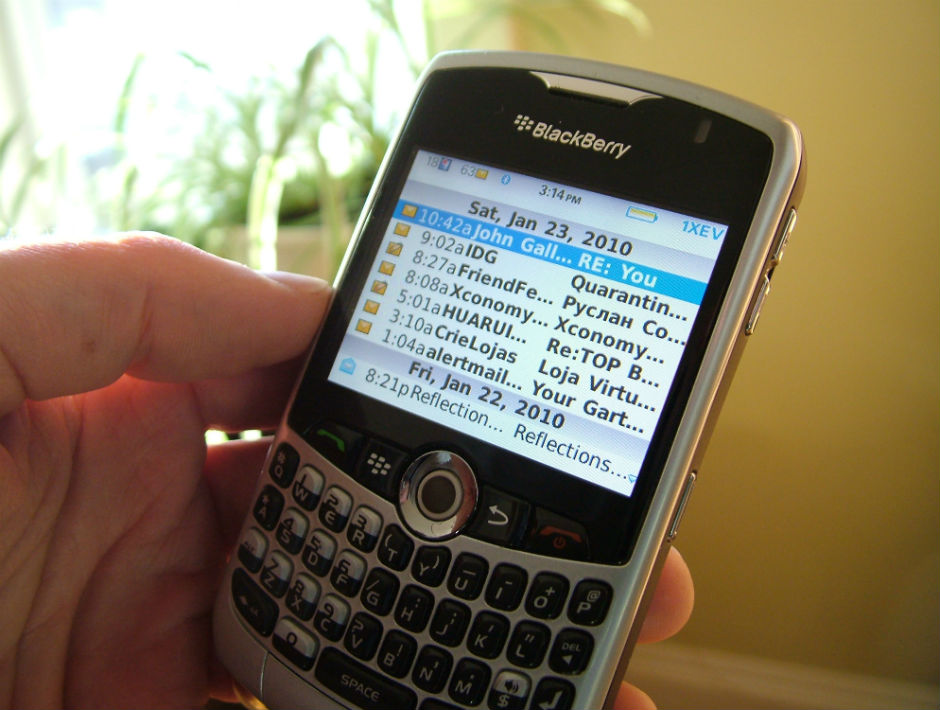
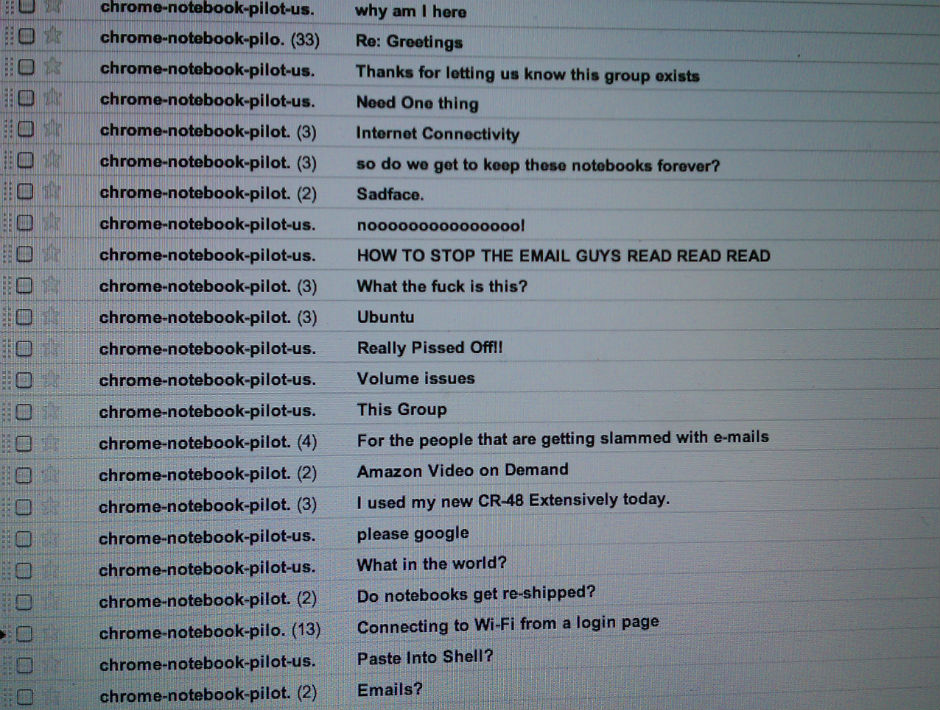
Practically all important information that we work with nowadays reaches us via corporate email. That’s why email security is so important for companies. Here we offer some advice to bear in mind to prevent unauthorized people from accessing your email – and the information it contains.
Many of the cyber-attacks that target large companies can be traced back to email. When all’s said and done, this is the place where a company’s most useful information can be found; where employees chat; where credit card details -even passwords- are sent. Read on if you want to know how to look after this information.
The post 10 Tips for protecting your company’s email appeared first on MediaCenter Panda Security.
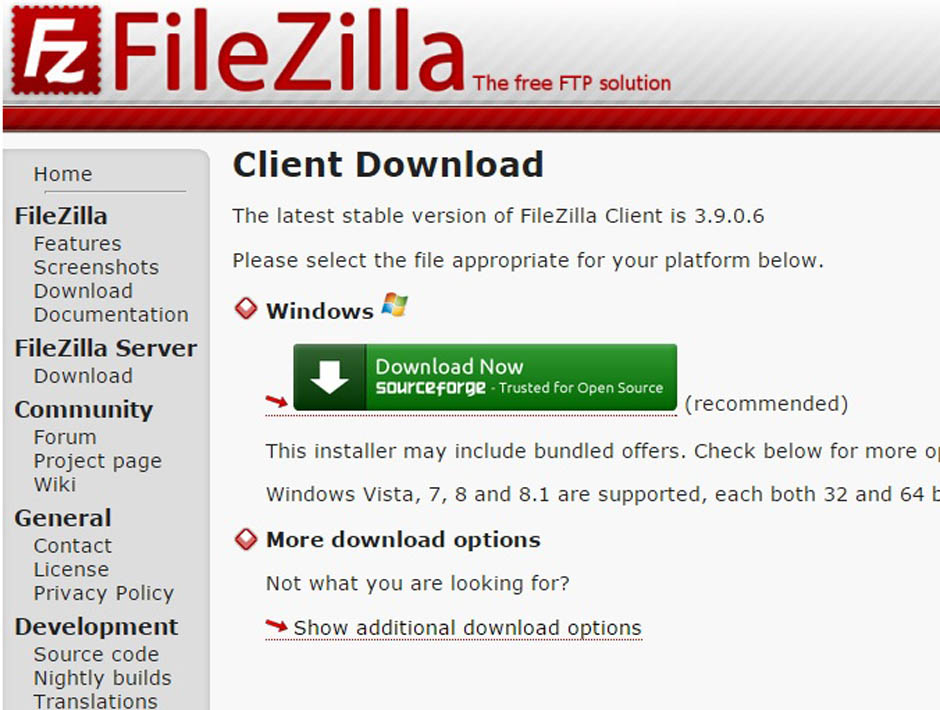
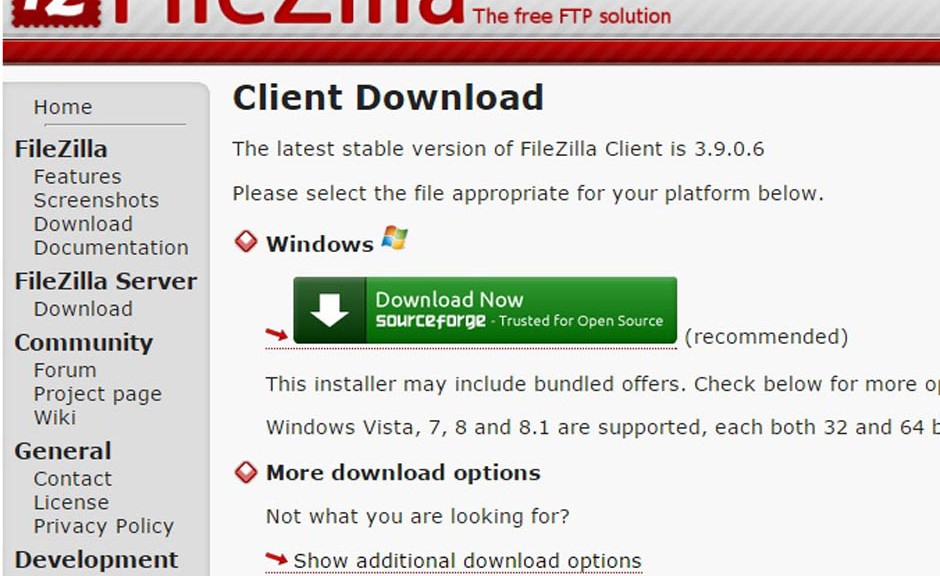
Anyone who has a website will be familiar with the term FTP (File Transfer Protocol), a protocol for transferring files over the Internet. When designing a website, you will have to use this quick method for storing the files that you want users to see (pages, pictures, documents, etc.) on a server.
There are also various types of programs for transporting data: these are called FTP clients, which connect your computer to the machine on which the information will be stored. One of the most widely-used is FileZilla, open and free software used by amateurs to professional web developers.
The first program, developed by Tim Kosse, was launched in 2001. Now it can be run on the most common operating systems (Windows, Linux and Mac OS X).
If you use this tool regularly, be on the lookout: malware has been detected in some versions (Filezilla v3.5.3 and Filezilla v3.7.3). The false application is installed in exactly the same way as the official version; it simulates the wizard interface perfectly and runs without any hitches.
The functioning of programs like FileZilla is simple: they allow web files to be arranged as if they were just another directory on your computer. In fact, you are managing a space in the memory of another computer (or several, if you work with various servers). You can save the data in different folders and arrange them as you please.
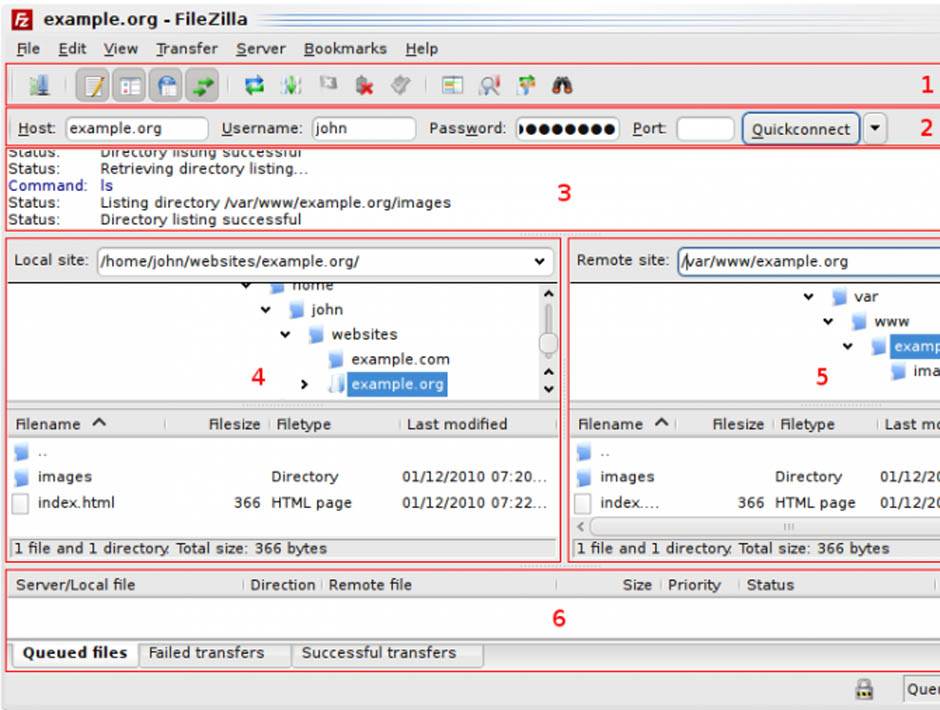
As you add more documents, they are transferred to this hard drive, which could be located in another country. This is where the activity of the malicious software comes in, which acts like a Trojan. It identifies each connection you establish with your server and communicates with another computer to which it sends the address where the information is housed and your FTP account login credentials.
Some addresses have been detected to which the malware transfers the stolen data, both with a Russian domain. These are ‘aliserv2013.ru’ and ‘go-upload.ru’, created in the domain register Naunet.ru, associated to fraudulent activity such as spamming. This platform hides its customers’ details and ignores demands to suspend its illegal domains.
Although this fraudulent version seems to work like the secure programs, certain characteristics give it away.
The main difference lies in the information in the About window in the program’s menu.
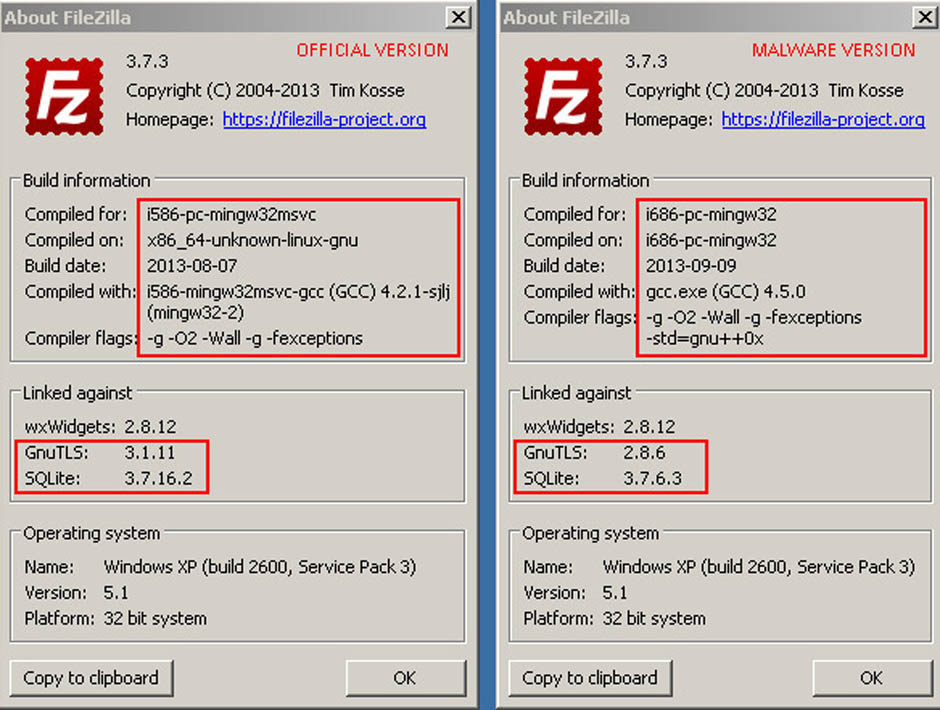
In this section you will find different references in the ‘Linked against’ option. In the malformed software, the versions of GnuTLS and SQLite are earlier versions than in the official program. In addition, you will find that the program does not allow you to update them.
GnuTLS (GNU Transport layer Security Library) and SQLite are two systems that guarantee that an application uses a secure transport layer (encrypted) to send data. These two systems are also open and free.
By using an outdated version of these programs, you risk a cybercriminal being able to monitor the login credentials used by FileZilla and decrypt the supposedly secure connections established.
Another difference with the flaw-free version is the presence of two additional libraries (ibgcc_s_dw2-1.dll and libstdc++-6.dll), although these do not seem to have any malicious effects.
Just follow these clues in order to check if the version you have installed is a spoof or the official program. In any case, make sure that you only download freeware like FileZilla from a website that offers security guarantees.
The post Careful with FileZilla! There is malware that imitates it perfectly appeared first on MediaCenter Panda Security.
Cybercrime: there’s too much of it, and we need to do more to deter it. With the President of the United States now making frequent references to “doing more about cybercrime” now is a good time to look at what steps must be taken.
The post Cybercrime deterrence: 6 important steps appeared first on We Live Security.
The World Economic Forum’s annual Global Risks report has highlighted risks inherent with Internet of Things style connected devices.
The post Internet of Things hacking: World Economic Forum warns of “global threat” appeared first on We Live Security.
Bluetooth dongles provided to drivers by insurance companies to track driving habits are poorly secured, and could be hacked to hijack cars, reports The Register.
The post Bluetooth fob used in 2 millions American cars vulnerable to exploit appeared first on We Live Security.
The nightmare is back! Your security could be seriously compromised if you do not act now. Install and update your Avast for PC before is too late. The original version of CryptoWall was discovered in November 2013, but a new and improved variant of the CryptoWall ransomware starts to infect computers all over the world last days. It’s the CryptoWall 3.0. Some sources estimate that it has already infected over 700,000 computers up to version 2.0.
CryptoWall is a malware that encrypts certain files in your computer (and secure delete the original ones) and, once activated, demands a fine around $500 as a ransom to provide the decryption key. You’re asked to pay in digital Bitcoins in about 170 hours (almost a full week). After that period, the fee is raised to $1000.
You could be asking why haven’t the authorities blocked the financial funding of them? They use unique wallet ID for each victim into their own TOR anonymity servers. For the user to be able to pay the ransom, he needs to use a TOR-like connection called Web-to-TOR. Each TOR gateway redirects the victim to the same web page with the payment instructions. The commands and communication control is now done using Invisible Internet Project (I2P) instead of Tor.
Infection could reach you in various ways. The most common is as a phishing attack, but it also comes in email attachments and PDF files. The malware kit also abuses various vulnerabilities in unpatched – read non up-to-date – Flash, Java, browsers and other applications to drop the CryptoWall ransomware.
How Avast prevents the infection
1. Avast Antispam and antiphishing protection prevents some vectors distribution.
2. Virus signature block all known ransomwares versions. Remember that Avast automatic streaming updates releases hundreds of daily updates for virus definitions.
3. Community IQ intelligence and sensors of our more than 220 million users that detects malware behavior all over the world. See how it works in this YouTube video.
4. Keeping your software updated is another security measure that prevents the exploit of their vulnerabilities. Learn how Avast Software Updater can help you with this job.
What more can I do?
Avast also helps in prevention of this disaster through its Avast Backup that allows you to keep all your important files in a secure and encrypted way. We also recommend local backup, as the new malware could also attack other drives and even cloud storage. Did you know that Avast Backup also performs local copies of the files? You can enable it at Settings > Options > Local backup, and configure the backup location (better an external drive) and also versioning of the files. Remember to disconnect the external drive from the computer (and the network) to prevent infection of the backups by CryptoWall and further encryption of the files.
Avast Software’s security applications for PC, Mac, and Android are trusted by more than 200-million people and businesses. Please follow us on Facebook, Twitter and Google+.
Australian travel insurance company Aussie Travel Cover has been breached in a hack that has seen ‘hundreds of thousands’ of travel records stolen, reports Yahoo News Australia.
The post Aussie Travel Cover breached in December hack appeared first on We Live Security.
With Christmas fast becoming a distant memory and the January blues setting in, thousands of us are turning our eyes to booking a holiday abroad. But the recent hacks at United and American Airlines show that hackers see the travel industry as fertile territory.
The post Holiday security tips – booking online safely appeared first on We Live Security.
A recent report from Piper Jaffray found that 75% of companies expected to increase their IT security spending in 2015, following a year of high-profile hacks and data breaches in 2014.
The post How can businesses save money on internet security in 2015? appeared first on We Live Security.