Tag Archives: News

The security flaws affecting connected cars

cars

If we imagine a world where the only cars that are on the highways are all smart cars, then we can rest assured that driving will be a lot safer. These cars are able to communicate between themselves to avoid collisions and can take alternative routes if they detect that there has been an accident ahead.

They are also unable to jump red lights as they receive orders which impede them from doing so. In fact, it’s possible that in the future we’ll see that traffic police needn’t even have to raise their arm to stop the cars, as this can be done remotely. The Internet of Things has arrived with the mission to save lives in the automotive industry.

The National Highway Traffic Safety Administration (NHTSA) in the United States estimates that the technology based on these cars could prevent more than half  a million accidents and more than one million deaths each year in the United States alone. General Motors has already announced that vehicle to vehicle technology will be launched on the Cadillac in 2017.

However, the fact that these cars are able to communicate with one another is a worry for security experts, as they could be prey for cyber-attackers.

The problem arises when someone is able to listen in on these communications between the cars to guess where the vehicle is. This has already been demonstrated by the security expert Jonathan Petit at the Black Hat Europe conference.

Just one month ago this investigator showed that a simple laser pen was able to confused a smart car, making it think that there was an object in front of it when it reality there was nothing. Now he explains how these cars can be tracked easily.
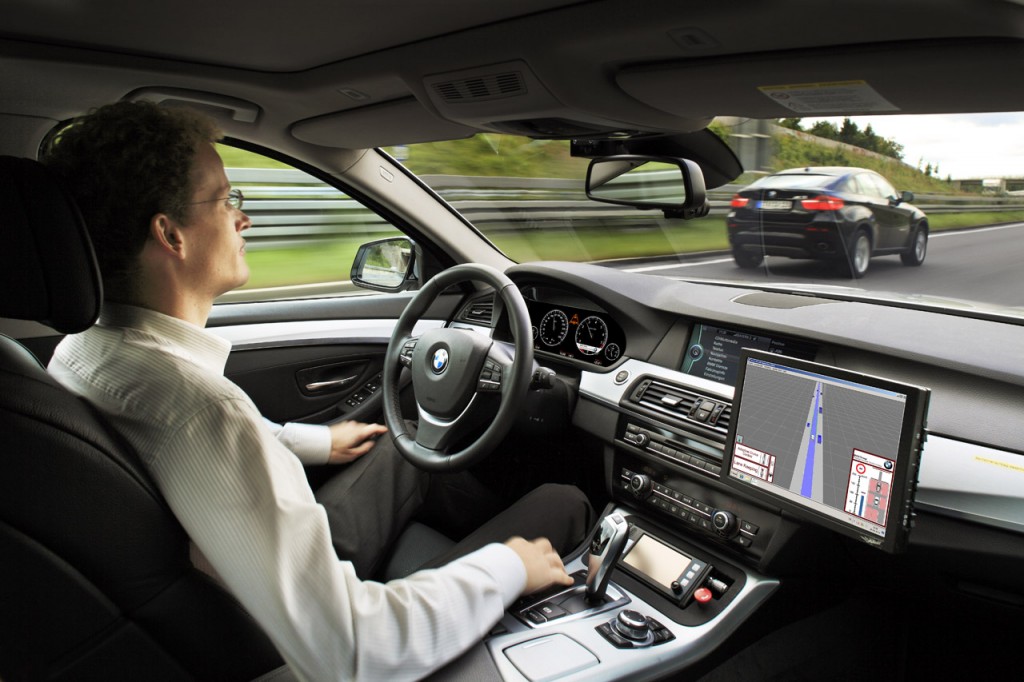
smartcar

Connected cars use a Wi-Fi range to be able to communicate from hundreds of meters. This helps them to avoid collisions with one another as they have a complete map of all cars in their proximity. The difference between them and smart cars, which draw up outlines of their surroundings by using the LIDAR which is placed on the roof of the car, connected cars don’t see those around them, but rather detect them.

The information sent from car to car is encrypted and is only related to their position and speed. They don’t send information such as the registration plate, but each message has a digital signature so as to avoid false messages and misunderstandings that could provoke accidents.

Petit took advantage of this digital signature to carry out his tests, at the University of Twente in the Netherlands. He placed two sniffing stations in different points around the campus, which were dedicated to collecting the information from this network. He also parked a V2X vehicle (vehicle-to-everything) on the campus, which was able to collect all information that came from a connected car, be it with another vehicle or object.

Fifteen days later, the vehicle had transmitted more than two and a half million messages and the sniffing stations had detected nearly forty thousand, just 3% of the total. With this information and the digital signatures, he was able to identify the vehicles, predict where they were situated on the campus with a precision of 78%, and even guess where they were with a 40% success rate.
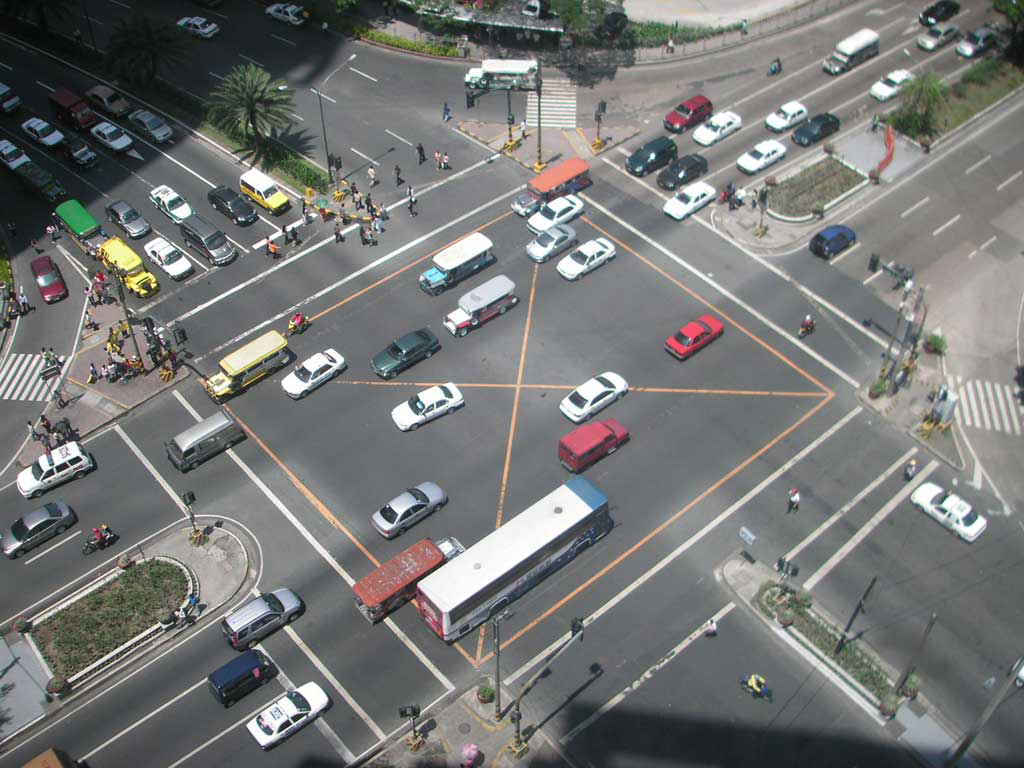
traffic

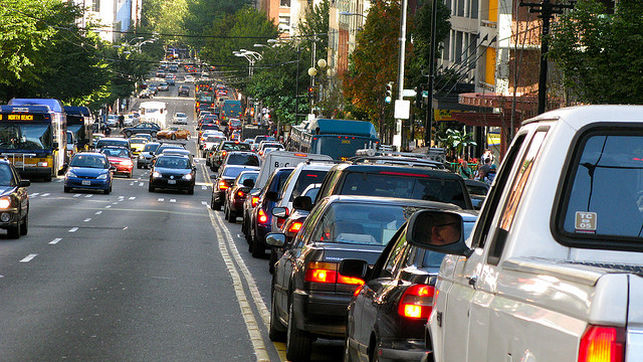
Petit and the group of investigators from the University of Twente believe that governments or cybercriminals could use this system on a larger scale to be able to monitor all of the cars within a city. “The thieves could wait until police cars are out of a determined area to commit a theft”, explained Petit.

It’s as easy as that to compromise the security of connected and smart cars using this technique, which allows someone to guess the location, speed, and direction of the car.

Considering that the stations currently cost around $550 (€511), Petit thinks that for the moment the only way to carry out this attack would be with a Raspberry Pi and a Wi-Fi radio.

For some experts, one of the possible alternatives would be the every message is signed off with a pseudonym which changes every five minutes in the hope that the cybercriminal wouldn’t be able to identify the car and track it.

Petit has explained that this modification would only imply an additional cost of 50% for the attacker, who would only need to install more stations.

That said, for now there is no reason to panic. This security expert is working with Ford, General Motors, and other manufacturers in the development of strategies so that connected cars are safer. In a few years we will be able to enjoy the advantages of these cars with the security guarantee that we deserve.

The post The security flaws affecting connected cars appeared first on MediaCenter Panda Security.

Windows 10 November 2015 Update – What You Need To Know

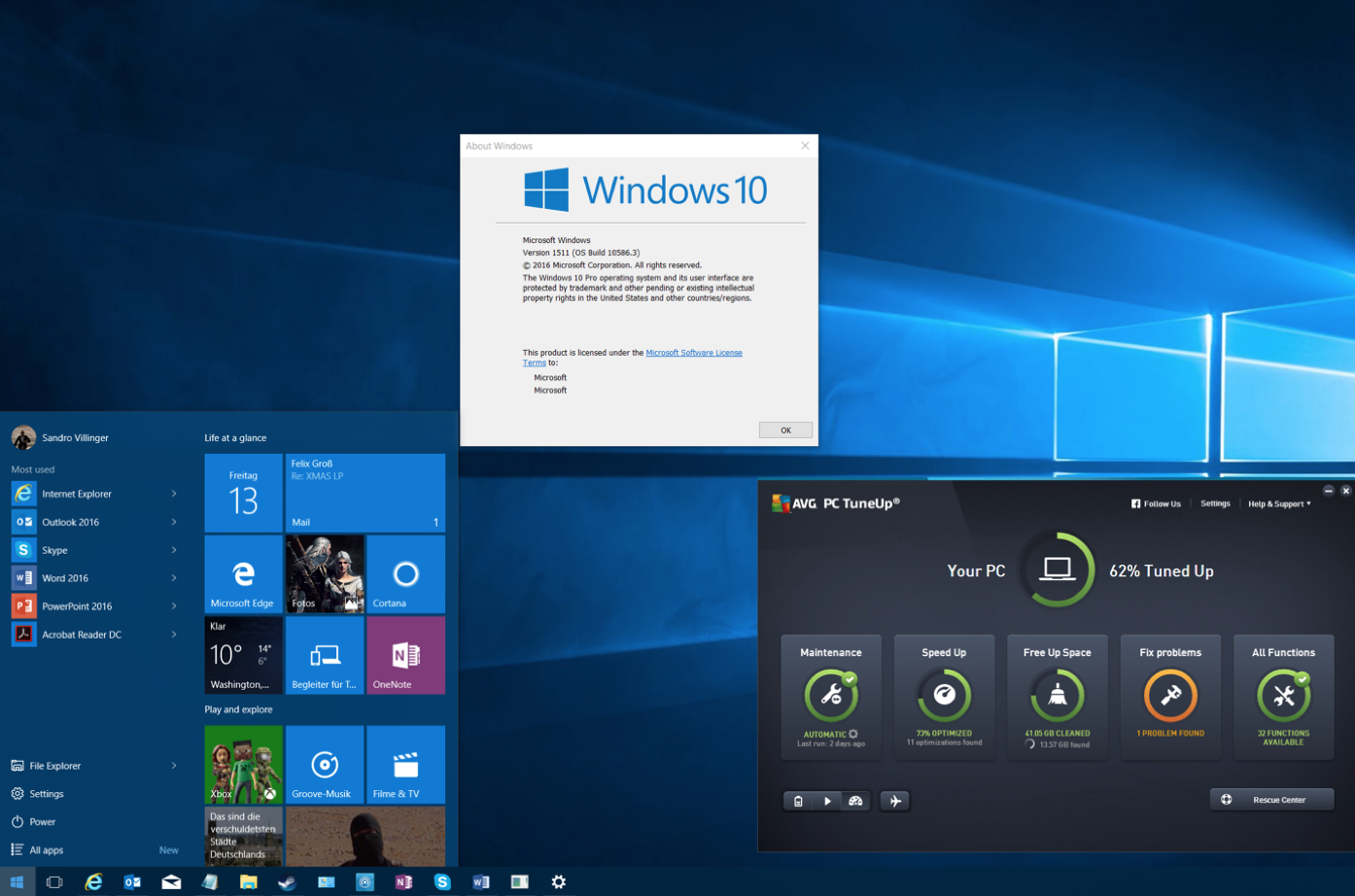
Microsoft recently rolled out its first big update for Windows 10, or as they call it “November Update/ Version 1511”. While it’s not a massive change, it brings along a couple of new features to the table. This article shows you how to get it, what’s new, and how to solve the top issue that users encountered with this new Windows 10 build.


What You Need To Know


It’s coming to Xbox, too
If you’ve got an Xbox One, you’ll be getting the entire backend of Windows 10 including all its performance enhancements along with a major UI redesign and backwards compatibility with over 100 Xbox 360 games.


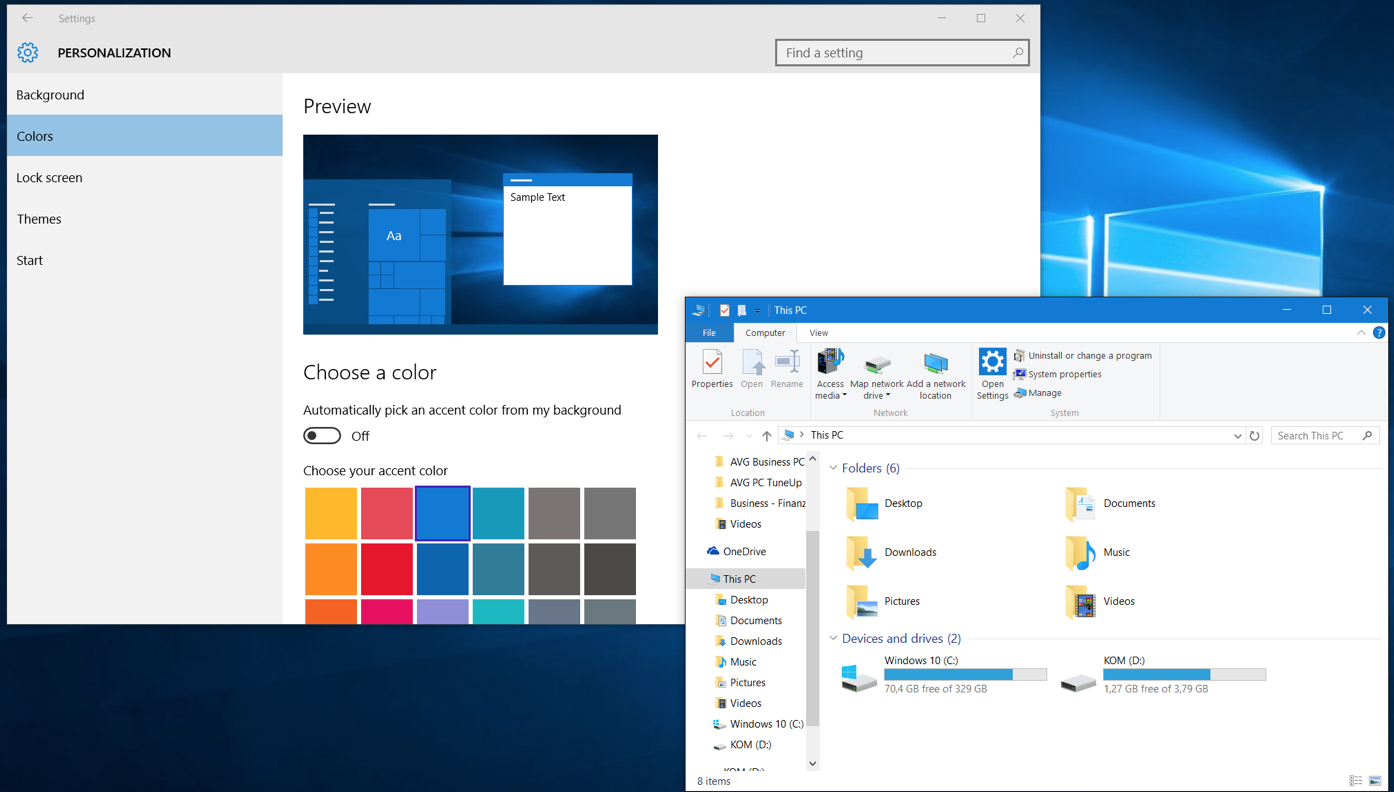
New color schemes

You can now apply the color of your taskbar to all elements (windows, action center etc.) of Windows to make it look not just white, here’s an example:


Edge browser with previews

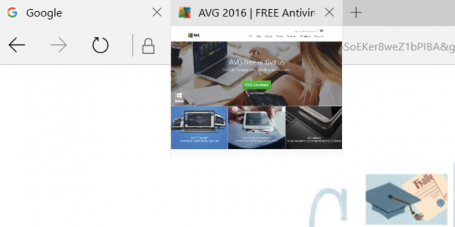
Microsoft’s much cleaner and leaner “Edge” browser now sports a tab preview if you hover your mouse-over it:

Edge browser with preview

You can also stream any video from within edge to a DLNA or Miracast enabled device, such as an Xbox.


Cortana improvements

Microsoft Cortana, which is similar to Google Now and Apple’s Siri, now tracks movie or event registrations and reminds you two hours before the event starts. It can also track Uber rides to tell you when your driver will be arriving. You can now also use the “Ask Cortana” feature within PDF documents and ask it for specific words and find more about a certain topic.


Find my device

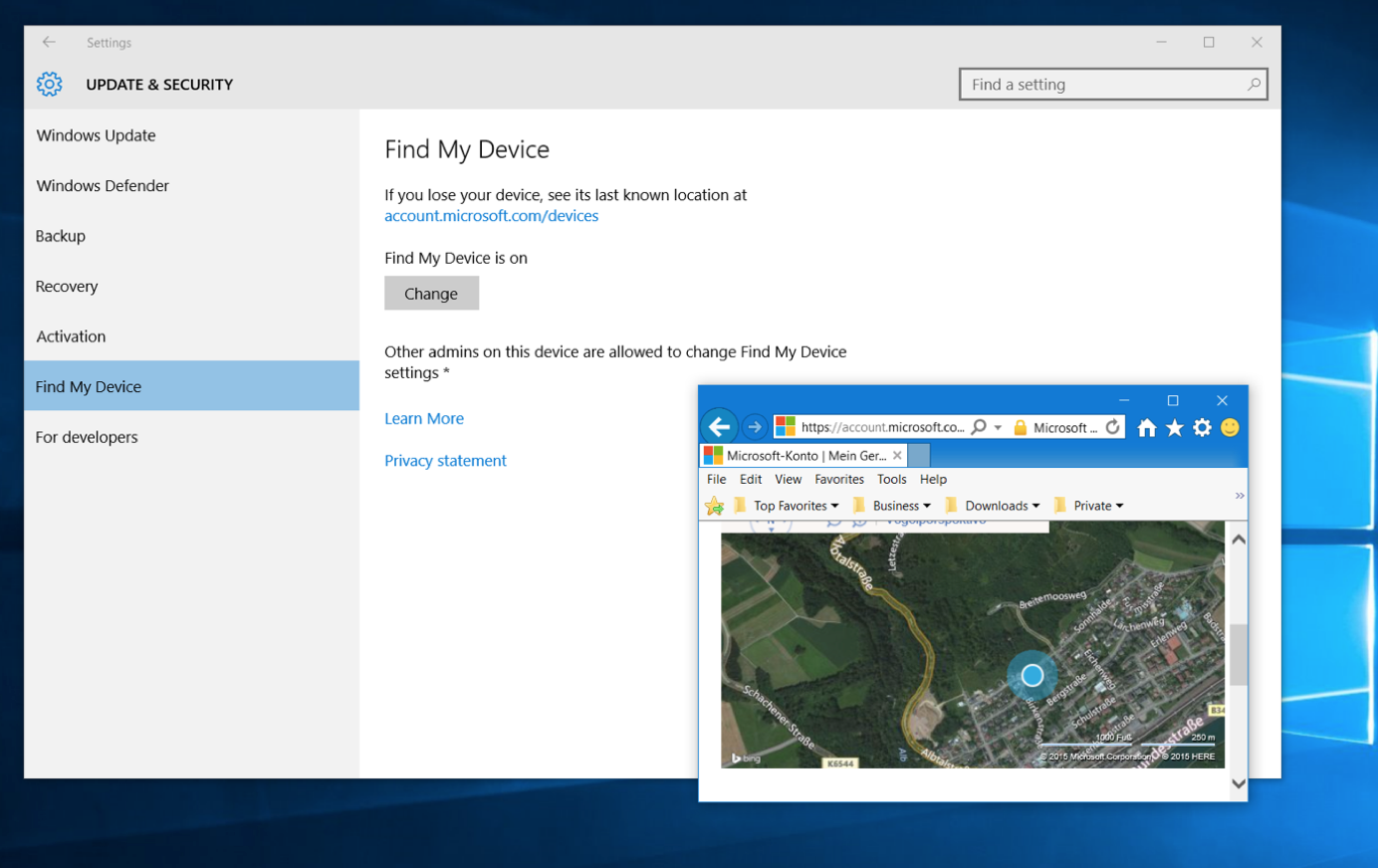
Afraid of your laptop getting stolen? Then you can use the new Windows 10 Update to frequently store the location of your device so you can track it – just in case. You’ll find the new “Find My Device” feature in your settings window under “Update & Devices”.

Windows 10 find my device feature


Five Tips To Get You Started


Not getting the update? Try this.
If the 1511 November update is not appearing for you, make sure you’ve not upgraded to Windows 10 in the past 31 days, otherwise Microsoft wants to prevent you from losing the ability to revert back to Windows 7 or 8, just in case. But once that month has passed, you’ll be able to upgrade.

Also, you should make sure that you’ve not delayed updates to Windows or that this setting hasn’t been set accidentally: Go to your settings app (click on Start and then on Settings), go to Updates & Security, go to Windows Update and Advanced options. Make sure that Defer upgrades isn’t checked. Go back and click the Check for updates button.


Want to clean install? Here’s how.
If you’ve upgraded from 7 to 8 to 10 to this November release and feel your PC has just too much crud left, we recommend trying out AVG PC TuneUp to clean up upgrade leftovers and junk.

In some cases a clean install may be the only solution to get your PC back up to speed. Microsoft originally announced that you could download the DVD files (ISO) from https://www.microsoft.com/en-us/software-download/techbench and create a bootable USB using the Media Creation tool, however, they have since made some changes, as reported here by ZDNet, that you should be aware of.


Got a flickering start menu? Try this.
A lot of people seem to have issues opening up the start menu or getting random flickering. To solve this problem, do this:

  1. Press CTRL+SHIFT+ESC to open task manager. Next, click on File and Run New task.
  2. Check the Create this task with administrative privileges
  3. Type in Powershell and hit OK. Then type the following command (better to copy and paste it):

    $manifest = (Get-AppxPackage Microsoft.WindowsStore).InstallLocation + ‘AppxManifest.xml’; Add-AppxPackage -DisableDevelopmentMode -Register $manifest

  4. Hit Enter, close the window and reboot. This should solve the flickering.


Check the advertising settings
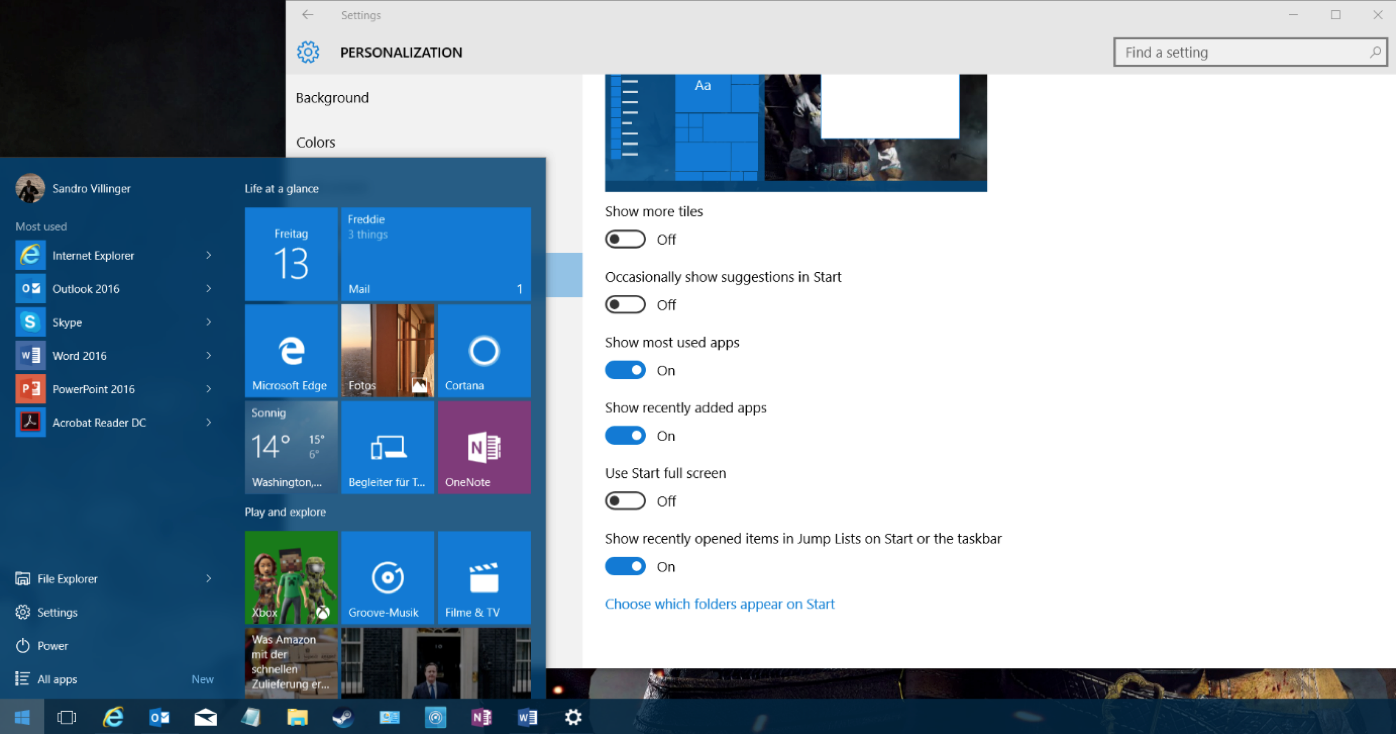
Microsoft now uses the Start menu to show ads for new apps. If you want to turn this off, open up your settings app (Start and then Settings) and go to Personalization. Click on Start and then uncheck the Occasionally show suggestions to Start entry to turn this off.


Sync your Edge settings
Ready to move away from Internet Explorer and over to Edge? The only thing that held me back was the browser synchronization, which is now built-in as of this new update. Open up Edge by clicking on the Edge icon (not to be confused with the purposely similar looking IE icon):

To sync settings and import your IE browser favorites, click on the three dots in the top right and click on Settings. Scroll down and click on Sync to enable it. Go to Favorites and click on Import.

From now on, all your settings will be synced across your laptops, desktops PCs and even Windows Phones if you have one.

Extra tip: In our testing, the new update doesn’t break any AVG products, so you can keep on protecting and tuning your PC.


Novena, the computer that doesn’t hold any secrets

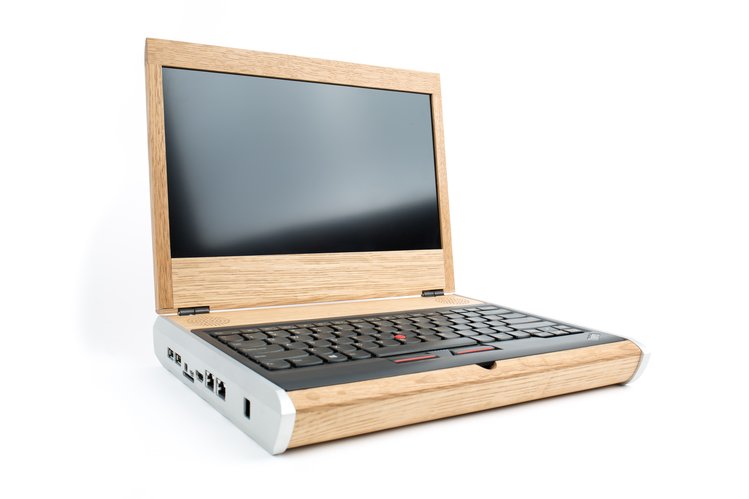
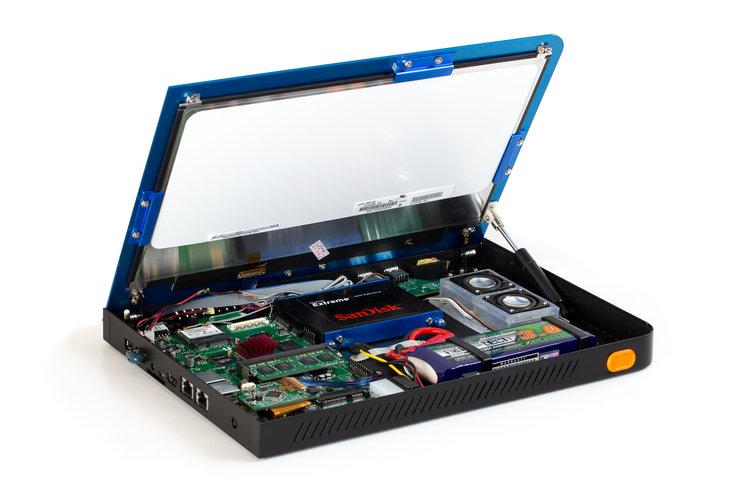
novena computer

“Has the computer become a black box, even to experienced electrical engineers? Will we be forever reliant upon large, opaque organizations to build them for us? Absolutely not, we say. And to prove our point, we built our very own laptop, from the circuit boards on up.”

With this statement the creators of Novena have summed up the philosophy behind their unusual project – an open code and open hardware computer. Their objective is to guarantee that the user has total control of its security.

This concept, which is a computer primarily aimed at experts, engineers, and hackers, but also available for any user who wants to take their privacy into their own hands, is available thanks to a successful crowdfunding campaign in which the initial target of $250,000 was surprassed.

“We wanted to be able to inspect and understand as much of the system and its components as we could, so if we came across bugs or other anomalous behavior, we could rely on our wits to figure it out, rather than on the profit-motivated (and often empty) promises of a vendor‘s sales team. As a result, we decided to produce a laptop that was as free as possible of closed-source embedded firmware”, stated those behind the initiative.

For this reason they chose Debian, a division of Linux, as the operating system and went for a type of hardware that was open to being configured freely. This allows the user to download the layouts, documents, and to know in detail how to build or modify the system.

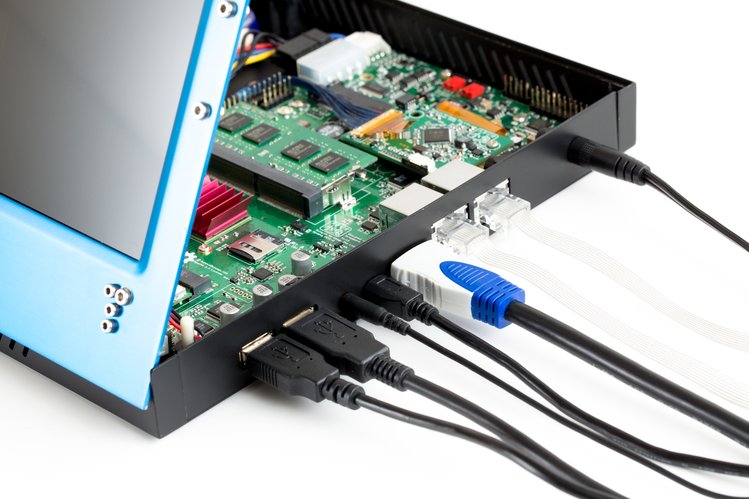
novena pc

The idea is that this community of users can improve the code and each one of the terminal’s components on their own, or even change them for others according to their needs. They can also add them without any problem, which is different to what happens with normal laptop computers, which “are impossible to hack because there is no physical space to place other things”.

“Want to add a pulse oximeter to Novena so you can measure the level of oxygen in the blood running through the capillaries of your finger? Or maybe a barometer so you can monitor your airliner’s cabin pressure? With just a few screws you can mount your customization inside Novena’s laptop case”, claim its creators.

novena wires

Due to this versatility, the computer is pretty different to what we are used to seeing on the market. First of all, it looks different, being quite big and slightly awkward, looking more like a laptop you’d see from the early 2000s. Secondly, it doesn’t perform quite as well as products that run with Windows or Mac OS X, despite being more expensive.

“Admittedly, we did not delude ourselves that we could build a laptop that would be faster, smaller, or cheaper than those of Apple, Dell, or HP,” says Huang. “However, we did set out to build a machine powerful and convenient enough to use every day.”

This is more than enough for the hundreds of people who are more concerned with their security and privacy, as they have already placed their bets on this innovative product as evidenced in the success of the crowdfunding project. Considering the world we live in, following the Edward Snowden’s revelations on cyberespionage, an initiative like this is always welcomed.

“Such transparency is unprecedented,” claim the guys behind Novena. “We hope it will encourage other engineers to follow in our footsteps and help users reclaim their technological independence.”

The post Novena, the computer that doesn’t hold any secrets appeared first on MediaCenter Panda Security.