SQL injection vulnerability on the Grandstream GXV3611_HD camera with firmware before 1.0.3.9 beta allows remote attackers to execute arbitrary SQL commands by attempting to establish a TELNET session with a crafted username.
Monthly Archives: July 2015
CVE-2015-4240
Cisco IP Communicator 8.6(4) allows remote attackers to cause a denial of service (service outage) via an unspecified URL in a GET request, aka Bug ID CSCuu37656.
CVE-2015-4242
Cross-site request forgery (CSRF) vulnerability in Cisco FireSIGHT System Software 5.4.1.2 and 6.0.0 in FireSIGHT Management Center allows remote attackers to hijack the authentication of arbitrary users, aka Bug ID CSCuu94721.
CVE-2015-4241
Cisco Adaptive Security Appliance (ASA) Software 9.3(2) allows remote attackers to cause a denial of service (system reload) by sending crafted OSPFv2 packets on the local network, aka Bug ID CSCut52679.
CVE-2015-4243
The PPPoE establishment implementation in Cisco IOS XE 3.5.0S on ASR 1000 devices allows remote attackers to cause a denial of service (device reload) by sending malformed PPPoE Active Discovery Request (PADR) packets on the local network, aka Bug ID CSCty94202.
CVE-2015-4620
name.c in named in ISC BIND 9.7.x through 9.9.x before 9.9.7-P1 and 9.10.x before 9.10.2-P2, when configured as a recursive resolver with DNSSEC validation, allows remote attackers to cause a denial of service (REQUIRE assertion failure and daemon exit) by constructing crafted zone data and then making a query for a name in that zone.
CVE-2015-5119
Use-after-free vulnerability in the ByteArray class in the ActionScript 3 (AS3) implementation in Adobe Flash Player 13.x through 13.0.0.296 and 14.x through 18.0.0.194 on Windows and OS X and 11.x through 11.2.202.468 on Linux allows remote attackers to execute arbitrary code or cause a denial of service (memory corruption) via crafted Flash content that overrides a ValueOf function, as exploited in the wild in July 2015.
AP students go nuts for Avast SecureLine VPN?
This morning, our colleagues who work on our Avast SecureLine VPN product informed us that there was a significant increase in downloads in the U.S. This made us curious, as we didn’t have any specific campaigns running that would explain this dramatic spike in downloads. In the App Store, we jumped tothe 6th spot in the utilities category (and as we were coming from the 200th spot, this says a lot)!
We decided to turn to Twitter to see what was going on and discovered that teenagers were the cause of the trend. This shouldn’t have really surprised us, as teens are trendsetters and experts at dispersing viral content via social media channels.
Why would our Avast SecureLine VPN go viral amongst teens?
Why are American teens downloading our Avast SecureLine VPN to access content via our server in New York? We know a lot of people like to use our VPN product to watch content from home while travelling, but we have never seen this many people connecting to a server within their own country.
AP (Advanced Placement) scores available on the East Coast first
Reading through the product-centered tweets, we realized why so many teens were downloading our VPN – they wanted to see their AP scores ASAP :). Apparently, APscore.org announced that the results of AP exams would be published by location, the first region being the East Coast.
What is Avast SecureLine VPN and how did it help students across the U.S. (to hopefully sleep well at night knowing they did well on their AP tests!)
Avast SecureLine VPN (virtual private network) creates a virtual shield and tunnels traffic to a proxy server. The proxy server protects your personal data, thus preventing hackers from accessing your files and other sensitive information stored on your device. Avast SecureLine VPN also anonymizes your location, an added advantage that can be used when you’re travelling and want to access content that may otherwise be blocked. Alternatively, like in the case of all these students, access your AP scores as if you were from viewing them from New York!
In 7 days Avast will be wondering why all these kids downloaded SecureLine VPN but didnt want to buy the license. It’s not your fault, Avast
— Vaibhav Shastry (@Vibes_Shastry) July 7, 2015
We are afraid Vaibhav may be right (we appreciate your condolences man!)…
However, we decided to extended the 7-day free trial for an additional 30 days and have come up with a list of reasons why you AP students should continue to use Avast SecureLine:
- You’ll be starting college soon and we suspect that means you will be spending many hours at Starbucks studying, writing papers, hanging out with your friends or on dates. This means you’ll be using Starbucks’ free Wi-Fi and, as with other things in life, we highly recommend you use protection! Wi-Fi hacking doesn’t require a high level of skill and when you connect to open Wi-Fi networks, hackers can see which websites you’re visiting, what you’re looking for on Amazon or eBay – it’s as if they are peering over your shoulder (creepy!). Avast SecureLine encrypts your data, thus protecting you from Wi-Fi snoops.
- You may study abroad (and I personally recommend you do so!). Studying abroad is great – you learn a different language, get to know other cultures, sample exotic foods, and make tons of friends from across the globe – but you will probably miss home during this exciting time. Avast SecureLine can bring you a bit closer to home to help with homesickness. Content like Netflix, Hulu and Pandora is not always available in countries outside of the U.S., but with SecureLine VPN, you can connect to a server in the states to watch your favorite shows from home or listen to the latest hits your friends are all raving about.
- A one-year subscription of SecureLine for Android and iOS costs as much as a selfie stick. As nifty as selfie sticks are, they are banned in many places, such as Disney theme parks, the Palace of Versailles and the majority of museums and concert halls across the world. So, instead of buying a selfie stick you can’t use in all the cool places you want to visit this summer, invest in one year of SecureLine VPN to protect you during your first (and hopefully best) year of college

SecureLine VPN is available for PC, Mac, Android and iOS.

ISC Releases Security Updates for BIND
Original release date: July 08, 2015
The Internet Systems Consortium (ISC) has released security updates to address a vulnerability in BIND. Exploitation of this vulnerability may allow a remote attacker to cause a denial of service condition.
Updates available include:
- BIND 9-version 9.9.7-P1
- BIND 9-version 9.10.2-P2
Users and administrators are encouraged to review ISC Knowledge Base Article AA-01267 and apply the necessary updates.
This product is provided subject to this Notification and this Privacy & Use policy.
One-Time passwords: What you need to know
Most of us have dozens of online accounts, each of which should have its own unique password. Remember them all can be a bit of a headache, which is why some people have turned to password managers.
However, events in the last few months have shown that not all password managers are entirely secure, leaving people at odds when it comes to securing their online lives.
One trend that has been steadily gaining momentum is that of the one-time password. Forget having to remember your login for each account and instead have a strong, unique password sent directly to you whenever you need to log in.
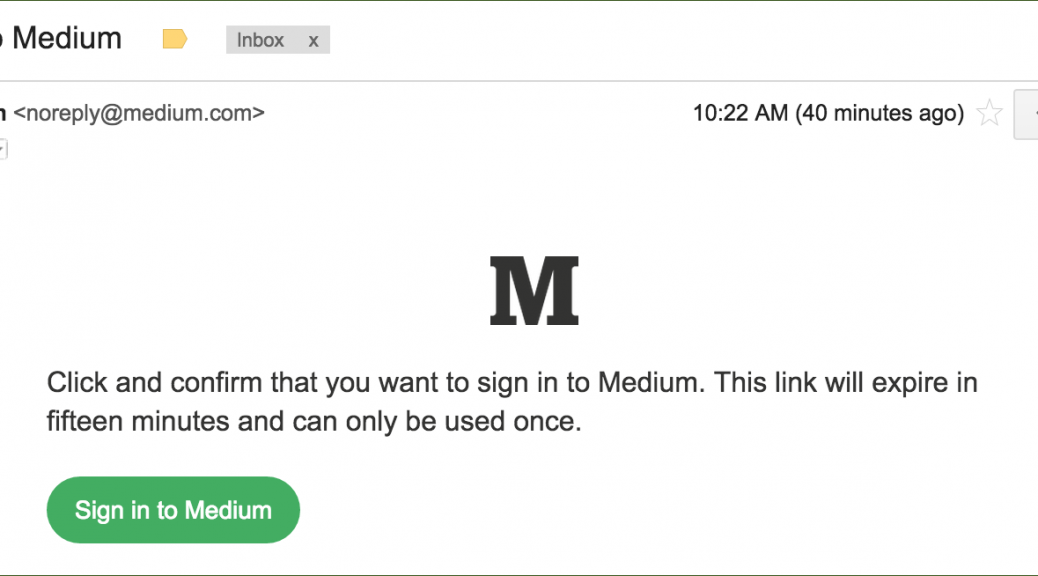
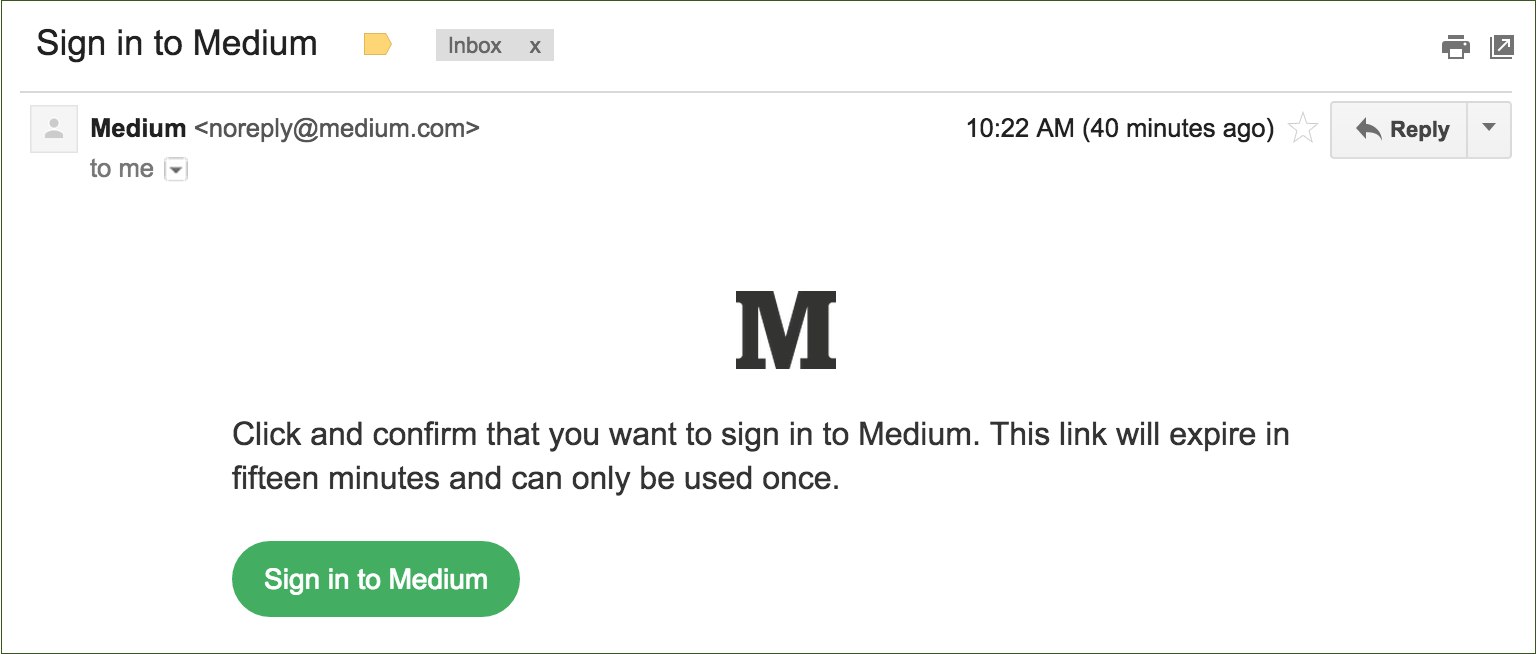
When you want access to your account, a link is sent to you via email, SMS or in app and that can be used to log in. No password required.
Yahoo! Become one of the first household names introduce one time passwords a few months ago and you can see my colleague Tony Anscombe’s views on their implementation on his blog.
More recently, blogging site Medium has just rolled out the feature. They believe that one-time passwords are stronger than traditional means of authentication as they explain on their blog:
It sounds counterintuitive, but this is actually more secure than a password-based system. On most services, if someone guesses or cracks your password, they gain access to your account until you change your password, which might not be for a long time. You might never know that they have access. With this email-only system:
- You’re automatically notified when someone tries to sign in.
- The sign in link expires after a short amount of time.
- The sign in link can only be used once.
Are there any downsides?
One-time passwords do a great job to help avoid many of the common issues with real passwords such as:
- Weak passwords
- Reusing passwords across multiple sites
- Writing passwords down
- No warning when someone else has access to your password/account
There is some room for vulnerability in the current system.
Encryption – Emailing a link that can provide unlimited account access, should of course be done in an encrypted fashion. However, this isn’t always possible and transmitting it in plain-text over email or SMS could be a major security vulnerability.
Degrades security – A potential downfall for one-time passwords, especially with Mediums implementation, is that any one-time password account is only as secure as your authentication email account.
For example, it would be useless to manage every one of your online accounts with a one-time password, but only secure your email with a weak password (as many people do). Remember, your email password should be the strongest of all your passwords as it can hold the key to the rest of them. One-time passwords make this even more pertinent.
Forwarding – Obviously it is unlikely, but with the current implementations, anyone with the link would be able to access the account. If you forwarded an email by mistake or pasted the link in the wrong place, then this could leave you vulnerable.
Some verification that the link is being clicked within the correct email account would be an added bonus so that the link would be a big bonus.
Alternatives
So while it is up to you whether or not you want to secure your online accounts with one-time passwords, if you are looking to improve the security of your online accounts I can recommend deploying Two-Factor Authentication.
Two-Factor Authentication is perhaps the simplest way to prevent unauthorised access to your online accounts and is very low risk. For more information on Two-Factor Authentication, check out the video below:
Video
What Is Two Factor Authentication

