DAVOSET is a tool for committing distributed denial of service attacks using execution on other sites.
Monthly Archives: November 2015
Here's How TalkTalk Ducked And Dived Over That Gigantic Hack
Hackers Claim Million Dollar Bounty For iOS Zero Day Attack
Hackers Use Anti-Adblocking Service To Deliver Nasty Malware Attack
Federal Govt Must Get Cybersecurity Right
Linksys X2000 Command Execution
The Linksys X2000 suffers from a remote, unauthenticated command execution vulnerability that scores root privileges.
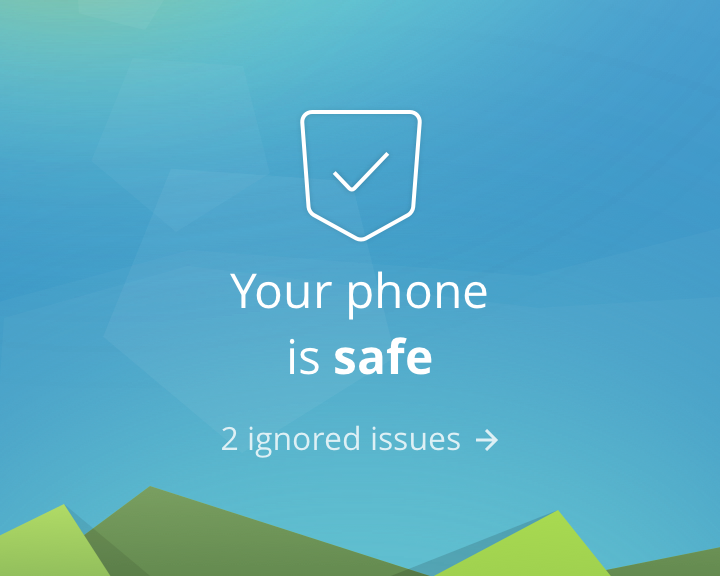
Avast Mobile Security: Now at your fingertips, 100% free of charge
In addition to the launch of the latest and greatest version of Avast Mobile Security, we’ve also got a few more important announcements about the app. The major news is this: we’re unlocking Avast Mobile Premium for every user!
Information for current premium users
Have you subscribed to the premium version of Avast Mobile Security or Avast Anti-Theft? We have great news for you. Not only will you never have to pay for those premium features again, but we’re also transferring your license over to Avast SecureLine VPN, which protects you from network spies. Read more on our FAQ for subscribers.
News for free users
Our FAQ page provides more detailed information on how to upgrade older versions of both Avast Mobile Security and Avast Anti-Theft to complimentary premium versions.
Why download the new Avast Mobile Security?
If you haven’t already done so, now’s the time to download Avast Mobile Security. We’ve rewritten the app from scratch to bring you a simple, intuitive app that is driven by the world’s most trusted antivirus engine. Avast Mobile Security 5.0 delivers a faster performance and virus scan while consuming less of your device’s battery and resources.
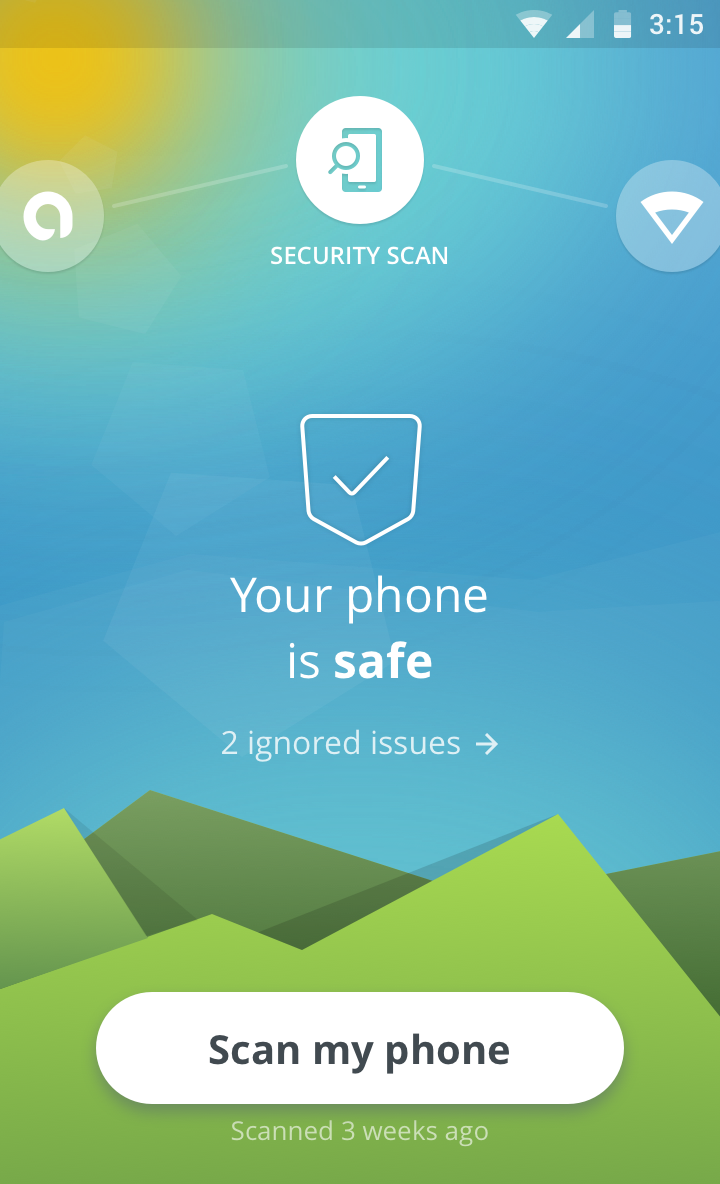
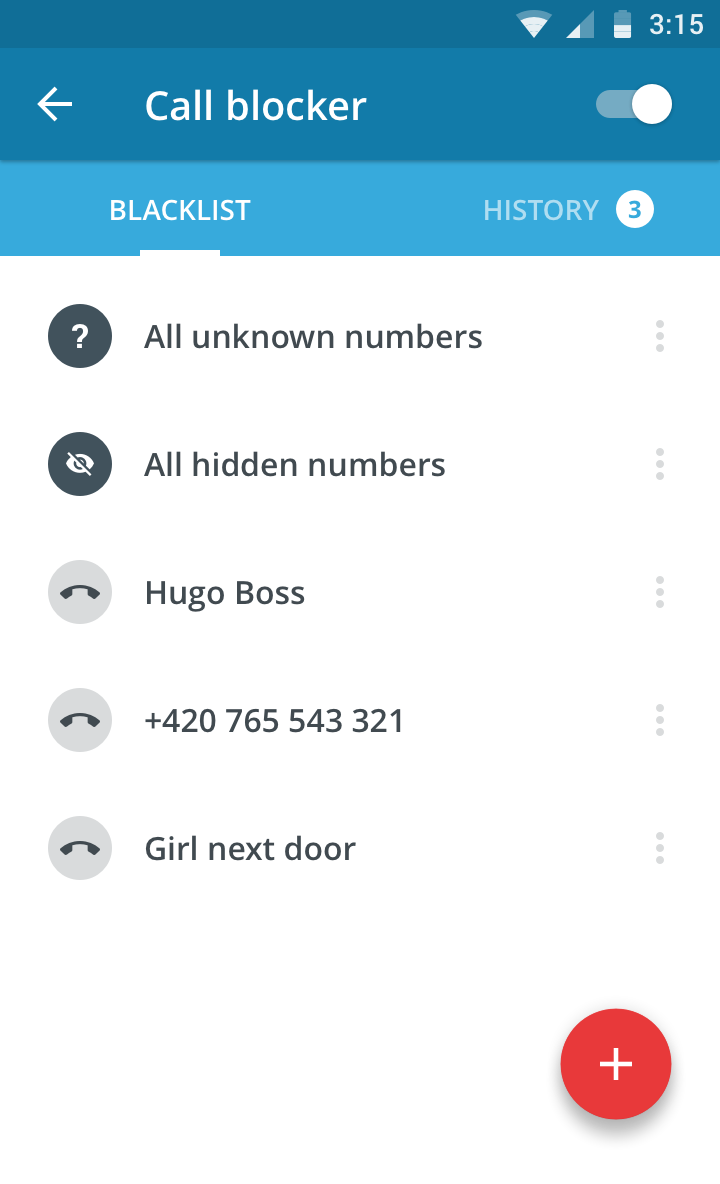
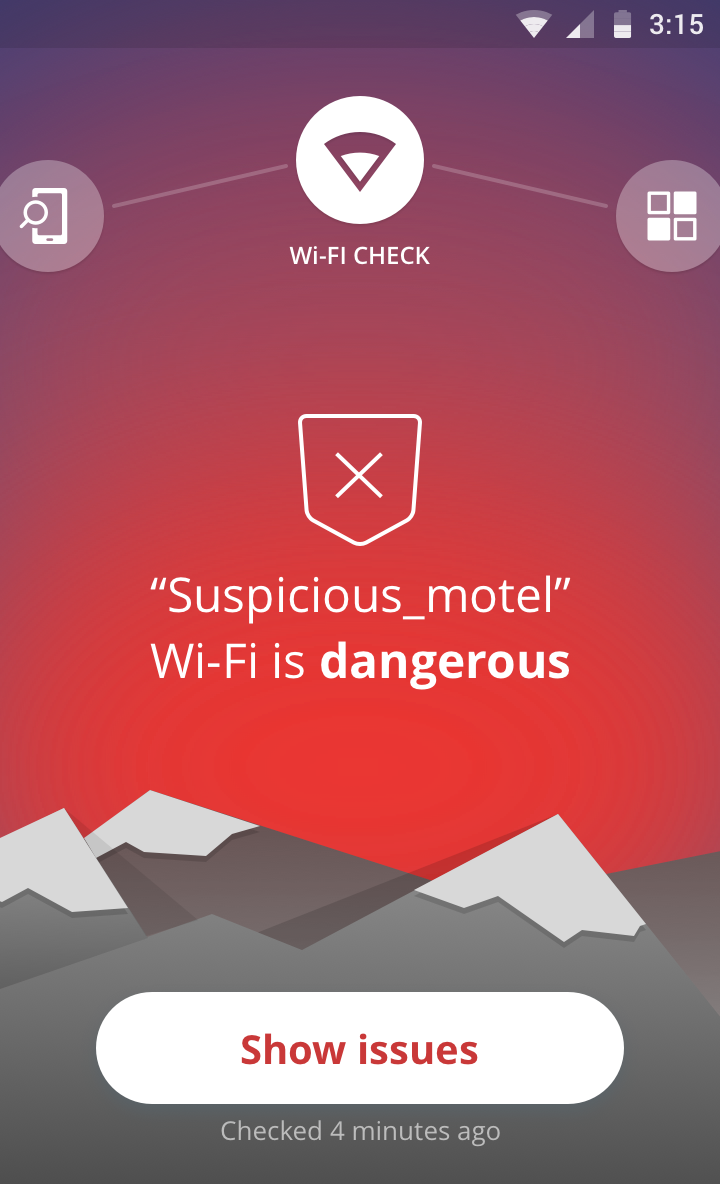
The completely free, redesigned Avast Mobile Security for Android includes the following features:
- Leading Mobile Malware Protection: Avast Mobile Security provides users with the most advanced mobile malware protections available.
- App Permissions: Informs the user about data that apps have access to and ad networks included within apps.
- Wi-Fi Security: Notifies the user when connecting to an unsecure router.
- Unlimited App Locking: Users can password protect any and all apps on a device, providing another line of defense against prying eyes.
We’ve already told you how you can become a beta tester for Avast Mobile Security. If you have any more questions about how to become a beta tester for Avast Mobile Security (or any of our other apps), check out our FAQ page.
Follow Avast on Facebook, Twitter, YouTube, and Google+ where we keep you updated on cybersecurity news every day.

US man jailed for attempting to hire cybercriminal to wipe fines
A US man who posted an advert on Craigslist requesting the services of a cybercriminal has been handed a two-year prison sentence. He wanted fines he owed to be wiped clean.
The post US man jailed for attempting to hire cybercriminal to wipe fines appeared first on We Live Security.

Avast 2016 protects your private information
Avast simplifies how you protect your privacy with new products for 2016.
Avast 2016 introduces new products to protect your privacy
Count the number of devices you own. If you are like most modern digital-age people, you have a smartphone, half of you own a tablet, and most all of us have a desktop or laptop computer connected through a home router.
Now think about all the private information that you have on those devices. Bank account numbers, passwords, photos, messages and emails – all of them needing some form of protection to stay out of the wrong hands.
In a survey we did this year, 69% of you told us that your biggest fear is that the wrong person would see your personal information. In fact, Americans are so scared of having their financial information get into a bad guy’s possession, that 74% said they’d rather have nude photos of themselves leaked on the Internet! The problem is that most people are not doing anything to protect their privacy, for example, 40% of Americans don’t even lock their smartphones.
“While people are rightfully concerned about privacy, there is a disconnect between that concern and the steps they take to protect themselves,” said Vince Steckler, chief executive officer of Avast. “Users have a multitude of devices and passwords to keep track of, which can be overwhelming. When users feel overwhelmed, they tend to default to unsafe practices that put their privacy at risk.”
The new Avast 2016 for PC and Mac, the redesigned Avast Mobile Security, and the new kid on the block, Avast SecureMe, will all help reduce the complex task of protecting your private, personal information.
So time to face your fear and take steps to protect yourself. Here’s some tools that Avast is launching today to help you:
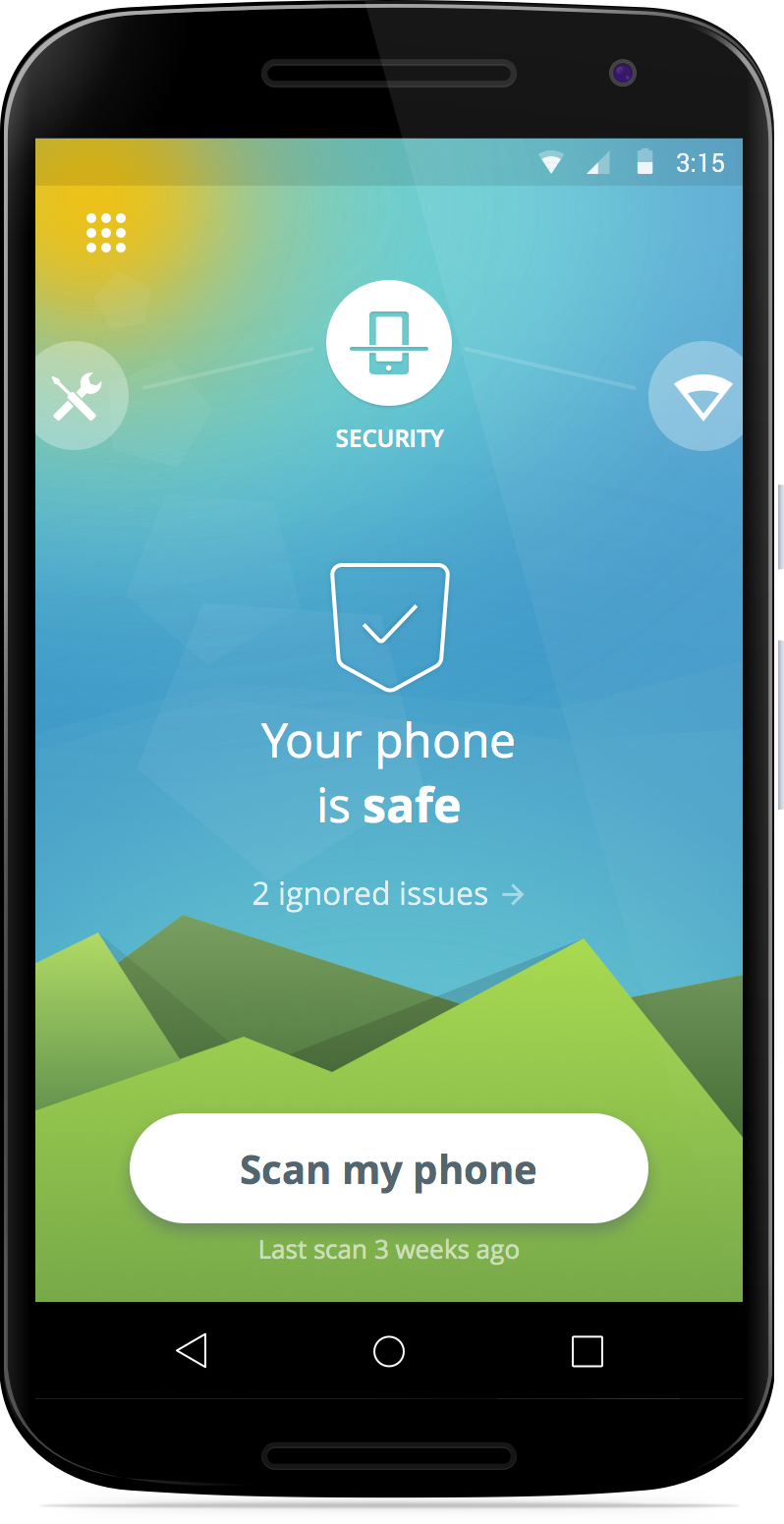
Protect personal information on your mobile devices
You probably use your Android mobile phone more than your laptop these days. Much of your life is on your mobile devices – banking information, private messages and photos. Protect all your data with the completely redesigned Avast Mobile Security – for free!
Here’s Avast Mobile Security features I want you to know about today:
Leading Mobile Malware Protection — Yes, malware is a threat but it works differently than classic PC viruses and Trojans. We’re on top of it, with the most advanced mobile malware protections available, now even faster with Avast’s cloud-scanning engine.
Privacy Advisor – Your apps, from mobile messengers to your bank, contain information that you want to protect. Privacy Advisor informs you about what data apps have access to and the ad networks that are included in the apps.
Wi-Fi Security – It’s not called mobile for nothing. You are out-and-about all the time, connecting to who-knows-what free Wi-Fi hotspot. We notify you when you connect to an unsecure router, so you can avoid bad guy’s eavesdropping and snooping on you.
Unlimited App Locking — Nosy kids, friends, and family members can be kept out of your business because we can password protect any apps on your device, providing another line of defense against prying eyes.
Protect personal information on your computer
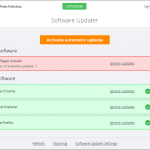
The designers and engineers of the world’s most trusted antivirus got together with the mission to make your life easier. Avast 2016 sports a new simplified user interface with fewer buttons. It’s compatible with Windows 10, and it notifies you of Windows updates so you can easily keep software up-to-date and patched.
But it’s these two new features that we’re most excited about today:
Avast Passwords (for PC, iOS, Android) automatically generates extremely strong passwords that you don’t have to struggle to remember! All you do is set and remember one master password to access all your passwords. One password to rule them all!
SafeZone Browser (available with all premium versions of Avast) keeps all your banking and payment sites isolated in a protected space called Pay Mode, and if you run into suspicious sites, an isolated, virtual environment called Safe Mode will automatically open, so you don’t risk the safety of your machine and data.
Protect personal information on your iPhone and iPad
Wi-Fi Security – This is the same great feature that’s available in Avast Mobile Security. When you connect to an unsecure router you will be notified.
VPN – Avast SecureMe establishes a secure connection when you’re connected to open Wi-Fi.
Where do I get the new Avast security products?
- Avast 2016 for PC and Mac is now available for download at www.avast.com.
- Avast 2016’s Avast Passwords feature is now available for PC, Android and iOS, and will soon be available for Mac.
- The new Avast Mobile Security app can be found in the Google Play Store.
- Avast SecureMe will soon be available on the Apple App Store.
Follow Avast on Facebook, Twitter, YouTube, and Google+ where we keep you updated on cybersecurity news every day.

How to avoid disaster in the event of credit card theft
When it comes to choosing PINs for your credit card and cellphone you’ve done everything right – you avoided the temptation to use the year you were born in for either and both have different codes. However, these precautions could all be for nothing if a cybercriminal gets in the way of your credit card and the sales point.
The standard verification process for payments by debit or credit cards consists of a card with an integrated chip and a PIN. However, a group of investigators from the École Normale Supérieure (ENS) in Paris have just published a report which explains how a group of attackers found a way around this system and managed to steal €600,000 in stolen cards. The good news, fortunately, is that they were arrested not long after.
This group of attackers stole 40 credit cards which, supposedly, should have been useless without knowledge of the card’s PIN. However, the criminals were crafty and modified the cards by adding a second chip inside the card which was impossible to spot by looking at it.
When the card was placed in the POS (Point of Sales Terminal), they took advantage of the EMV’s vulnerabilities and carried out a “man-in-the-middle” attack which allows them to intercept the communications between the card and the system.
In that moment the second chip came into play and allowed them to complete the transaction using any PIN. This turned out to be an easy method that they used more than 7,000 times.
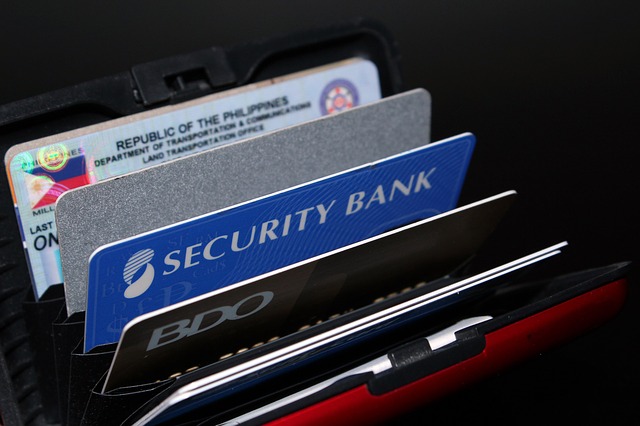
Despite the investigators saying that the vulnerabilities have been corrected and that the fraudsters arrested, this case highlights the importance of contacting your bank if your wallet is stolen or if you lose your card.
What’s more, the modification of the card isn’t the only way that they can fleece you if the card ends up in their possession. Ross Anderson, professor of Security Engineering at the University of Cambridge, has spent years investigating how attackers could take control of a credit card and has recently summed up some of the paths open to cybercriminals.
Some of the methods that cybercriminals could use include copying the card information from a POS to send to another one, passing the information of a chip and PIN card to a magnetic stripe card, or even manipulating a POS with the aim of intercepting a card during a transaction and sending the information to a cellphone.
So, what can users do now that they know about these vulnerabilities? In reality, there isn’t really a lot that they can as the majority of these frauds take advantage of the weaknesses in the standard POS, which means card makers and banks should be worries about making transactions as safe as possible.
Some recommendations include only paying with card in places you trust, not keeping all of your savings in the same account, and checking your account often to ensure that there are no unusual movements taking place.
Being aware of the vulnerabilities of credit cards could also help us to choose other alternatives, such as cards that read our fingerprints. This is a method of protection that no cyberattacker can steal from us.
Last year MasterCard unveiled the first card with a fingerprint reader in conjunction with Zwipe, a Norwegian startup. We have also seen large credit card companies say that they will experiment with facial recognition technology for online purchases.
This step could see then end of traditional passwords in the next few years and it could be a solution to the vulnerabilities facing chip and PIN cards. In the meantime, the best thing to do is keep informed of the risks that you face when using your credit card.
The post How to avoid disaster in the event of credit card theft appeared first on MediaCenter Panda Security.