Category Archives: Antivirus Vendors

Antivirus Vendors

How to access accounts protected by two-factor authentication if you lose your phone

howto asian guy newQuestion of the week: I use two-factor authentication when logging into my accounts to keep them safe, but what happens if I lose my phone? Can I still access my accounts?

Security-minded individuals know the benefits of using two-factor authentication to keep their online accounts safe. For those of you who are not familiar with it, two-factor authentication is a security process which uses a combination of two different components, like something that you know, a master password or PIN, for instance, and something that you possess, like a token which can generate a number code or, more conveniently, your smartphone.

Using these two things in combination can provide unique identification when entering a site because you provide the password as well as a one-time use security code generated by your security token.  If someone learns your password, your accounts are still protected because they need the security code too. Two-factor authentication can reduce the incidence of identity theft and phishing, and we suggest the use of it.
Google Authenticator

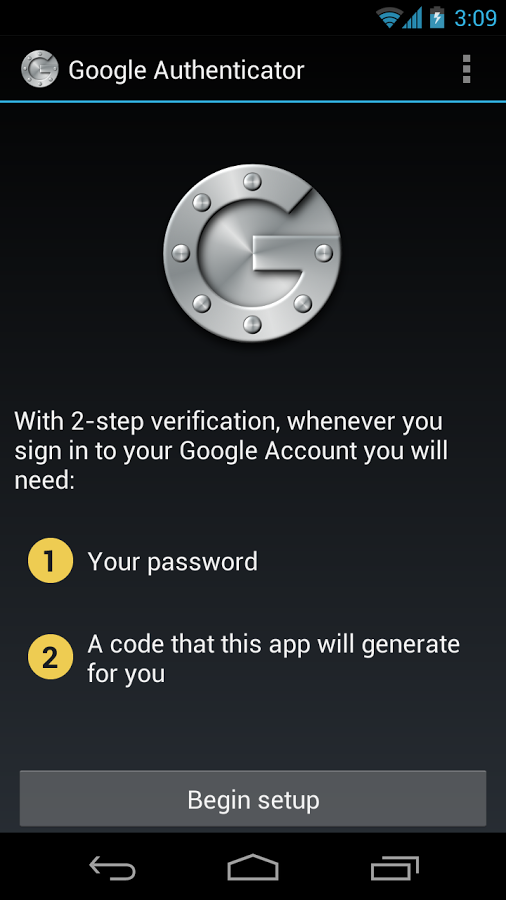
Google Authenticator gives you a security token to use with your own password.

There are a number of authenticator apps made for Android smartphones. For example, Google Authenticator lets you use a security code and your own password for sites and services like Facebook, Dropbox, Evernote, and WordPress. The app creates a link between your account and your device.

I lost my phone. How do I access my accounts?

If you are so security-minded that you use two-factor authentication to begin with, then you have probably taken precautions before you lose your phone. The majority of authenticator services allow a way to recover your access and remove the authorized device from your account. That is, if you change your mobile device, then you can disable the two-factor authentication from your account before doing so. Most commonly, you would use backup codes, send the codes via SMS to a trusted backup phone, or use a trusted computer. Sometimes, the service providers take several business days to verify your identity and, if possible, grant you access again.

But, if you failed to plan ahead and you lose your phone or if you buy a new smartphone without disabling the account, to use two-factor authentication again, you’ll need to install an authenticator app on your new device. The old device and the old backup codes won’t work anymore. Some of the sites you have synced to may also have their own procedure, for example, Dropbox.

Recently, an app is making the use of this security measure much more convenient. Authy is an app that manages your two-factor accounts on Android devices, iPhones, and even your PC. Any of these devices could be used to generate tokens and sync with each other. One authorized device could de-authorize a stolen one. A master password could block the access to Authy in these multiple devices and your settings are all kept encrypted locally. Neither Authy’s developers nor hackers would be able to access the tokens.

Anti-theftMaybe this complex recovery process is what does not make two-factor authentication omnipresent. But, after all, you just need to take a few precautions to increase your security a lot.

What to do before your smartphone is lost

Of course, it’s better not to lose your devices and for this, you should install and configure Avast Anti-Theft, which can help you find a lost device and even recover a stolen one with its tracking features. It can be downloaded and used for free from the Google Play Store.

Security tools that are safe from the NSA

U.S. Intelligence services have shown on numerous occasions how adept they are at accessing our data without permission. Nevertheless, there is still hope that you can keep your confidential information safe from the prying eyes of the NSA: Its expert spies still haven’t been able to crack all encryption systems.

Security tools NSA

Encryption tools are frequently used to safeguard the privacy of all types of confidential information, from simple chats to personal data. Yet no matter how careful we are with the data we transmit across the Internet, it is important to bear in mind that a supposedly private conversation may not be quite so private (whether you like it or not), particularly if your chat touches upon certain delicate issues.

Skype is a good example. Despite their reassurances that their video calls were the most secure, the documents leaked by Edward Snowden confirmed that the NSA had been accessing this tool since before 2011.

Luckily for many, or perhaps for everyone, a recent report published by Der Spiegel thanks to the Snowden leaks has revealed that, at least two years ago, there were still programs and security tools that could resist the technological weapons of the US security agency. Tools like Zoho, TOR, TrueCrypt and Off-the-Record are some of those causing headaches for the NSA, which has been unable to crack their encryption or at least encountered major problems in doing so.

zoho NSA

According to the German newspaper, US spies normally classify attempts to breach the security of a program from “trivial” to “catastrophic”. Decrypting email messages sent with Zoho is defined by the NSA as a “major” task, and users can rest assured as the agency has not yet been able to crack its security.

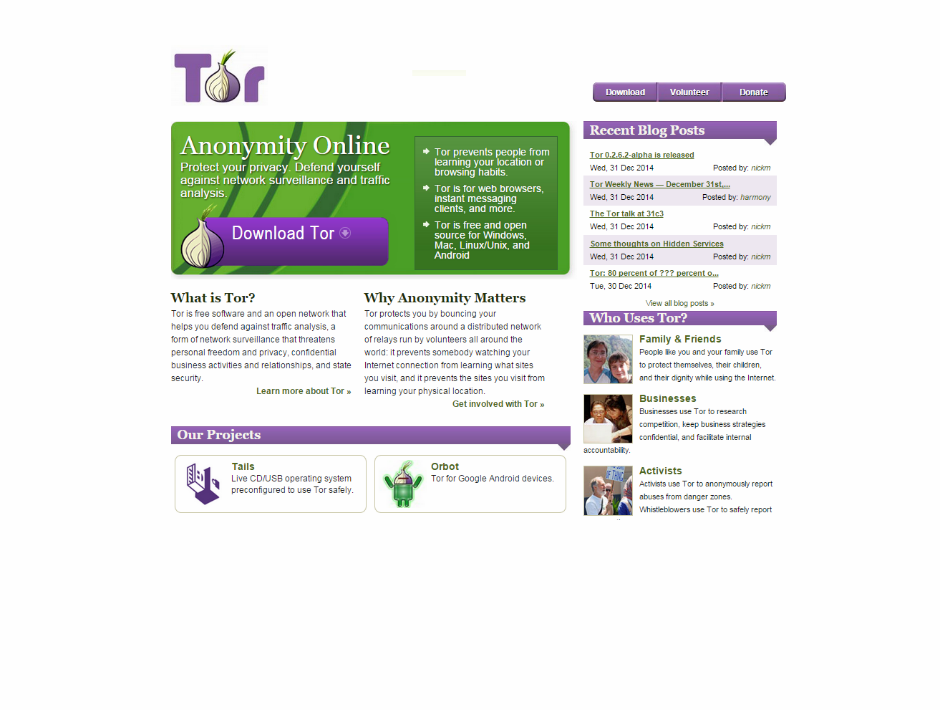
The US spy agency also found it difficult to break TOR encryption, the free and open source software that allows users to surf the Web through a network of thousands of linked volunteer computers. One of the benefits offered by TOR is that it is difficult to trace the location of a user visiting a specific website, making it an essential tool for activists in countries with strong censorship.

tor NSA

TrueCrypt on the other hand is a useful program for encrypting and hiding data and files. It uses algorithms like AES, Serpent and Twofish -either on their own or in combination- keeping it safe, according to Der Spiegel, from the prying eyes of the NSA.

While the NSA rated the breaking of the encryption of these tools as a “major” task, it defined as “catastrophic” its attempts to crack the combination of TOR with the CSpace secure instant messaging system, and a system for Internet telephony (voice over IP) called SRTP (a security protocol that adds confidentiality to voice messages).

Security tools that are safe from the NSA

The Pretty Good Privacy (PGP) program is also NSA-proof. This program was developed in 1991 to ensure secure conversations between its creator (Phil Zimmermann) and other intellectuals of a similar political leaning. Given it has now been twenty years since the creation of the program, it’s quite a surprise that experts from one of the world’s most advanced security agencies are yet to penetrate its defenses.

Although the information in this report talks about the data analyzed in 2012, experts believe that it is unlikely that the spies have progressed much since then, and that it is quite possible that these tools are yet to be breached.

For the moment, if you use any of these programs, you can breathe easy. If not, perhaps now is a good time to think again about your security.

The post Security tools that are safe from the NSA appeared first on MediaCenter Panda Security.

Wi-Fi Protected Setup is a security risk

Wi-Fi security

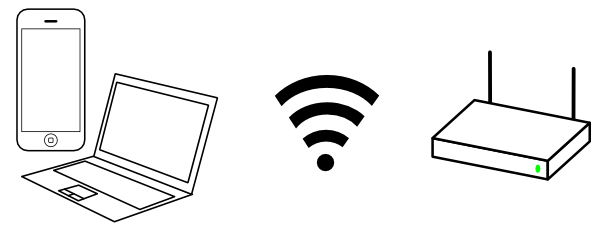
a Wi-Fi connection
Using Wi-Fi to connect to the Internet is certainly handy.

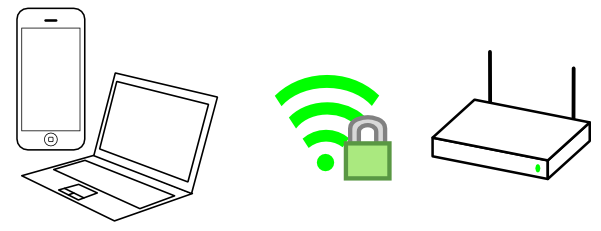
a secure Wi-Fi connection
However, it’s very important to make sure that the connection is secure.

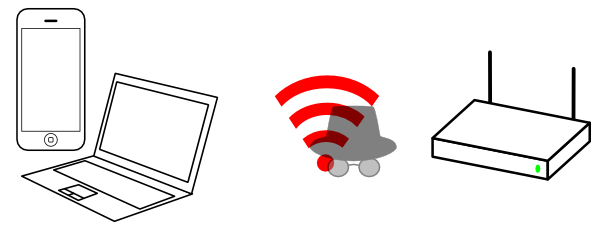
a compromised Wi-Fi connection

Here are a few reminders to prevent someone to crack your connection and penetrate your network:

  • use WPA2 (WEP can be broken in a few seconds)
  • use a long password (to make attacks harder)
  • don’t use a standard SSID (to prevent pre-attacks)

So to be secure, each of your guest would have to enter a long password on his smartphone, tablet, which can be seen as inconvenient …

WPS

wpsTo make it easier, Wi-Fi Protected Setup (WPS) was introduced.
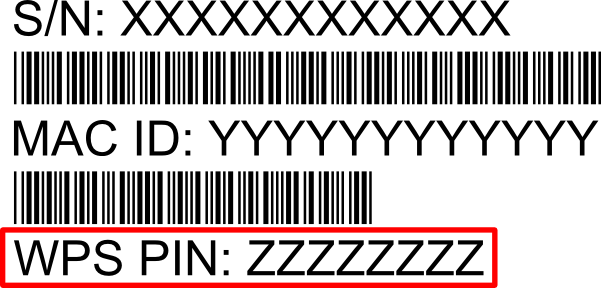

There are two different ways to connect to a WPS-enabled router:

  • push a special button on the router
  • enter a PIN that is written on the back:

wps_barcode

So what could go wrong ?
The PIN is not visible from outside, and the button is not reachable. Everything seems fine.

Weaknesses

the PIN is not so strong

First, it looks like the PIN is 8 characters, but it’s actually made of two independent parts, that are checked one after the other: so you just have to find the first one, then the second one. It’s making attacks much faster.

the PIN is not always random

Most implementations don’t respect strictly the standard: to prevent the WPS PIN to be easily guessed, it should be entirely random. However, to simplify manufacturing, it’s often derived from the MAC, which is available to anyone nearby. Many of this derivation algorithm have been identified, so an attacker just needs to come within connection range to your router, get its MAC, use a script to get the WPS PIN, and that’s it!

Randomness is hard

Another important part of the WPS protocol is the communicating devices have to exchange random numbers. Sadly, producing correct random numbers is not trivial, especially on cheap devices.

a dice with two '1' face

If the router internally behaves like a dice where all faces are not different, or a dice that can’t give the same number twice in a row, then this can be abused:

  1. by knowing how the random numbers are generated
  2. grab the initial random numbers exchanged during the communication
  3. determine the next numbers to be generated
  4. generate the next internal values and connect to the Wi-Fi, even if the WPS PIN is unknown!

This attack is very strong, as it requires no brute force at all: just connect on the first try.

Luckily, it depends on the router model.
Sadly, many routers from different brands use internally the same vulnerable system.

Conclusion

Wi-Fi Protected Setup is a security risk – disable it now (it if you can) !

For more details, check Dominique Bongard‘s presentation.

The post Wi-Fi Protected Setup is a security risk appeared first on Avira Blog.

The dangers of relying on our smart devices

As consumers, we continually hear about the ‘Internet of things’ and the positive changes that will come from our always connected world.

I recently read an article in the San Jose Mercury news that talks about the devices we are all expected to acquire that will make many of our life decisions for us, whether an automated butler, health gadget, thermostat or a driverless car.

It made me contemplate the amount of connectivity we already have in our lives and how it is set to increase. How much is enough? Can we have too many smart devices?

Let’s consider a potential scenario from the not too distant future:

Awoken at the optimal moment in your sleep pattern by your wearable tracker,  you are recommended a light breakfast that includes juice with added vitamin D due to your lower than normal levels.

While having breakfast, the news is reported to you by a service that selects what it thinks you will want to know.

The weather app recommends dressing cooler today as sunshine is forecast. Your driverless sends an alert that, based on traffic conditions, the optimal time to get on the freeway would be in 10 minutes time. It then alerts the household heating system to shut down as you are going to be leaving.

The first two hours of your day are led by suggestions made by gadgets and where the information you are offered has been pre-selected.

Facebook like


Some mornings this guidance might seem the perfect way to start the day. To me though, it seems like we are at risk of surrendering control to the devices of the future.

Our connected gadgets and services are being controlled or fed information that, of course, is open to manipulation by people and companies out to exploit our willingness to be led rather than to explore.

“We need to temper our reliance on technology and connected services, even though they can help make life easier”.

We need to keep our reliance on technology in check and connected services, even though they can help make life easier.

Imagine a life without open choice, where all options available have been preselected for you. It is starting to sound like the Truman Show.

Take an everyday task such as selecting a movie for the family to watch. On a busy workday, a recommendation made by a streaming company might be useful, but if I did not sit and browse for myself every now and again, I would miss things that I might also like.

Exploring the options for myself allows me to find things that would not have been on my list of recommendations and might just surprise me.

I love my gadgets and I don’t want to come across as negative. However, there’s a lot to be said for exploring.

I would encourage everyone to find some time in their busy schedule to go gadget free and try something new. You never know what you might discover.