Category Archives: Antivirus Vendors

Antivirus Vendors

Access control for companies: Which system is the most secure?

finger-control-companies

Some time ago, the most common mechanism for getting into an office was a simple key. Simple but vulnerable. Conventional locks do not identify people and can be used by anyone. In addition, it is impossible to control the number of hours worked.

Technology has provided a solution to this issue. There are now different techniques not just for opening doors but also for identifying staff and recording the time they enter and leave the premises. From a card to the voice, through the flash on a phone. There are many alternatives, but are these systems secure?

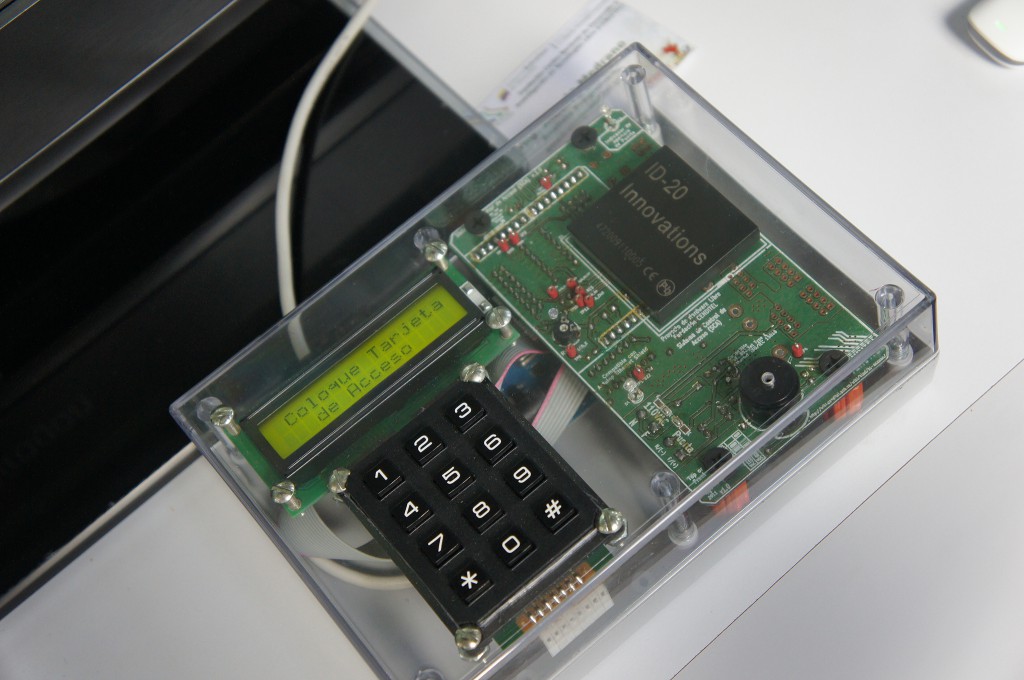
Using radio frequency-based methods -such as Bluetooth, NFC (Near Field Communication) or RFID– is simple. In the first two cases, all you need is a cell phone with this technology that can be recognized by a sensor. RFID chips are inserted in cards or even wristbands that open turnstiles and provide the employee’s details.
fingerprint-control-companies

However, wireless malware exists. Attacks can compromise the company’s computers and users’ phones. Criminals with enough skill can remotely access the handset and take control of its functions, listen to calls or intercept messages.

There is also a risk of traditional robbery. If the smartphone is stolen from the employee’s pocket, the thief could access the premises without any problems. The same applies to cards.

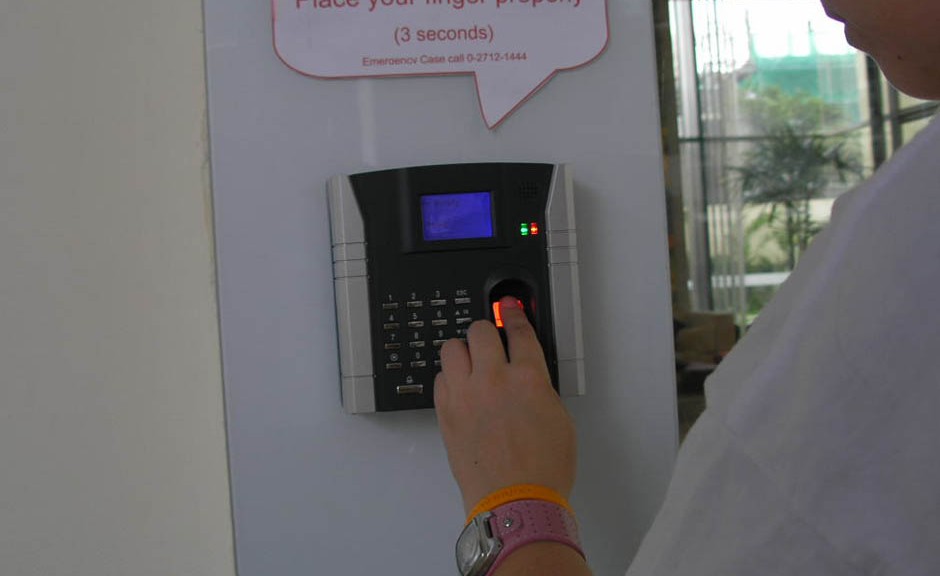
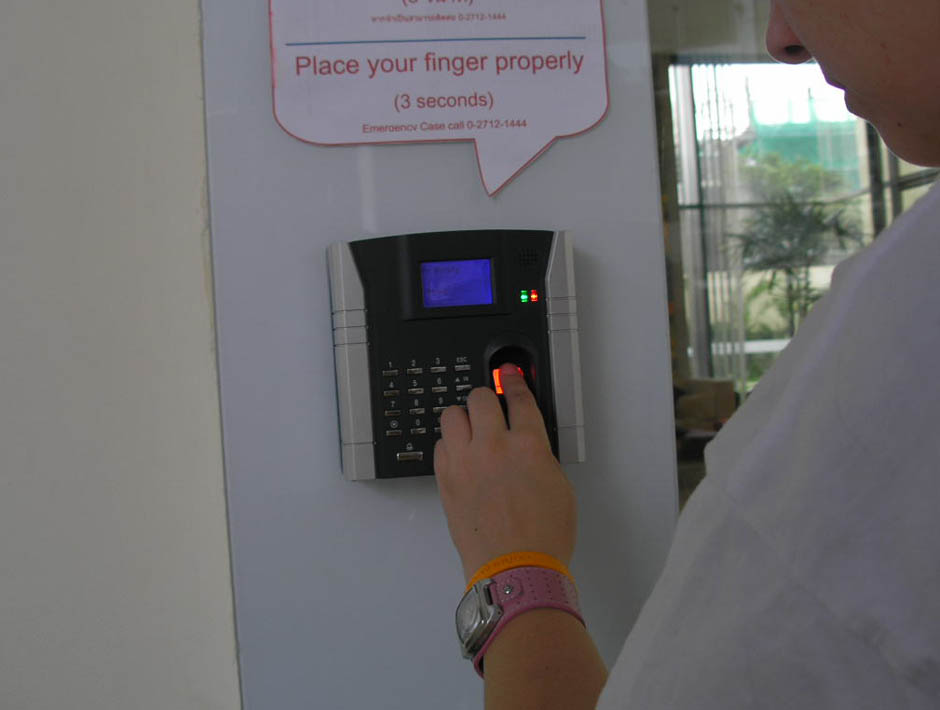
But nobody can steal a part of our body (and get it to still work). Biometric techniques are gaining importance in identification systems. The most widely used today are digital fingerprint scanners and, to a less extent, iris, voice and facial recognition sensors.

Voice recognition is based on comparing the unique mouth patterns and linguistic habits of each person. Something similar happens with the geometric variants of the face. The processing difficulty and the amount of patterns that the system must store mean that they are still minority systems.

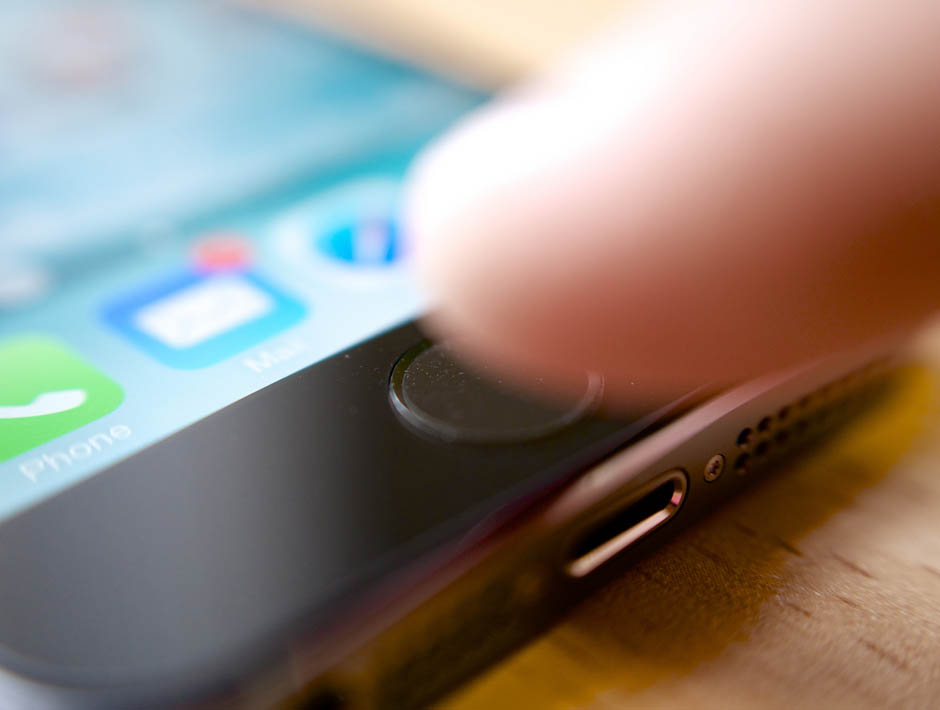
Biometrics also has its drawbacks in terms of security. Remember that the fingerprint sensor on the iPhone (Touch ID) is vulnerable to certain types of attack. Criminals could make a replica of your finger or manipulate the sensors.
chip-control-companies

Other solutions admitted by phones are based on photonics or light recognition. The user simply needs to move the phone towards the lock, point the camera flash at the corresponding receiver and enter a password in an application. The door opens when the device detects the light signals, which form a regulated communication protocol and can transmit encrypted information.

One advantage of this technology is that only the receiver is placed at the entrance to the facilities. The data processing unit can be located inside, in a strategic place. Criminals will have to manipulate both devices in order to take total control of the system.

The majority of these techniques are still under development and they still have a long way to go before they become more widely used. The ideal solution would be to combine several of these to take advantage of the benefits of each one and reach a higher level of security.


The post Access control for companies: Which system is the most secure? appeared first on MediaCenter Panda Security.
Technology is still a distraction for drivers

A newly released study by AT&T reinforces the unfortunate and dangerous trend of driving and texting that shows no sign of stopping. The survey, released last Wednesday, found two-thirds of respondents said they have read text messages while stopped at a red light or stop sign, but more importantly a quarter have sent texts while driving. One in four of those who texted while driving also believe they “can easily do several things at once, even while driving”…

Now for the rest of the story…The AT&T study points to a fascinating and disturbing feature of human behavior:  98% of survey respondents said that sending a text or email wasn’t safe, but 49% of commuters self-reported doing it anyway.

This result comes in spite of all the public-service campaigns and laws against texting and driving. And it certainly reinforces the ability of humans to say one thing and do another – though that isn’t exactly news.

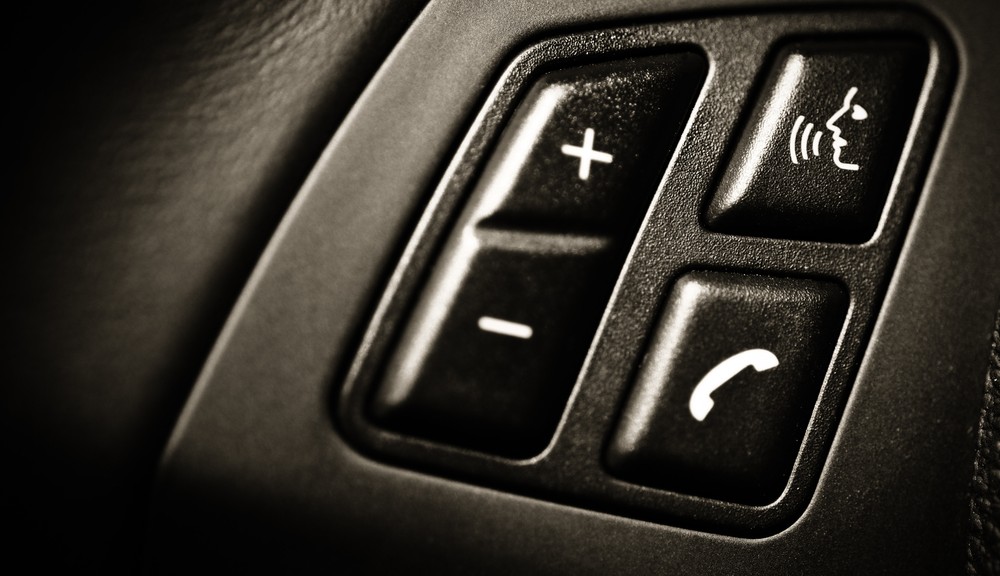
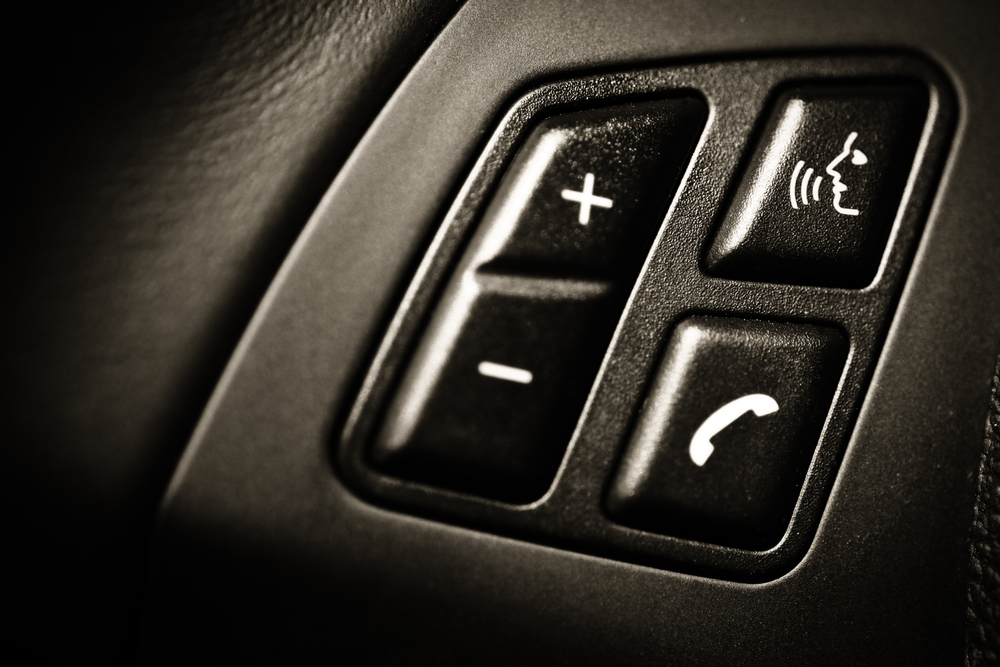
What is news is a newer tech-related peril on the road: Voice-activated software. Originally viewed as an answer to achieving hands-free driving, voice-activated software is now a growing cause of driver distraction and threat to driver safety, according to a recent study by AAA .

Voice-activated software has been touted as a benefit, because drivers can keep their hands on the wheel and their eyes on the road while changing radio stations or composing texts messages… Unfortunately, AAA found that drivers could still be distracted while driving. The reason? Interacting with the software still affects the cognitive part of your brain.  Many of the simple tasks previously noted increase a driver’s cognitive workload. And, depending on the situation, that can be dangerous.

Vehicle voice-activated “infotainment” systems that are more complicated or just take longer to navigate created the highest levels of driver distraction and safety risks, according to the October AAA study.

Many of us who use hands-free phone technologies have already come to understand that having a conversation, especially an important or emotional one, while driving can be only a little less distracting than juggling a phone. It’s for the same reason: Cognitive distraction.  Many studies back this up, including a groundbreaking one from the National Safety Council.

The bottom line: any activity that is not directly related to driving, whether it is using electronics or simply eating, represents a potential distraction and safety risk, according to previous research by AAA, the National Safety Council, the National Transportation Safety Board and other safety groups.

As with the ongoing campaign against text messaging or voice interactive driver safety, what’s needed is a multi-pronged approach just as Mothers Against Drunk Drivers (MADD) has done so successfully. Prevention strategies that may show the most promise are legislative and corporate policies, mixed with high-visibility enforcement and strict consequences.  Yet technology solutions also can go even further by preventing calls and messages from being sent or received by drivers in moving vehicles.

Location Labs

At AVG, we’re proud to have a new solution in our portfolio of products that addresses the texting issue—Location Labs’ Drive Safe app, available as Sprint Drive First and Safely Go. (AVG acquired Location Labs in September.) Drive Safe detects motion and automatically locks a phone moving more than 10 MPH. All ringtones, buzzes and push notifications are silenced, and only designated “VIP” contacts, like parents, can get through, while everyone else gets an automatic “I’m driving, I’ll reply later” reply.

It’s clear as connected cars become the norm, demands for driver security are only going to increase – both in terms of driving safety and data security. It also presents opportunities for technology to help solve these new challenges.

Add driverless cars into the mix, and there is an exciting and brave new world ahead for technology and cars and, hopefully, greater driver safety.

WhatsApp encrypts messages for Android users

encrypted-code

After the arrival of the blue double-check to confirm that the message has been read, WhatsApp has set out to clean up their image and transmit the idea that they too safeguard user privacy. To do this, they have just announced a latest update through which they will start encrypting all messages and protecting them against intruders.

At the moment this version is only available to Android users but WhatsApp plans to implement it for the other operating systems.

With this code the messages are encrypted when they leave the sender’s phone. Therefore, the content of these messages passes through the application servers encrypted and cannot be accessed by anyone, except those holding the conversation.

With this move, WhatsApp is trying to make its customers forget its reputation for an unsecure app and recover some of the ground lost to other apps, such as Telegram, which stand out for higher levels of security and privacy of the service.

The post WhatsApp encrypts messages for Android users appeared first on MediaCenter Panda Security.

What’s New in AVG PC TuneUp?

In our last blog post, we’ve shown you our new killer feature for cleaner for AVG PC TuneUp, which is part of our all-new AVG Performance 2015 package. But that’s not all. AVG PC TuneUp also got an all-new Disk Cleaner which removes even more clutter from your Windows PC, laptop, and ultrabook:

Improved AVG Disk Cleaner

Our new “AVG Disk Cleaner” includes significant new and improved cleaning definitions to help remove the wasteful files of 39 additional programs.

This year we’re cleaning out unneeded files from:

  • Origin & Steam
    Wasteful log files & telemetry data hidden within the two gaming platforms.
  • Windows®
    We’re now cleaning even more temporary files, caches, log files, and leftover 8.1 Apps cookies from all built-in Windows 8 apps.
  • Skypeâ„¢
    Cache files, temp files and backup installation files from Skype.
  • All Cyberlink® products
    Leftover log files, temp files, trace files and also backup installer files from more than 25 Cyberlink products, such as Cyberlink® PowerDVD.
  • Apple® software
    Unfinished and broken downloads, such as videos or music, from iTunes (on Windows) and many locations in which Apple products, such as QuickTime or the iCloud client store backup installation files and updates, which are no longer necessary once they were installed.
  • nVidia, ATI and Intel
    Leftover data that gets created by installing and running Intel, AMD and nVidia software drivers, such as cache files for nVidia Shadowplay.
  • Windows UAC
    In order to protect Windows and users data from harm, the User Account Control (UAC) redirects files from programs which require administration rights, such as older Windows XP programs. AVG Disk Cleaner remove wasteful files that were created by these older applications.
  • Windows Upgrade Files
    All leftover files from when a user has upgraded to a newer version, such as Windows 7 to Windows 8.1 right within the new category:

  • Screenshots
    This new Disk Cleaner category shows screenshots that an application or the user has takenwithin applications such as BS Player or VLC
  • Flash and Java
    In addition to cleaning Flash and Java cookies, AVG Disk Cleaner now cleans temp files leftover temporary data, too.


In addition to that, we now clean up leftover data and improved existing cleaning algorithms from the following applications: Multiple Ashampoo programs, Avira, Amsn, Ad-aware, Auslogic programs, Audials tunebite, AIMP, Avast software, BS player, CleanMyPC, Comodo programs (CertSentry, PaintShop, VideoStudio), Cyberlink programs (PowerCinema, YouCam, Downloader), CleanMyPC Registry Cleaner, Drivermax, Google Talk, IMVU, Java, Jukebox, Jdownloader, Microsoft Office, Nero Programs, Norton antivirus, Picasa, Roxio, Starmoney, Skype, Spybot search and destroy, Ultraedit, WPFFont, Yahoo! Messenger, ACDSee, Adobe Photoshop, Adobe Lightroom, Corel AfterShot Pro, Corel PaintShop Pro, GIMP, Google Nik Collection, Paint.NET, PhotoPad, Photomatix, Snagit, Zoner Photo Studio


Step by Step: Here’s How You Clean Up

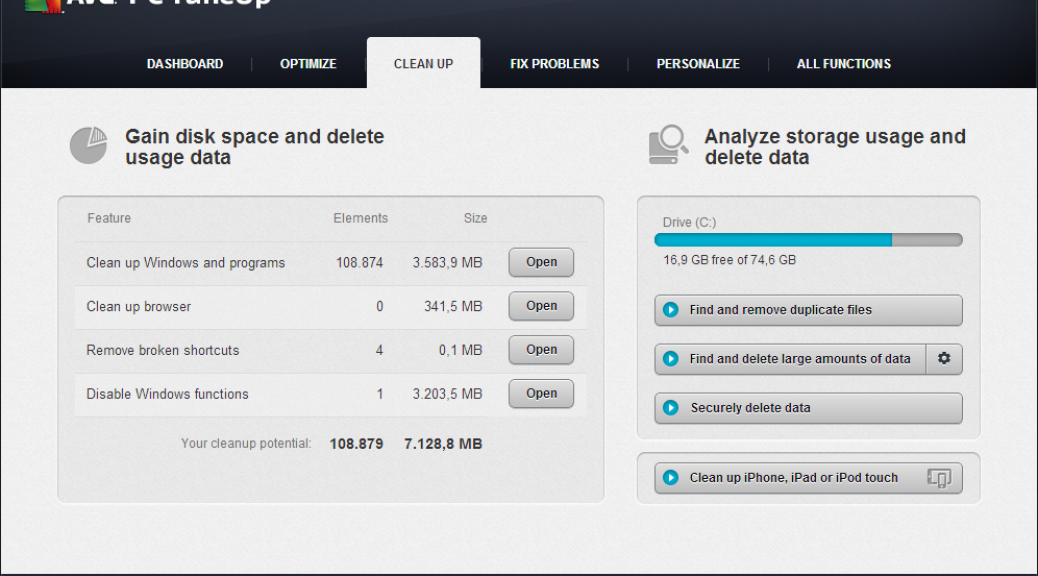
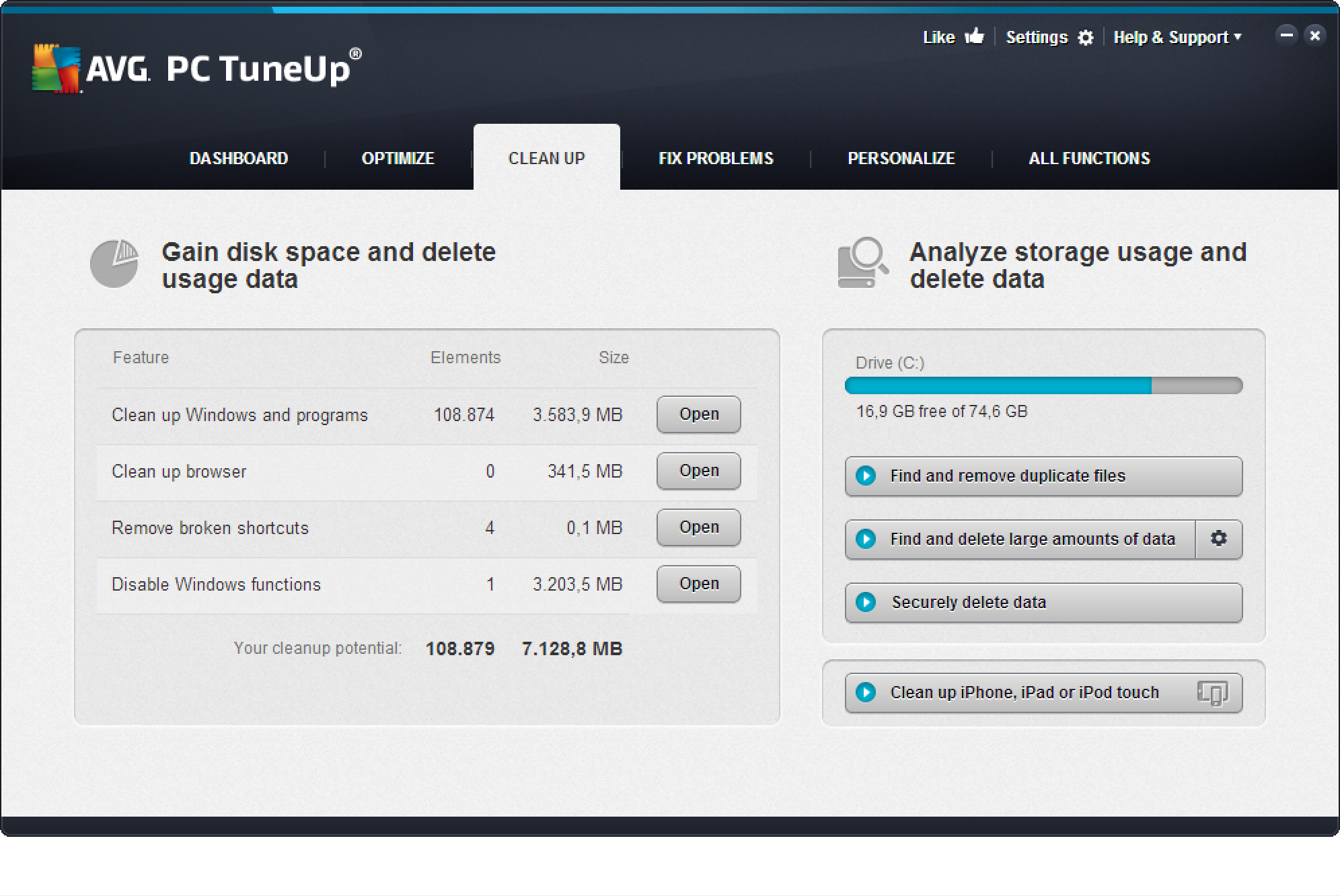
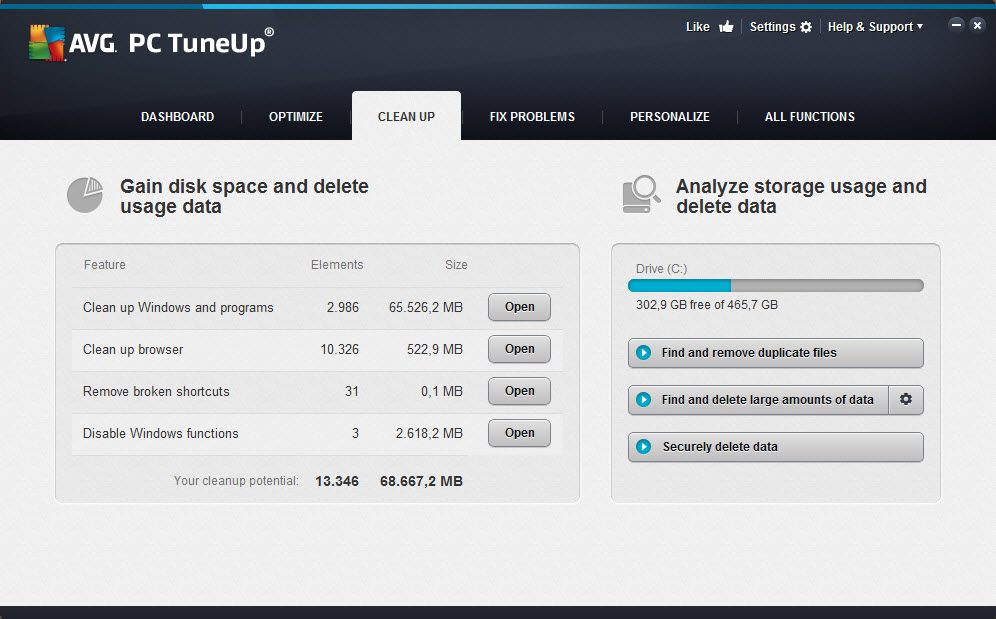
  1. Download and install AVG PC TuneUp trial version here. Finished? Then move on to the “Cleaning” category. AVG PC TuneUp now scans your entire hard disk for invisible data crud:

Example: On this 6 year old desktop PC, we found 68 GByte of worthless data!


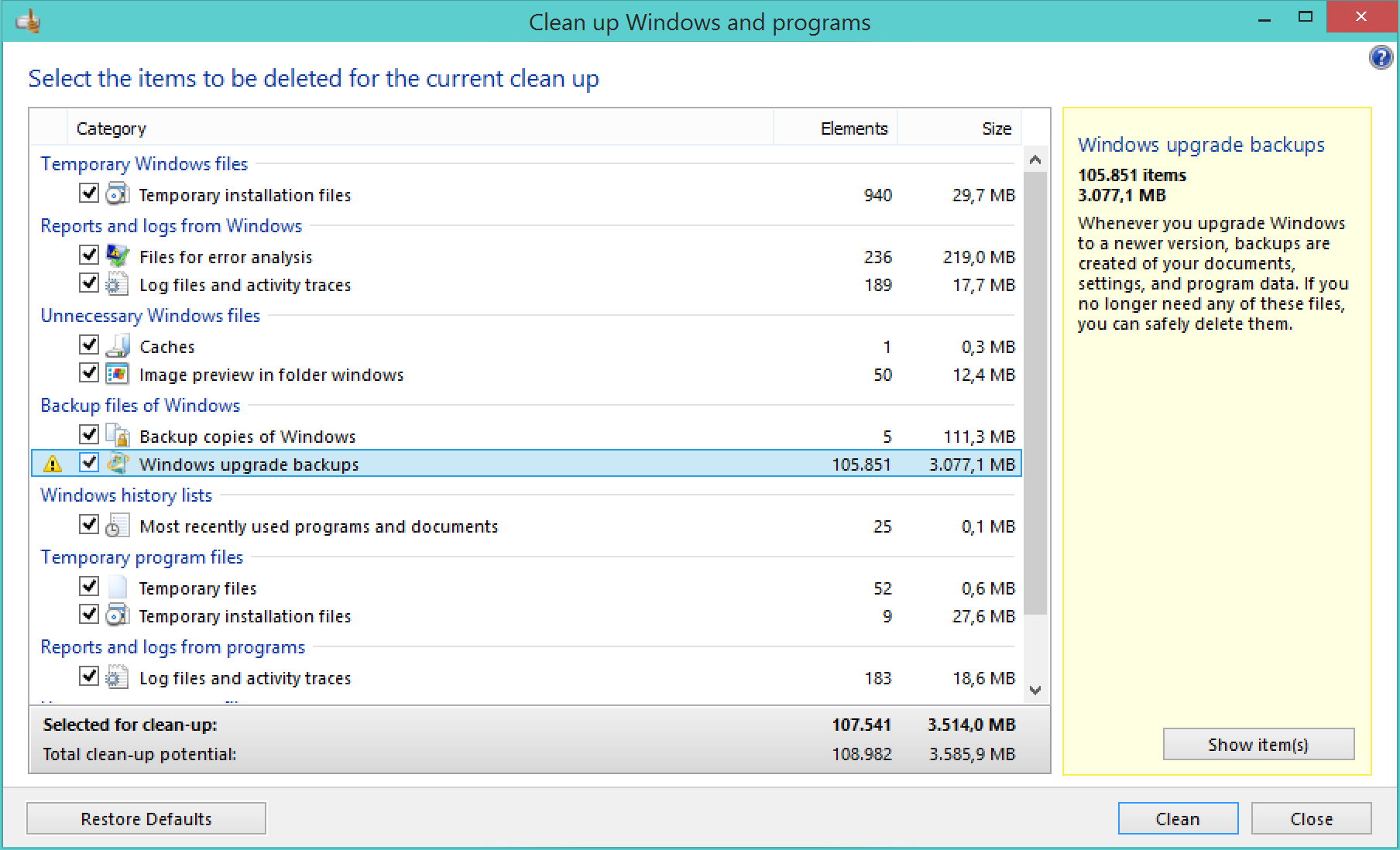
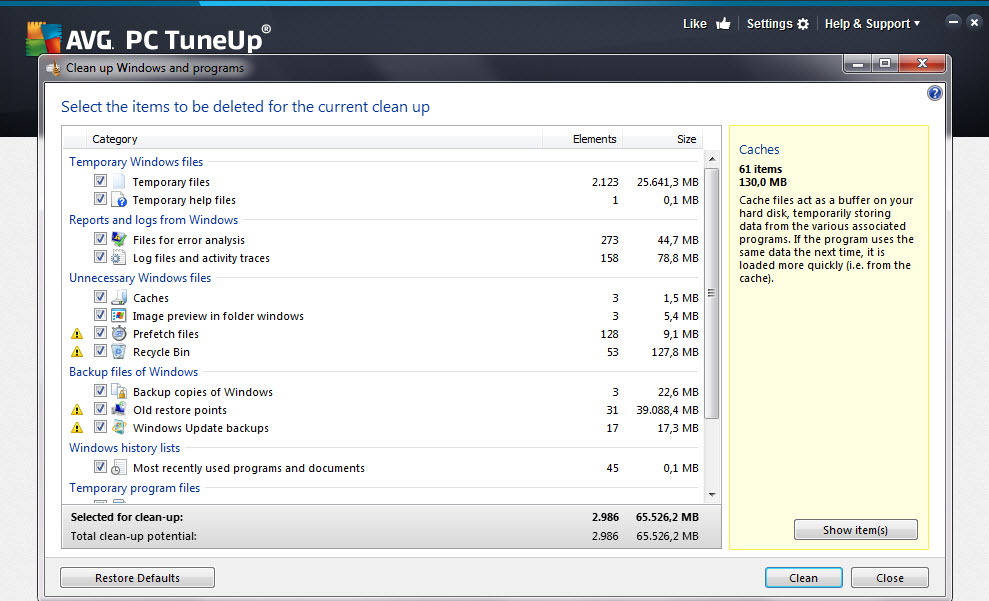
  1. To open AVG Disk Cleaner, click on “Clean up Windows and programs”. You should find a list of things you may not need:

Note that AVG PC TuneUp doesn’t delete any files that are actively used by any of your programs – so  your precious files should not go missing. However, it may be worth going through the list and looking at the help pane on the right to confirm that you really don’t need any of these files.
Ok that’s it for now: Have you tried it out? Let us know how much you were able to clean up on your PC with the new AVG PC TuneUp.