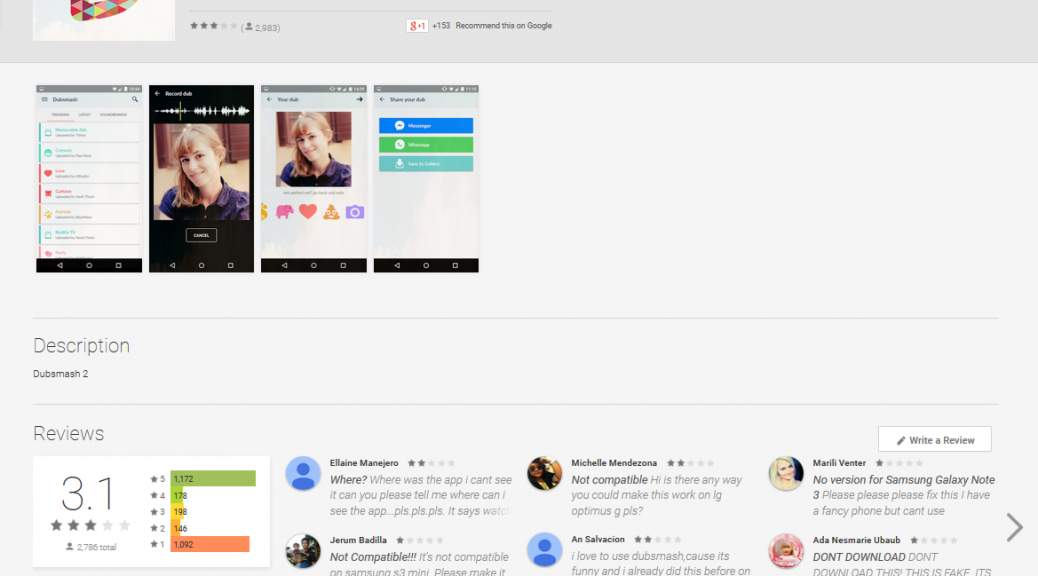
Everyone from celebrities like Lena Dunham to Hugh Jackman are using the (currently) seventh most popular app available on Google Play: Dubsmash. Dubsmash is an app with more than 10 million Google Play installations that lets users choose a sound, record a video to go along with the sound and send their dub to their friends or social media channels. Dubsmash is not only widely popular amongst teens and celebs, but the app has also caught the attention of malware authors.
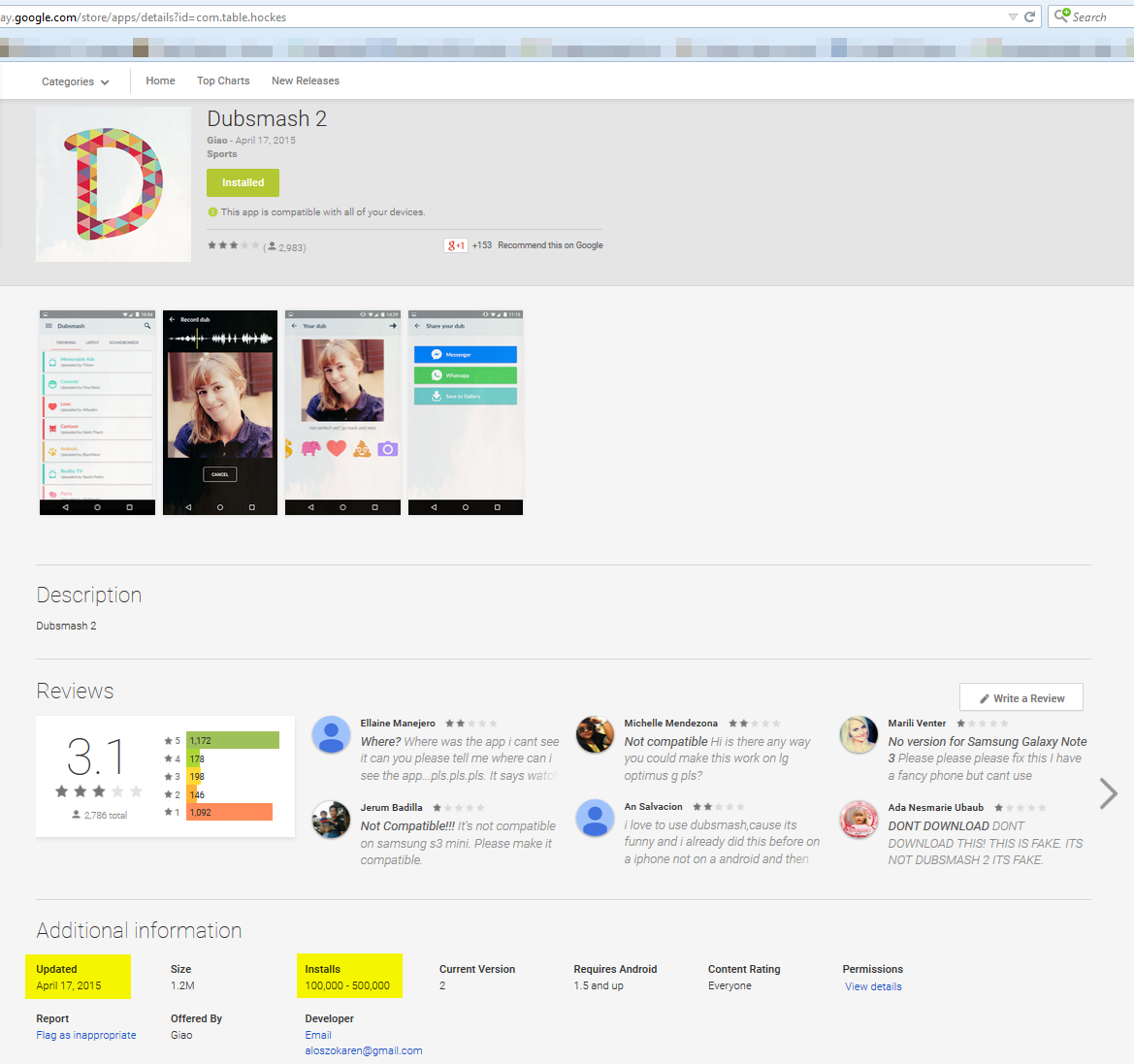
Google removed the rouge app after Avast notified them
Avast recently discovered “Dubsmash 2” (with the package name “com.table.hockes”) on Google Play – and no, it was not the bigger and better version of the original app. The app is a so called “porn clicker” and was installed 100,000-500,000 times from the Google Play Store. We contacted Google when we discovered the rogue app and it was removed from the Play Store shortly thereafter. Once the app was installed there was no evidence of an app named “Dubsmash 2” on the user’s device, instead the app installed an app icon named “Setting IS”. This is a common trick malware authors use to make it harder for the user to figure out which app is causing problems. This should also be the user’s first clue that something shady is going on. The “Settings IS” icon looked very similar to the actual Android Settings icon (see screenshot below).
The app’s mischievous activities could be triggered by two actions. The first possible way was by simply launching the “Settings IS” app and the second, which occurred only if the user had not yet launched the app, was via the BroadcastReceiver component within the app. BroadcastReceiver observed the device’s Internet connectivity and if the BroadcastReceiver noticed the device was connected to the Internet, the app’s true functions would be triggered.
If the “Settings IS” app was opened by the user, the Google Play Store would launch to the actual “Dubsmash” app download page.
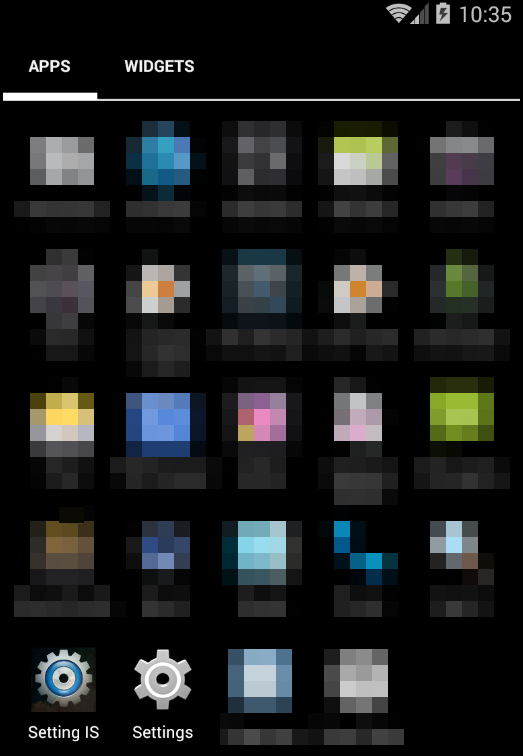
The rogue icon looked very similar to the Android Settings icon
Once activated, the app sent an HTTP GET request to an encrypted URL. If the request returned a string containing the character “1” two services would begin to work: MyService and Streaming. Using this method the author could also effectively turn off the start of the services remotely.
The MyService service began by deleting the “Settings IS” app icon from the device’s main menu and scheduled a task to run every 60 seconds in the background of the device, meaning the user never realized that anything was happening. The task would download a list of links to various porn sites from an encrypted URL stored within the app, along with JavaScript execution code. One of the porn links from the list would be launched in the browser and after ten seconds, the JavaScript code (also downloaded from an encrypted URL) was executed, clicking further links within the porn site. In the case seen in the picture below, the function opened a random link from the web page.

The developer probably made money on pay-per-click ads.
The second service, the Streaming service, was fairly similar in structure to the MyService component in that it also scheduled a task to run every 60 seconds. The main difference to MyService, is that users could notice the Service tasks did not run secretly in the background. The task would check for changes in the device’s IP address or date. If either of them had changed, a video would launch in the device’s YouTube app. The YouTube app needed to be installed on the device for this to function properly. The video address was also obtained from an encrypted URL.
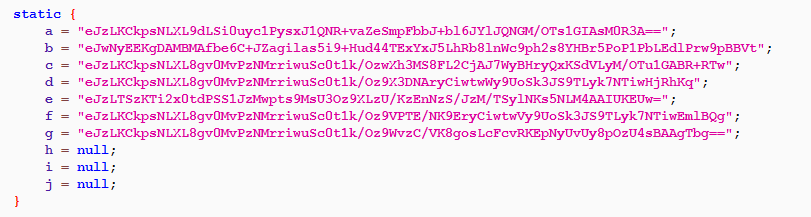
The encrypted URLs used by the app
After decrypting and further examining the URLs and the video from YouTube, the Avast Virus Lab came to the conclusion that the malware most likely originated from Turkey. The developer’s name listed on Google Play and YouTube hint to this.
We suspect the app developer used the porn clicker method for financial gain. Through clicks on multiple ads within the porn sites, the app developer probably received pay-per-click earnings from advertisers who thought he was displaying their ads on websites for people to actually see.
Despite being undesirable, but basically harmless to the user and less sophisticated than other malware families such as Fobus or Simplocker, this app shows that although there are safeguards in place, undesirable apps that fool users can still slip into the Google Play store.
If you installed Dubsmash 2 (package name “com.table.hockes”), you can delete the app by going into Settings -> Apps -> find “Settings IS” and then uninstall the app.
The Avast Mobile Security application detects this threat as Android:Clicker. SHA-256 hash: de98363968182c27879aa6bdd9a499e30c6beffcc10371c90af2edc32350fac4
Thank you Nikolaos Chrysaidos for your help with the analysis