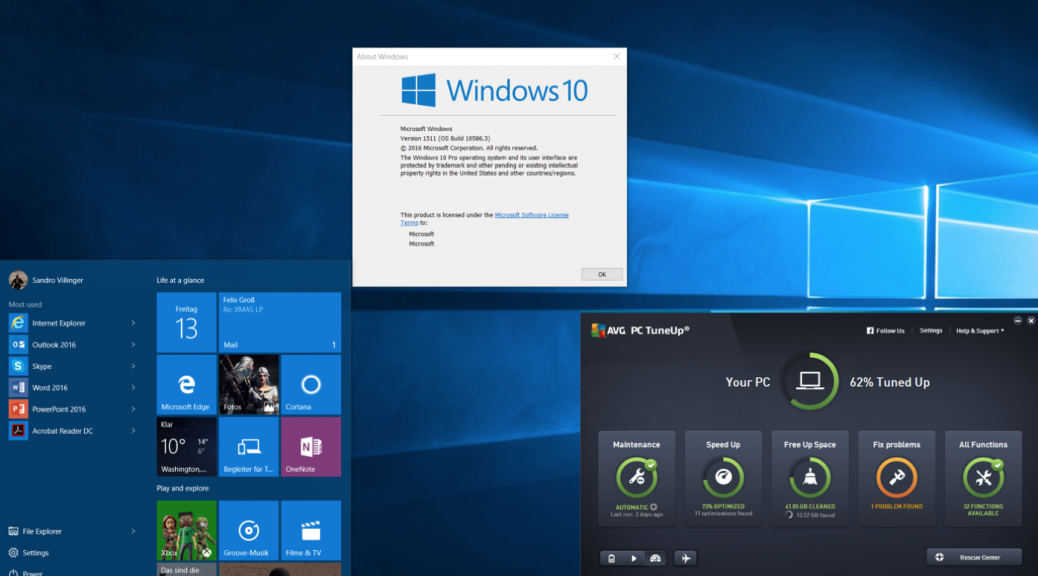
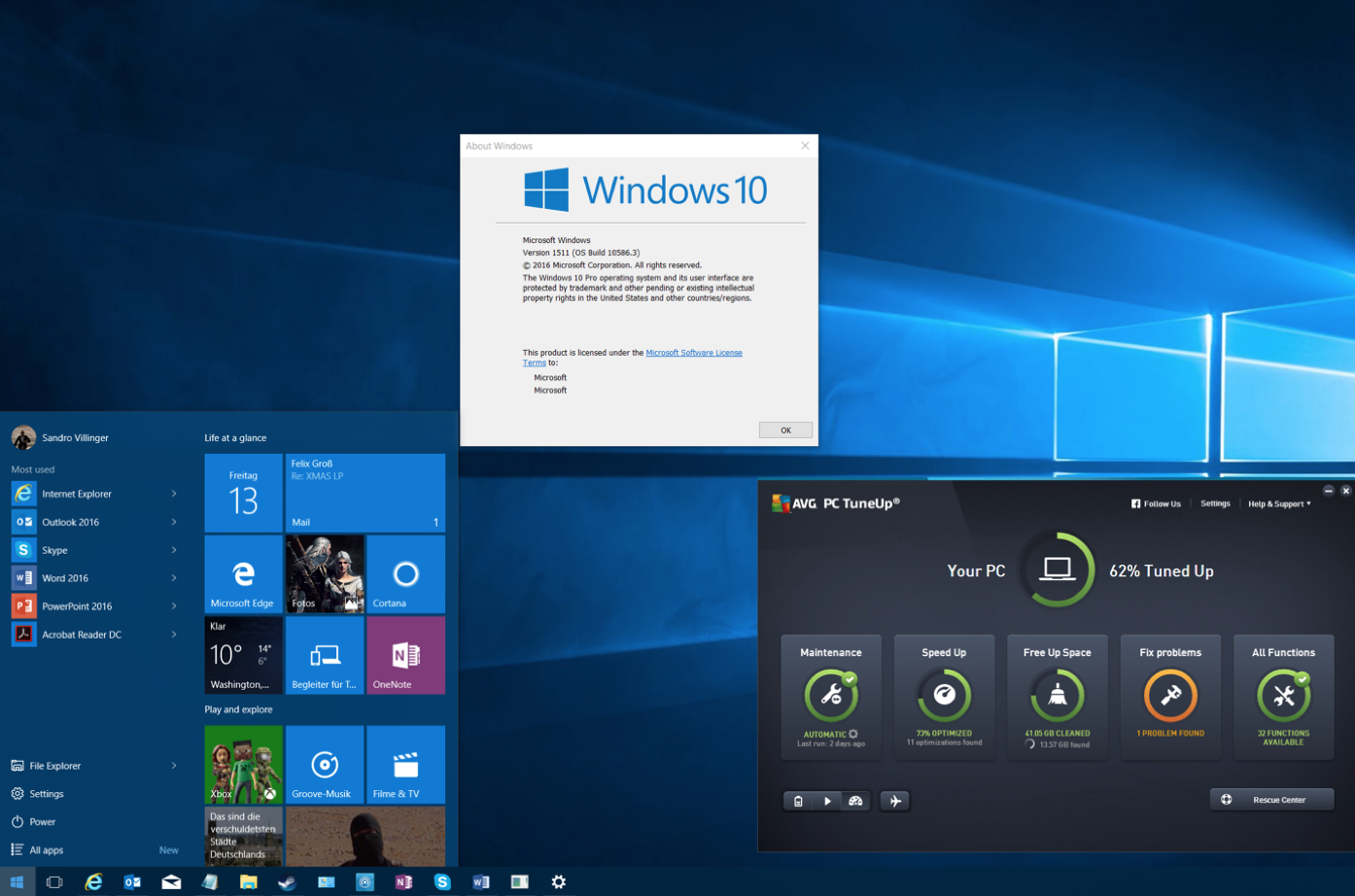
Microsoft recently rolled out its first big update for Windows 10, or as they call it “November Update/ Version 1511”. While it’s not a massive change, it brings along a couple of new features to the table. This article shows you how to get it, what’s new, and how to solve the top issue that users encountered with this new Windows 10 build.
What You Need To Know
It’s coming to Xbox, too
If you’ve got an Xbox One, you’ll be getting the entire backend of Windows 10 including all its performance enhancements along with a major UI redesign and backwards compatibility with over 100 Xbox 360 games.
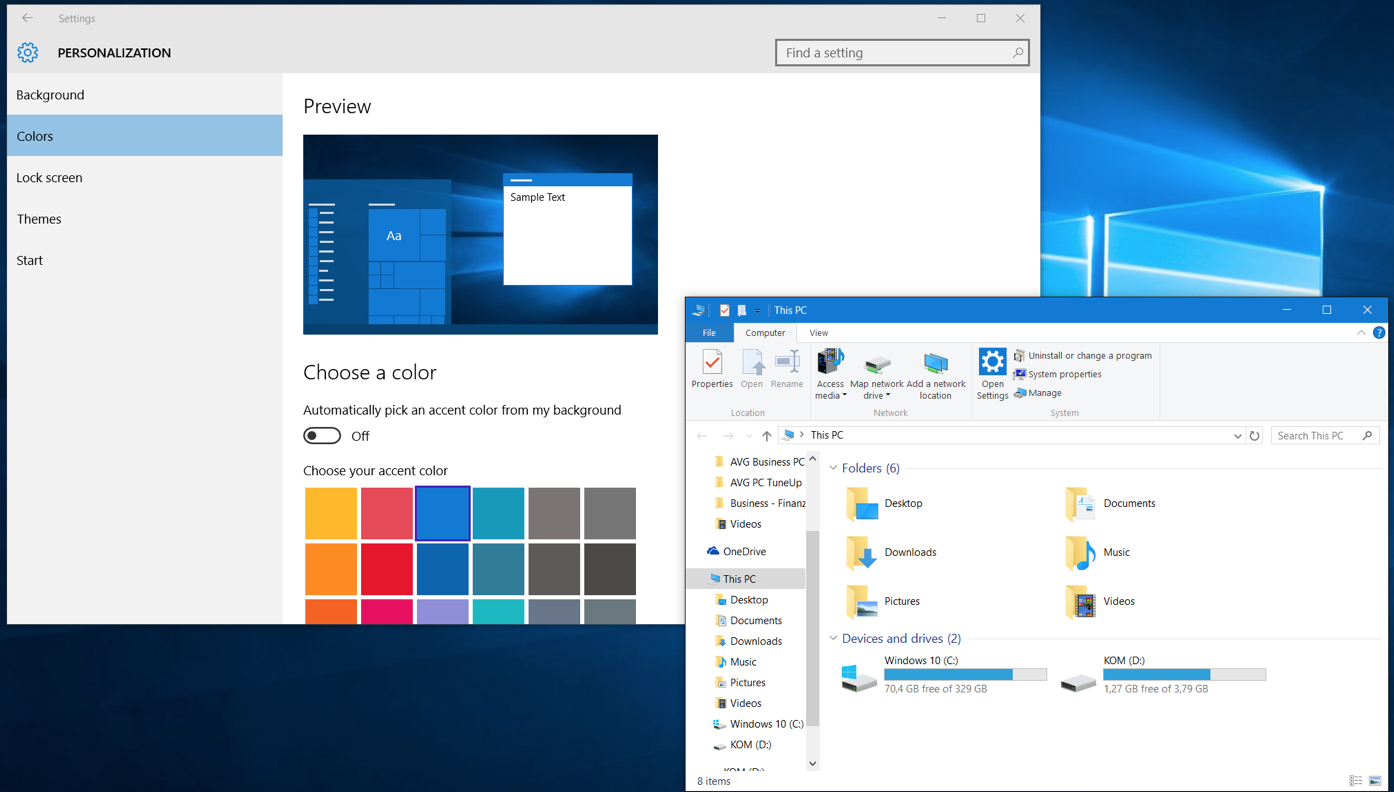
New color schemes
You can now apply the color of your taskbar to all elements (windows, action center etc.) of Windows to make it look not just white, here’s an example:
Edge browser with previews
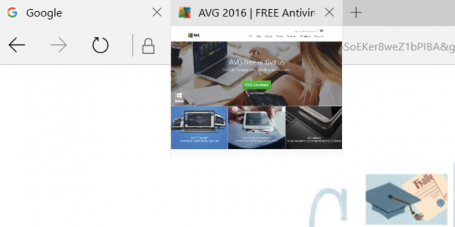
Microsoft’s much cleaner and leaner “Edge” browser now sports a tab preview if you hover your mouse-over it:
You can also stream any video from within edge to a DLNA or Miracast enabled device, such as an Xbox.
Cortana improvements
Microsoft Cortana, which is similar to Google Now and Apple’s Siri, now tracks movie or event registrations and reminds you two hours before the event starts. It can also track Uber rides to tell you when your driver will be arriving. You can now also use the “Ask Cortana” feature within PDF documents and ask it for specific words and find more about a certain topic.
Find my device
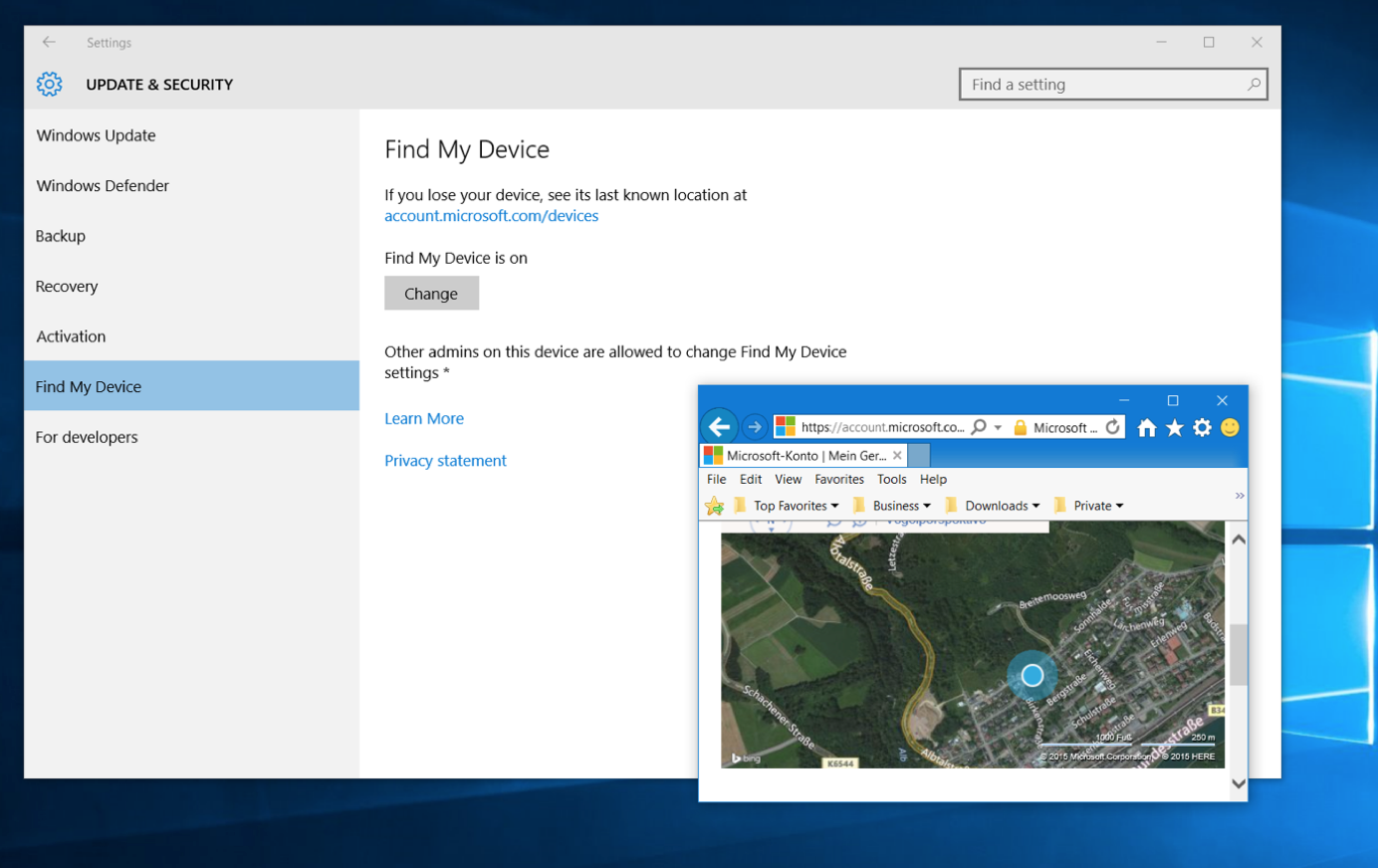
Afraid of your laptop getting stolen? Then you can use the new Windows 10 Update to frequently store the location of your device so you can track it – just in case. You’ll find the new “Find My Device” feature in your settings window under “Update & Devices”.
Five Tips To Get You Started
Not getting the update? Try this.
If the 1511 November update is not appearing for you, make sure you’ve not upgraded to Windows 10 in the past 31 days, otherwise Microsoft wants to prevent you from losing the ability to revert back to Windows 7 or 8, just in case. But once that month has passed, you’ll be able to upgrade.
Also, you should make sure that you’ve not delayed updates to Windows or that this setting hasn’t been set accidentally: Go to your settings app (click on Start and then on Settings), go to Updates & Security, go to Windows Update and Advanced options. Make sure that Defer upgrades isn’t checked. Go back and click the Check for updates button.

Want to clean install? Here’s how.
If you’ve upgraded from 7 to 8 to 10 to this November release and feel your PC has just too much crud left, we recommend trying out AVG PC TuneUp to clean up upgrade leftovers and junk.
In some cases a clean install may be the only solution to get your PC back up to speed. Microsoft originally announced that you could download the DVD files (ISO) from https://www.microsoft.com/en-us/software-download/techbench and create a bootable USB using the Media Creation tool, however, they have since made some changes, as reported here by ZDNet, that you should be aware of.
Got a flickering start menu? Try this.
A lot of people seem to have issues opening up the start menu or getting random flickering. To solve this problem, do this:
- Press CTRL+SHIFT+ESC to open task manager. Next, click on File and Run New task.
- Check the Create this task with administrative privileges
- Type in Powershell and hit OK. Then type the following command (better to copy and paste it):
$manifest = (Get-AppxPackage Microsoft.WindowsStore).InstallLocation + ‘AppxManifest.xml’; Add-AppxPackage -DisableDevelopmentMode -Register $manifest
- Hit Enter, close the window and reboot. This should solve the flickering.
Check the advertising settings
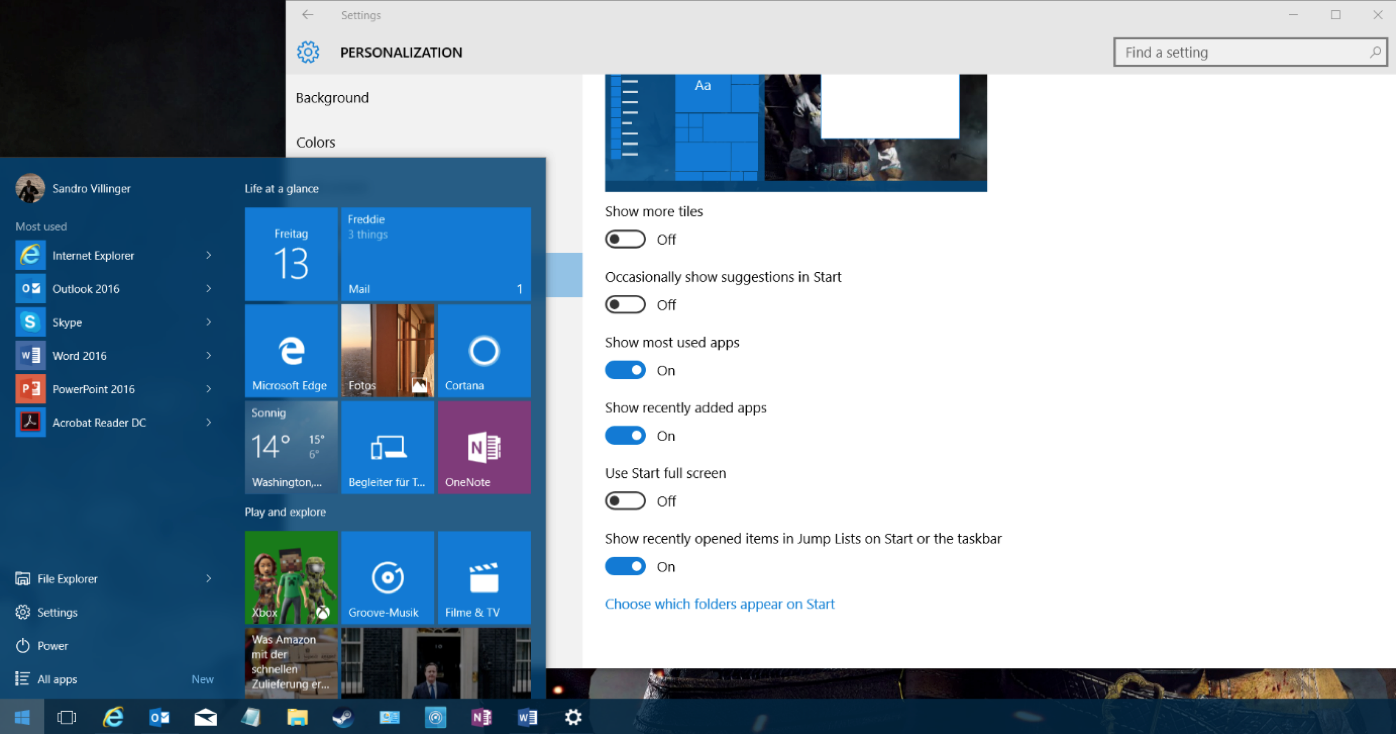
Microsoft now uses the Start menu to show ads for new apps. If you want to turn this off, open up your settings app (Start and then Settings) and go to Personalization. Click on Start and then uncheck the Occasionally show suggestions to Start entry to turn this off.
Sync your Edge settings
Ready to move away from Internet Explorer and over to Edge? The only thing that held me back was the browser synchronization, which is now built-in as of this new update. Open up Edge by clicking on the Edge icon (not to be confused with the purposely similar looking IE icon):

To sync settings and import your IE browser favorites, click on the three dots in the top right and click on Settings. Scroll down and click on Sync to enable it. Go to Favorites and click on Import.
From now on, all your settings will be synced across your laptops, desktops PCs and even Windows Phones if you have one.

Extra tip: In our testing, the new update doesn’t break any AVG products, so you can keep on protecting and tuning your PC.