Category Archives: Antivirus Vendors

Antivirus Vendors

The truth behind Snapchat “hack”

Well, it’s happened again. Another security breach, more embarrassing photos and films leaked all over the Web. Throw in privacy issues and possible child pornography charges and Cyber Security Awareness Month is getting off to a really bad start…or at least, to put a more positive spin on it, hopefully making people more aware.

“Snappening,” as its been called, which was revealed over the past weekend, is a breach involving users of a web site called SnapSaved.com and consists of approx. 90,000 photo’s and 9,000 videos  shared by as many as 200,000 Snapchat users.

SnapSaved.com, as you can probably tell by the description is a web service that allowed users to covertly save incoming message. The service did this by using your login credentials to access Snapchat’s servers and then store the images permanently on the SnapSaved servers.

Video

Staying Safe on Snapchat

Hackers managed to access the SnapSaved.com web site and steal the content that users had been storing there. While most of the content is reported to be of every day life there is of course some content that is more personal and inappropriate for viewing by anyone that it was not specifically meant for.

It’s important to understand that the hack was not on Snapchat’s servers.

It’s important to understand that the hack was not on Snapchat’s servers. Snapchat has built a growing and loyal user base on the promise that anything sent over its network disappears after a set period of time, typically a matter of seconds. This obviously promotes users sending material they would not send over other services and can possibly lead to people being a little more daring than they should be. You can read Snapchat’s reaction to these issues here.

The breach brings home the message that whatever you post online may well end up online forever and could be seen by people that it was not intended for. In fact recently we highlighted the potential issues that Snapchat users may have if someone decides to take a copy of something that was not intended to live beyond a few seconds. You can view the video for this here.


Here are some quick steps you can take:

  • Consider which third-party apps you and your family use. Clearly many of these apps have more vulnerability and less oversight than the actual services themselves. For the two bigger services, Facebook and Twitter, you can check: With Twitter, click on your profile image and select “Settings” and “Apps” to revoke access to applications you no longer use or do not trust. And for Facebook, in a browser, click the lock icon on the upper right corner and do a “Privacy Checkup” to review “Your Apps”. AVG PrivacyFix allows easy access to the privacy settings of major networks, you can download it here.
  • Review your Security Settings on all your programs. Consider who you are sharing information with, and who has access. Do you know whom your child has friended? Clearly there are trust and privacy issues here as well between you and your loved ones, but a healthy discussion is certainly not a step over the line.
  • Consider what content is being shared. It’s a matter of education that this content could be made public and may have value to hackers. This can be discussed with children in the same way you might discuss the danger in posting vacation plans or financial info.


We all need to be more vigilant in keeping our families, our businesses and ourselves safe and cyber-secure. And some the best tools we have are education, communication, and awareness.

October is the Cyber Security Month: stats, events and advice

Since October 2012, the European Cyber Security Month is going live as a pilot plan across Europe. Inspired by the concept of other similar projects that were successfully implemented around the globe. One of them is the Stop. Thinking. Connect campaign supported by the National Cyber Security Awareness Month in the United States.

The post October is the Cyber Security Month: stats, events and advice appeared first on We Live Security.

5 steps to keep your SMB data protected

SMB-security

When Edward Snowden came forward in May 2013, accusing the world’s largest intelligence service of spying on US allies, people, and private companies, it became evident that electronic data is quite vulnerable. This major event even caused Russian and German government officials to consider cataloguing their data, using old-fashioned manual typewriters instead of computers. Should you do the same with your business’ data to protect it?

The only way to keep your data absolutely safe from hackers and spies is to keep it far away from computers and servers, but this approach isn’t realistic. So here are five steps that you can take to protect your small or medium size business’ data:

1)     Configure your computer network properly Regardless of the way your computers are connected in your company, via work group or server, make sure that you have implemented the right configuration. Make sure you haven’t left any gaps for hack attacks, such as software that has not been updated or free network accessibility to suppliers or all company employees.

2)     Install a business-grade antivirusThis one sounds obvious, however, it is important to point out that several SMBs still use personal antivirus to protect their business data. A company that opts to use consumer security products might not get into legal problems (although this is possible), but the major issue here is the security of the data itself. Business antivirus allows an entrepreneur to manage the company’s electronic security remotely instead of being obligated to check   each PC’s security manually. With a administration console, you can check on current problems, their solutions, and in the event of an infection or unauthorized action your console can get real-time alerts.

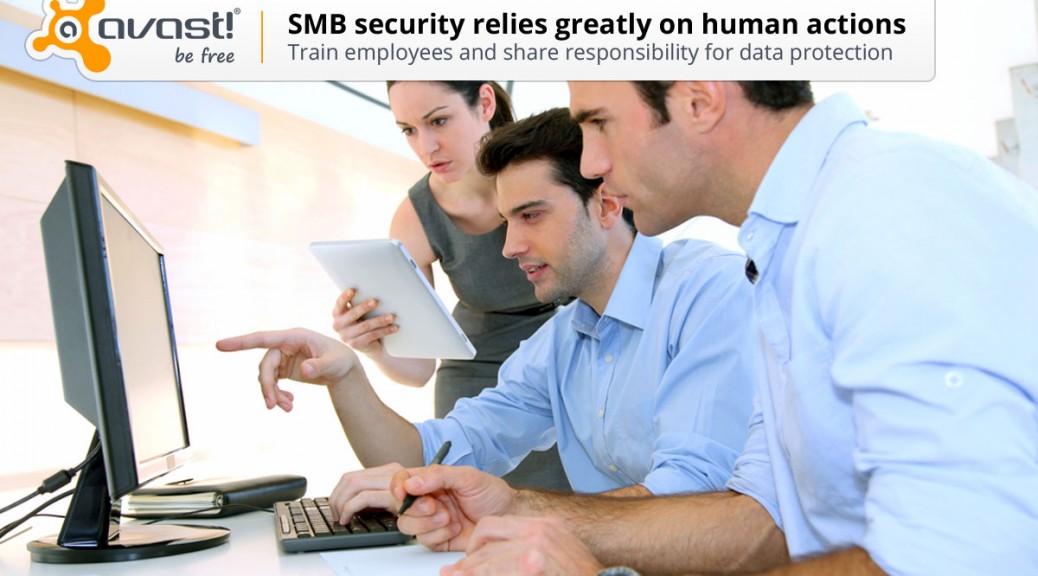
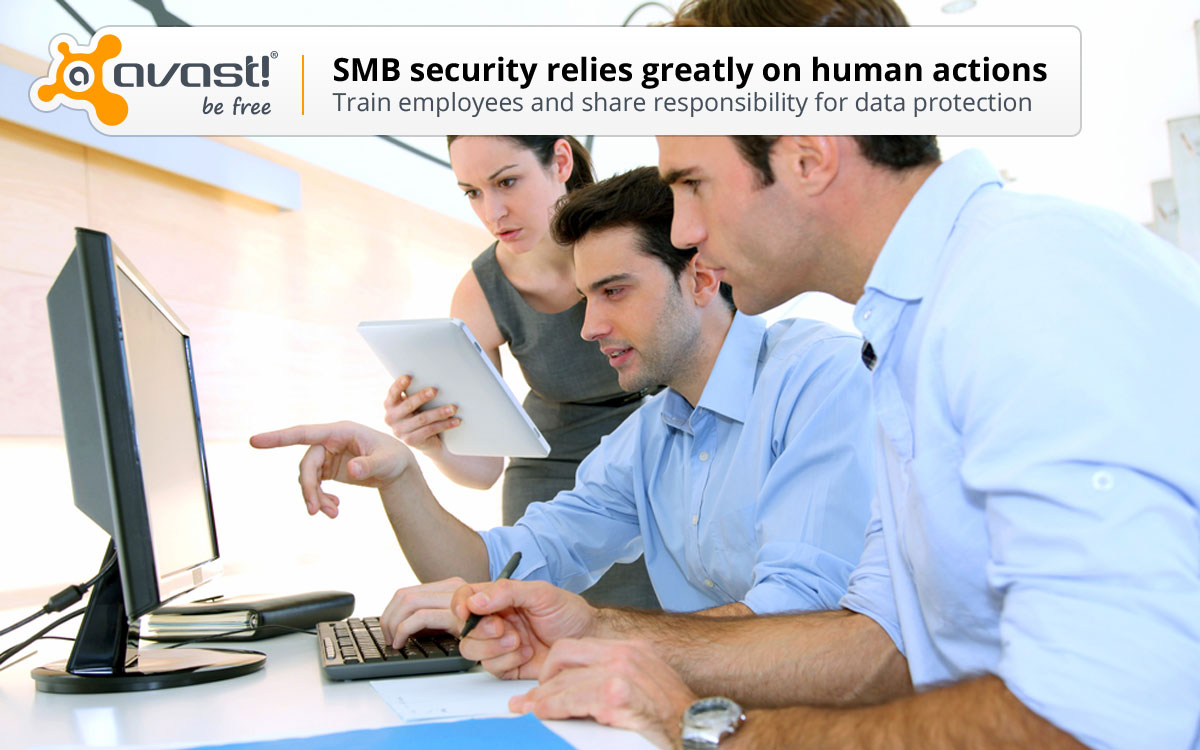
3)     Educate your employees about online security At AVAST we receive 50,000 samples of new viruses a day. Online security is evolving, which means you need to educate your employees about the dangers of online security and how they can best protect your company’s data on a regular basis. Try to focus on explaining the concept of social engineering to your employees, what the most recent methods of attacks are, and what the latest malware on the market is. The AVAST blog is a great place to find this information.

4)     Keep in mind that humans can fail Remember that although a great part of online security can be automated, it continues to be dependable on human actions, which from time to time can fail. Minimize the risks by training your employees properly and sharing the responsibility for data security with everyone. If a mistake is made, take it as an experience to learn from as a company, rather than cracking down on one person.

5)     Encrypt your most important data Currently, SMB owners have the option to encrypt data, so that in the case of an attack, their files will be protected. Encrypting files turns the information into unreadable code and only those who have the access to the encryption key are able to restore the files to their original state. This process is not simple, which is why it is recommended to encrypt your most important and sensitive files.

In addition to these five steps, make sure you stay up-to-date with the latest data security news. If a company in the same field as yours gets attacked, it can hit your SMB quicker than you may think! Remember, the digital world has neither frontiers nor barriers!

Thank you for using avast! Antivirus and recommending us to your friends and family. For all the latest news, fun and contest information, please follow us on Facebook, Twitter and Google+. Business owners – check out our business products.

How to tailor the ads you see on Facebook

It’s no secret that Facebook collects a large amount of information to better target advertisements towards you, but exactly what information is being used has for the most part remained a mystery. The treasure chest of data Facebook stores on over 1 billion users ranges from what people like, to what pages they visit, and who they interact with online. So what pieces of information actually goes into each advertisement, and how does this data look to the average person?

Recently Facebook has been on a big push to improve privacy for their users. They have released everything from the “Privacy Dinosaur” to help with basic settings, changed the default privacy settings for new users, and even enabled a hidden page to allow users to see their ad preferences profile.

To access your Ad Preferences profile on Facebook, just follow the following steps.

  1. Go to Facebook.com and login to your account.
  2. Hover over an advertisement on the right side of the news feed.
  3. Click on the blue x at the top right corner of the advertisement.
  4. Click “Why am I seeing this?”
  5. Click on “Manage Your Ad Preferences”


Or alternatively you can skip right to your Ad Preferences, although you will miss other relevant privacy information about advertisements, by going directly to https://www.facebook.com/ads/preferences/edit/?ad_id=6015766102901.

Once on this page you can start expanding the different sections and seeing exactly what Facebook is using as targeting terms for you. If there are some items you would prefer not to be targeted ads based upon you can click the blue switch at the right side of the term and that item will be removed.

Some users may actually prefer to provide more terms as well, so that they can see better and more relevant ads on their pages. To do this simply click in the “Add Preference” textbox at the top of the page and begin to type. You should see a dropdown with suggestions as you type more letters and once you see your item just click on it and it will be added to your profile.

This page shows Facebook is making strides to become more open and transparent in regards to their data use and privacy practices. It may be beneficial to check back at this page a few times to see how your preferences are being changed from your natural use of Facebook.

To keep up to date with the latest Facebook tips and privacy settings follow us on Twitter @AVGFree or like the AVG Facebook page.

Operation Windigo: “Good job, ESET!” says malware author

Following the recognition at Virus Bulletin 2014 of ESET’s research on Operation Windigo, I took the opportunity to ask Marc-Etienne Léveillé – who worked directly on the Operation Windigo report a few questions. Marc-Etienne is a malware researcher at ESET.

The post Operation Windigo: “Good job, ESET!” says malware author appeared first on We Live Security.

Seven million Dropbox passwords may have been compromised

dropbox

Recently, it would appear that there is no Internet service whose users’ data hasn’t been compromised.

Now it’s the turn of Dropbox, the cloud storage service, which has had hundreds of its users’ passwords leaked and it’s claimed that many more could be published. Specifically, up to seven million users’ data may have been hacked, with the consequent threat to the privacy of the users who store their data on the platform.

These claims come from a user of Pastebin, a text sharing site used by hackers and IT security specialists, who boasts to have obtained seven million Dropbox passwords and, supposedly as proof, has published some of them on the site.

On its official blog, Dropbox was quick to deny that its services have been hacked, claiming that the passwords had been stolen from other services and then used to access the file storage platform.

Dropbox urges users not to employ the same password for various services and to enable two-step authentication.

Gmail: Five million passwords stolen

What has happened to Dropbox also happened to Gmail in September, when 5 million passwords were leaked. Neither Dropbox nor Gmail were hacked. The data was taken from other websites.

With this data in their hands, cyber-criminals can try the same password for other services such as Facebook, Dropbox, Gmail or Twitter.

More | How to create strong passwords

The post Seven million Dropbox passwords may have been compromised appeared first on MediaCenter Panda Security.

The Changing Landscape of BYOD

“Bring your own device” has become increasingly common in the workplace as employees use their own tablets and phones for work-related activities, and their own laptops from home or the local Starbucks. Increasingly the lines are blurred with regards to privacy and questions of data ownership.

A recently passed California law has perhaps shown the way that the future holds. Little commented on when passed in August, this law has real-world implications and may have many ramifications with regard to privacy, security and data. (See ruling here)

In Colin Cochran v. Schwan’s Home Service, Inc., the California Court of Appeals in August reversed a Superior Court in Los Angeles County and ruled that “when employees must use their personal cell phones for work-related calls, Labor Code section 2802 requires the employer to reimburse them.”

The Order points out the purpose of the California Statute is “to prevent employers from passing their operating expenses on to their employees.” Specifically, it notes the following:

Pursuant to section 2802, subdivision (a), “an employer shall indemnify his or her employee for all necessary expenditures or losses incurred by the employee in direct consequence of the discharge of his or her duties, or of his or her obedience to the directions of the employer.”

The key question in the case was this:

Does an employer always have to reimburse an employee for the reasonable expense of the mandatory use of a personal cell phone, or is the reimbursement obligation limited to the situation in which the employee incurred an extra expense that he or she would not have otherwise incurred absent the job?

The Court’s answer was “that reimbursement is always required. Otherwise, the employer would receive a windfall because it would be passing its operating expenses onto the employee.” The Court ruled as follows:

Thus, to be in compliance with section 2802, the employer must pay some reasonable percentage of the employee’s cell phone bill. Because of the differences in cell phone plans and [work]-related scenarios, the calculation of reimbursement must be left to the trial court and parties in each particular case.

Time of course will tell how the expenses of purchase, maintenance and usage of employee-owned tablets, laptops, and home computers used for business are impacted by courts that follow the ruling in this case.

The court’s opinion is limited to reimbursement under California law. It doesn’t specifically mention privacy. I’d hate to speculate on any legal matter, but one can naturally wonder that if an employer must now pay for certain usage of devices, then is that employer entitled to all the information on that device?

To put it plainly, if the employer is paying for your tablet, does the employer get to look at all your emails and contact information? Who owns the data and intellectual copyright?

These questions no doubt will be settled as more cases come to court. But we’ve seen that when it comes to technology, legal precedent often lags behind technology.

In the meantime, it’s essential for businesses to have clear agreements, notices and policies, including a BYOD policy. See AVG’s eBook on BYOD for a good overview on the benefits, issues, risks and how to better protect your company’s data in the BYOD world.

200,000 Snapchat images leaked

snapchat

After Celebgate, the leaking of private photos and videos of Hollywood actresses and models such as Jennifer Lawrence, now users of Snapchat have seen the security of their files compromised.

Snapchat is a mobile app for sending images and messages that are automatically deleted between one and ten seconds after being read.

Although Snapchat does not store users’ images, another app, Snapsave, which is available for Android and iOS, does store them. This is what has enabled 200,000 photos to be stolen, according to Snapchat.

According to The Guardian (UK), these include some 100 MB of nude images. It is as yet unknown whether these might include images of children, and it is important to point out that downloading of nude images of children under 16 is a jailable offense under child pornography legislation.

Images from ‘The Snappening’, as this leak has been dubbed, are already available on some Internet portals.

The post 200,000 Snapchat images leaked appeared first on MediaCenter Panda Security.