Category Archives: Panda Security

Panda Security

Registered the wrong email with paypal? Say goodbye to your money…

paypal1

Every type of person is a PayPal person. Each day, hundreds of well-known investors and business magnates are added to the list, like Peter Thiel, one of the original Facebook investors, or the South African tycoon Elon Musk, who is the CEO of both Tesla and SpaceX.

A good part of the internet already uses PayPal. It has become the leading digital payment service because of its overall excellence: it is convenient, simple-to-use, and for the most part, safe. Another part of its success is due to the fact that, often, it is the only payment method available, leaving those who want to complete their purchase only one option: to create a PayPal account.

Don’t have an account but are considering getting one? Be very careful while completing the new user form. The slightest mistake made while typing the email address can have very serious consequences. This is a not only a problem for PayPal, but for the worldwide web, but PayPal’s case is particularly important because with the service, our money is, literally, on-the-line.


The slightest mistake when typing your email can have very serious consequences


“Pay” attention to the simple things

While registering for an account, always look for two fields to enter your email address: one to fill in and one to verify. What if there isn’t a blank space to verify your email? Proceed with caution. If you complete the email incorrectly, your account information could be sent to another email address, and ultimately your profile could be controlled by another person.


You aren’t required to check your email for a “confirmation” before you begin to use the PayPal service. You do not need to click a link sent to your Inbox to prove that you’re the owner of the email account. So if you type the wrong email, a stranger could kick you out of your account (they only have to change your password!) A stranger could gain access to your money because of one silly mistake.


Many important websites share this problem, like the popular car share service, Uber. However, the consequences of a log-in error while using PayPal are much graver than with other companies because the company sells itself on being a safe site for internet payments.

The post Registered the wrong email with paypal? Say goodbye to your money… appeared first on Panda Security Mediacenter.

Happy Geek Pride Day! Here are Five Security Gadgets for your SME…

PandaGeekPride_ENG_800x800gif

Happy Geek Pride Day!  To celebrate our special day, we’re sharing with you some of the most innovative security gadgets to help your businesses stay protected and grow.  Technology is fundamental for any modern business. You might be thinking that IT security is far out of reach for your small to medium-size enterprise because of a limited budget. Wrong! You can protect against the constant threats that lurk in the web without breaking your budget.

With just a few bucks and some basic knowledge, there are many things us geeks can do to ensure the safety of our SMEs. Today is the day we rejoice in our shared love for technology and innovation.  Here are five cheap tools that will reinforce your company’s security:

Access Control

…the key that opens the doors of tomorrow.  The future of password identification is biometrics.  We’re sure you have noticed that it has been  increasingly popular for offices to use fingerprint readers, especially for entrances, to make sure that only the employees, and those invited, have access to the facilities. Protect entry to your business, or geek lair, with a smart lock.  Gadgets using Bluetooth, NFC, RFID or even Photonics Technology – can fulfill the same purpose.

Security Cables

Are you a geek that isn’t fluent in computer?  No problem.  Here’s a more hands-on solution.  Look to see if your laptop has a round slot, possibly close to the USB ports or the charger socket.  Maybe you’ve never noticed it but its more possible that you’ve been wondering what it is used for.  This is a Kensington Security Slot, a small hole that allows you to install a lock to block access to your machine.  Your roomie won’t be able to “borrow” your laptop anymore.  Although they won’t exactly strengthen the security of your laptop, security cables are cheap, tried and true.  They will definitely prevent future annoyances for your SME.

Cheap Alternatives for Video Surveillance Systems

The Internet of Things has opened up a world of possibilities for SMEs with small budgets. Now, we can set up surveillance systems using cameras that communicate with Smartphones. Piper, Canary or Nest Cam are some of the most popular and accessible systems.

The USB condom that protects your smartphone

Is your Smartphone your life? If your one of those entrepreneurs that sweats bullets as soon as you hit low-battery mode, then you’re probably accustomed to recharging your phone in public places like airports, cyber-cafes, or other similar charging stations, which in many instances, are massive hacking zones for cyber-criminals. A USB condom is inserted into the USB connector on your smartphone, tablet or computer, and disables the port’s data pins. The idea is that you insert it into your device before using free charging stations at less than trustworthy places. Once your charged-up, the device will eject and the USB port will operate as normal. You can find these devices in various models.

U2F

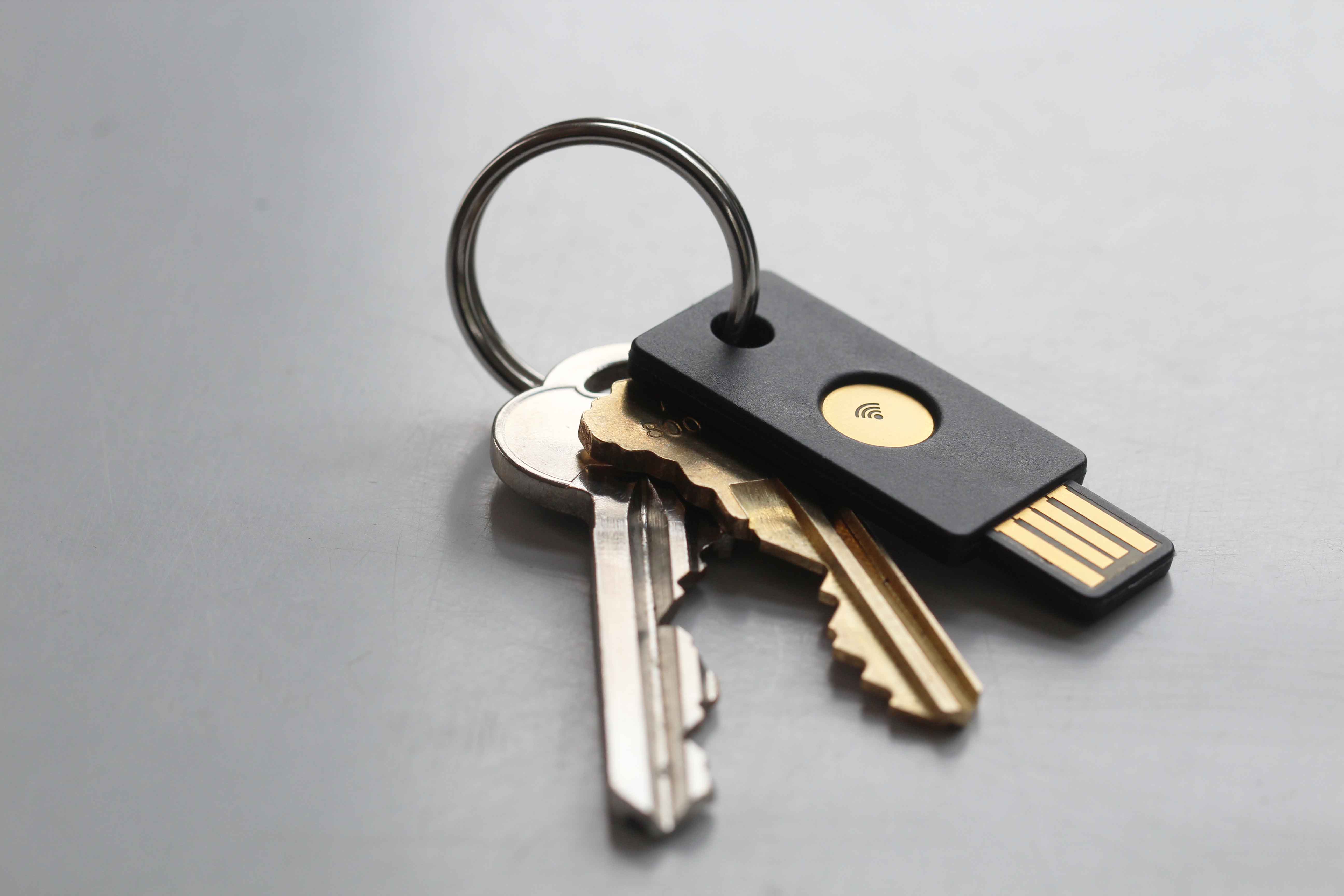
We have already chatted about two-step verification.  By now, you have probably grown tired of entering your password twice to confirm your identity for services or sites you access on the daily (like email accounts, for many of us). For less than €6, you can buy U2F Security Keys, which replace that second authentication factor.  As a safety guarantee, this special USB key does require you to enter on your computer that you, and only you, will try and access the computer.

USB KEY

The above-named gadgets can take your SME to a new level of protection, but you shouldn’t forget that hardware insurance is of little use if it is not accompanied by a good security software. With the Panda Antivirus, small and medium-sized enterprises won’t have to spend much time or money to defend their most valuable digital assets in the best possible way.

The post Happy Geek Pride Day! Here are Five Security Gadgets for your SME… appeared first on Panda Security Mediacenter.

A Kidnapping Survival Guide: How to Combat Digital Ransomware (Part 2)

ransomware2

You have already read some of our tips to help prevent the most feared and common cyber-threat of the moment, ransomware; it can hijack your computer and all the computers in your company. Its main strength is that it is able to block computers and encrypt files, and the only one who is able to decrypt it is the cyber-criminal that created it, which is why so many victims are paying the ransom demanded by these attackers.


When an attack is this sophisticated, the only way to combat it is by taking precautions. Any recommendations you may have can help you, but there is a key measure that is worth mentioning: the backup copies are your best allies to resist the escalation of a cyber-abduction.


In the second part of this guide, we will explain what is essential and how you can handle a ransomware attack.


First of all, ransomware does not block everything. If your devices have been infected, the first thing you should check is that the information is really encrypted. There are mediocre cyber-criminals that are taking advantage of the success of better-prepared, cyber-crime mafias. They do these second-rate jobs in order to simulate attacks that in reality don’t actually hijack your files, and then they reap the benefits. If you do not know how to distinguish a real threat from an imposter, make sure to consult an expert before forking the cash over to the bad guys.


Another important thing to consider: Do you have a backup? After you have verified that the attack is in fact a legitimate ransomware, the first thing you need to ask any security professional is if your company has backup copies of everything that is important. It is the only effective defense. If you have backups, you can eliminate the infected system completely, load your backups, and then everything will be back to normal.


Uses reliable tools. Not all programs are equally effective in creating backups. Unfortunately, many organizations have found that the software used to create a backup is not able replace the detailed information exactly the same as it was before the ransomware attack. Choose your work team carefully and protect your files. Good security solutions offer reliable tools.


For security reasons, it is better to keep your backups offline. In addition to this, if you want to keep ransomware from dragging you down, do not store backups on a shared disk. The more isolated your backups are from the network that is possibly infected, the more likely you are to survive and retrieve your sensitive information from them.


Make several different copies. Even if you are the most careful while carrying out these procedures, there is always a fragile moment. Those few minutes when the disk guarding your backup is copying the data, and is connected to the rest of the network. In that precise moment you are vulnerable to a cyber-criminal. In order to prevent infection, it is advisable to backups in several periods: in real time (if resources permit it), daily, weekly and monthly. They must be separate backups, and at least one of them should be disconnected from the rest of the network.

The post A Kidnapping Survival Guide: How to Combat Digital Ransomware (Part 2) appeared first on Panda Security Mediacenter.

How to Recover a Stolen Smartphone

recuperarmovil1You wake up to the beep-beep! ring of an alarm and, as you eat your breakfast, you comfortably read about the current events on your Smartphone screen without needing to listen to the radio, watch television or turn on the computer. On your way to work, while on public transportation, you take advantage of the time and play a game you’ve downloaded. You chat with your friends on WhatsApp at all hours of the day and even share photos of your outings on Facebook. Even checking emails from your boss has become a somewhat lighter task thanks to this thing that goes with you everywhere: your Smartphone.


Mobile phones and tablets have become part of our day-to-day. Most people argue that without them, our lives would be more complicated and boring. Their necessity makes it of upmost importance that we educate ourselves on how to protect these devices to ensure the privacy of the personal data they hold.

What if your Smartphone disappeared?

What would you do if you lost your Smartphone or it was stolen?


We have shared a multitude of tips that will help keep your terminal from disappearing into the reach of a cyber-criminal, but what if your Smartphone physically disappeared? What would you do if you lost it or had it stolen? Let us hope that you will never have to find out, but just in case, you should prepare yourself.  We have good news: we present to you a free App that will help you if your phone is stolen, and help you hunt the thief who took it.


The App, which you can test for free, allows you to locate the terminal in case of theft or loss. You can see the location of your mobile phone or tablet on a map and can even lock the device or erase data remotely. This will prevent a third party from using your phone and accessing your personal information.

What about Smartwatches?


Connecting Panda Security to your Android Wear Smartwatch is one of the simplest ways you can protect and recover your device. If you activate the anchor mode in your watch you will know where it is at all times.  If it’s too far away, an alarm will go off.  If it is stolen, you will be able to see its location on a map, block it from being used and delete information.


What are you waiting for? Protect your most precious technological goods with the best anti-theft application.

The post How to Recover a Stolen Smartphone appeared first on Panda Security Mediacenter.

Even the inventor of the World Wide Web can be hacked. What about us?

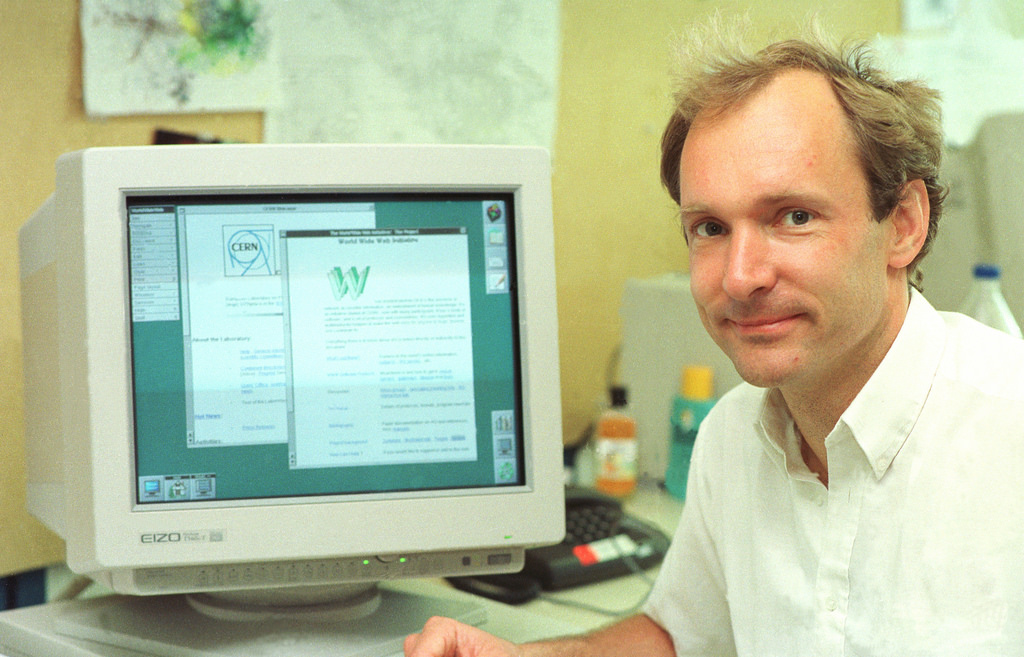
contraseñas_FOTO2Even the inventor of the World Wide Web, Mr. Tim Berners-Lee, can have his password stolen. The hackers were able to access IT resources belonging to the organization that governs the Web (W3C). This makes us wonder: Is there a company that isn’t vulnerable to this type of attack?


We all face the same problem: We are only as strong as our weakest link. Stealing the password belonging to a single employee, especially if their access level is high (for example, a manager), is sufficient means for a cyber-criminal to sneak into a company’s entire system.


According to a recent report by the Cloud Security Alliance (CSA), nearly a quarter (22%) of the IT breaches in companies began with a single password leak. In addition, 65 per cent of the study’s participants believe that there is a medium to high chance that there will be future risks caused by a compromised password.


A fourth of IT breaches began with a single password leak


contraseñas_FOTO1

Pictured: Tim Berners-Lee, the inventor of the World Wide Web

Like many others, Tim Berners-Lee’s situation could have been easily avoided. If an attacker gained access to the back door of the W3C it was because Berners-Lee repeated passwords. It is possible that he used the same password as the one he used for the IRC chats he used to communicate with his team.


The intruder initially got into the system using Berners-Lee’s information, then the same password opened other access points without problem. It was even possible to sneak into the web’s editing area, retouch the founder’s profile, and leave an encryption seal to prove that the cyber-criminal had been there.


To avoid being in this situation, there’s a simple and effective measure that should be followed by everyone in your company: use a different password for every service. That way, if one of your passwords is stolen, cyber-criminals will not have access to other resources belonging to your company.

Likewise, it’s also important to have a dependable security solution for your business to fall back on, like Panda Adaptive Defense 360, which is able to combat the theft of corporate information against both external and internal threats.

The post Even the inventor of the World Wide Web can be hacked. What about us? appeared first on Panda Security Mediacenter.

A Kidnapping Survival Guide: How to Combat Digital Ransomware (Part 1)

Kidnappers can easily take your digital information using one of the most dreaded types of malware: ransomware. Cyber-criminals are relying more and more on these malicious programs to block our computers.  Now, they are asking for larger amounts of money if you want them to “give back” access to your hard-drive.

The losses that a business can incur from an attack of this kind are enormous, which is why it is essential to be knowledgeable about the basic precautions that should be taken if you are in this type of situation.  First to prevent these types of attacks; and then to fight them.

We have prepared a summarized guide with the essential things that you need to be aware of. Here they are:

  • Do not forget the basics. Ignore any of the “simple” measures, which can be fatal for your company’s security. For example, if you allow your company’s employees to open email attachments containing executable files (like a Windows screensaver), then you are opening the door for cyber-attacks.


  • Remember that “human factor”. People are your business’ weakest links when it comes to security, since it is usually much easier to trick them then to trick a machine. It is essential that you give your team the right skills (for example, teach them how to recognize a supplanter or a suspicious email). Your employees can be your company’s best shield against ransomware, or they can be the black hole your organization falls into.


  • Perform an inventory of all of your company’s hardware and software. If something leads us to grow suspicious of a potential attack, it is important to know what “it” is and where we can find “it”.  How fast you are able to respond to an incident will largely depend on how long it takes you to locate the affected computers and systems.


  • Compartmentilize your company’s network, or in other words, divide your company’s network into areas with different access profiles. Apply internal rules to define the type of communication that can be exchanged between these groups and the privileges they have during certain events, in order to prevent greater problems.


  • The safety of our corporate network isn’t the only thing we need to worry about. Every computer (computers, tablets, mobile…) used by employees in the organization must be protected because they are both an entry point and a first line of defense against any type of infection. For instance, when a laptop connects from an external network not belonging to the company, the risk for infection is multiplied. We must prepare ourselves.


  • Buy a good security solution for your company. If you are constantly updating your database, then an anti-virus will more likely and more rapidly be able to detect all kind of threats, even some of the newest ones.

The post A Kidnapping Survival Guide: How to Combat Digital Ransomware (Part 1) appeared first on Panda Security Mediacenter.

“Complete security does not exist in any part of life and definitely does not exist on the Internet”

Ten years ago we started celebrating World Information Society Day on May 17th. On this day, we honor the Information Society and the importance of telecommunications by raising awareness about the Internet and its possibilities, as well as other information and communication technologies (ICT). Luis Corrons, technical director of PandaLabs, pointed out some of the Internet’s capabilities for society and business, and gave us some information on how we can reduce digital divide.


Panda Security– The majority of traditional media outlets are already on the Internet, what advice do you have for them regarding computer security?


Luis Corrons Internet is a communication tool. Online media sites do not differ much from the rest of other websites, so really, the security measures are similar to those of any website belonging to a company in another sector. What they need are reliable systems that provide availability and are fast, but also take safety measures to protect them against possible server attacks. Also, businesses must be extra careful with personal information belonging to their users and/or subscribers.


PS– Social Networks are the main catalyst for change when it comes to the way we communicate, also affecting the personal world of an individual. Are privacy and cyber-security connected?


LC No, privacy and cyber-security go hand in hand. Social networks and privacy are connected, because they encourage that we abandon our privacy by asking us to share personal information that would have never been public prior to their existence.

There are always those who violate the law by taking advantage of the Internet’s benefits.


PS– Internet Day celebrates everyone’s digital freedom: we can decide what to do in a digital environment, how to do it, and to whom. Is this a way for cyber-criminals to intervene?


LC– This is similar to the freedom we have walking through the streets of a city. But we are not going to prohibit walking down the street, or allocate pedestrian licenses, or make people check in on every corner so that the authorities know where they are at all times. It is clear that in a free environment there are always those who violate the law by taking advantage of the benefits, like those on the Internet, but we cannot let that be an excuse.


PSThe use of the Internet is increasingly widespread. One of the best examples is the number of mobile phones in our country. Do you think we should remind users that their security is in constant danger when browsing the Internet, or do you think that many times it is an exaggeration?


LC– Complete security does not exist in any part of life and definitely does not exist on the Internet. But we must not be paranoid. Just as we know that when driving a vehicle the probability of an accident is lower if we follow the rules, we can be reasonably safe if we have taken appropriate measures prior to surfing the web: have software updated and use a dependable security solution for all devices like computers, tablets and Smartphones.


PS– Internet is linked to technology. It is connected to TVs, online videos, the Internet of Things… do we communicate better or worse thanks to these technological developments?


LC– We communicate easier. Never in the history of mankind have we enjoyed so many options like the ones at our disposal today. With those options we can communicate better or worse… it is debatable. It can be said that there are people who are very faithful to the online world, and are much more isolated from the real world than they would be without the Internet. Do we communicate worse or better? It depends on each person.


If security is not present during a company’s digital transformation, it can ruin them.


PS– Digital transformation is a mandatory process for companies. What guidelines must be followed to complete this process safely?


LC– For those companies who have not already adopted digital transformation, it is probably too late. In any case it is essential that we take into account a company’s security when undertaking a digital project. We can have the best idea in the world, run the project perfectly, and make it a great success, but if security is not present our businesses will sink. Let us remember the damage that was suffered by companies for these type of attacks. Last year, the website Ashley Madison and the Italian company Hacking Team are clear examples of the damage these cyber-attacks can have.


PS– “Cloud” services group customer information into a network of specific servers. Do you need extra security to protect them?


LC– The fact is, for both the user and for the business, using cloud services actually decreases the work we have to do to protect the information. As much as a company wants to protect their users’ information, who is going to be able to devote more resources to do so than companies like Google or Microsoft? From this point of view it is clear that the information is more secure in the Cloud. However, there are other risks that we cannot forget: if someone were to steal one’s identity they would have access to those services that can be accessed remotely.


Remembering to update, protect and distrust are key for navigating the web safely.


PS– What minimum precautions should a user take for a safe experience?


LC– There are some guidelines that apply to all devices (computers, tablets, Smartphones)

  • Update: always have applications and the operating system updated, in order to patch any known security holes.
  • Protect: Use a security solution to protect us from the millions of attacks that occur on a daily basis.
  • Distrust: Many times, the users themselves cause security problems. We are very confident when we are on the Internet, and cyber-criminals take advantage of this by using the so-called “social engineering techniques”, where they trick us and infect our companies.


PS– Technology and cyber-security: what do we see for them in the future?


LC– A lot. The Internet of Things are going to fundamentally change the world of cyber-security, with more devices that need protecting every day, from domestic appliances to vehicles, all of them are connected to the Internet. The greatest risk is that many of these newly connected devices were designed without taking into account that they would be connected to the Internet one day. Their manufacturers do not make security a priority. Just imagine that someone “kidnapped” your house using ransomware and does not allow you to leave or enter the house until the ransom is paid. Although this seems like science fiction, we must be well prepared for what lies ahead.

The post “Complete security does not exist in any part of life and definitely does not exist on the Internet” appeared first on Panda Security Mediacenter.


Eight everyday security tips for the whole family

family-EN

From the youngest to the oldest in your household, every member of the family uses the Internet and apps to inform, entertain and maintain contact with their loved ones. This Sunday, May 15th, is International Day of Families and to celebrate, here are some basic tips to keep your family safe while navigating the web.

Updates

Make sure that your operating system and programs or applications are updated properly. Manufacturers often fix vulnerabilities that are appearing, but the only way to make sure your software is “patched-up” is by using the latest version.

Email Attachments

If you get an email that looks suspicious, do not open it until you are sure that the sender is who he claims to be. If you receive unknown messages, do not download the attachments! Even those documents that appear harmless (such as a Word or a spreadsheet) can hide malware. A simple photo might not be what it seems.

Public Wi-Fi

Prevent connecting to public Wi-Fi networks.  Any cyber-delincuent  could use the network as a trap to access your device and steal your information.  If you must use a public network, you should follow these basic security tips.

Online Shopping

While searching for the “best deals” online, we can end up on some unreliable and unknown websites.  Stay away from them! Always verify that the website address matches the webite you are trying to access and that it starts with “https”.  If you always buy on reputable website you will avoid greater evils.

Social Networks

Do not accept friend requests from strangers or allow your children to do so. Try not to share your personal data (like your phone number or address)across platforms like Facebook, Twitter or Instagram, because you can never be certain who is on the other side or spying your conversations. It’s better to be safe than sorry.

Anti-virus

A good anti-virus is the best barrier that you can put between your computer and possible cyber-attackers. Each day, new vulnerabilities are discovered. Only the security experts are aware of them and can update the protection measures when there is a threat.

Parental Control

There are always threats on the network targeted towards young internet users.  Educate the children in your family about proper internet usage and how to recognize unusual behavior.  Teach them what they should do in a difficult situations and always install a good parental control system, like Panda solutions.

Keep Them Little

It is normal, if not inevitable, that your children use social networks or messaging programs like WhatsApp, Snapchat, and Facebook Messenger to speak with their friends. These services can be beneficial or entertaining, but are not 100% danger-free.  Beware of cyber-bullying and the danger-strangers that lurk behind the disguise of a screenname. And for those older members of your family, you should educate them about the dangers of sexting.


The post Eight everyday security tips for the whole family appeared first on Panda Security Mediacenter.

The Best Free Tools for your PC

Panda Free

From fashion and flights to technology and innovation, we love to get a good deal.  We get a thrill out of saving money, and it’s even better when it’s free.

There’s a world of freedoms, thanks to popular software and licenses that are offered for free, depending on what interests you. Whether you are a photo-fanatic, music-junkie, or just love a good deal, there are tons of resources at your disposal. There is even software that turns your phone into a digital wallet, in case you want to go wallet less!

The Down Low on the free Downloads

You can perfect and share a multitude of photos using free photo editing software. One of those freebies, PhotoScape, allows us to retouch and perfect all of our digital images in just a couple clicks. Once they’re fixed up, go ahead and share them on your favorite Social Network.

Because of their accessibility, we have become over-consumers of music, TV and movies. We want to use them whenever we want. You can organize and play all of your media using VLC media player, a free and open-source multimedia player that is available for different operating systems in several versions. You are able to watch movies and TV shows, and listen to music. It can be downloaded in the following formats: OGG, FLAC, MKV, MP3, MP4, WMV, MOV.

But, even freebies have imperfections. Companies have been battling to be the internet’s “most downloaded”, as seen with Google Chrome and Internet Explorer´s back and forth battle.  Explorer was recently dethroned as the most-used browser. Regardless of who is in first place, both of these web browsers continue to trail the rest, like Firefox and Safari.

Take care of your PC on a low-cost budget

If we want to take advantage of these tools we must make sure our PCs are running at optimal levels. The free software CCleaner helps us delete useless files, while keeping our PCs clean, optimizing it, and speeding it up!

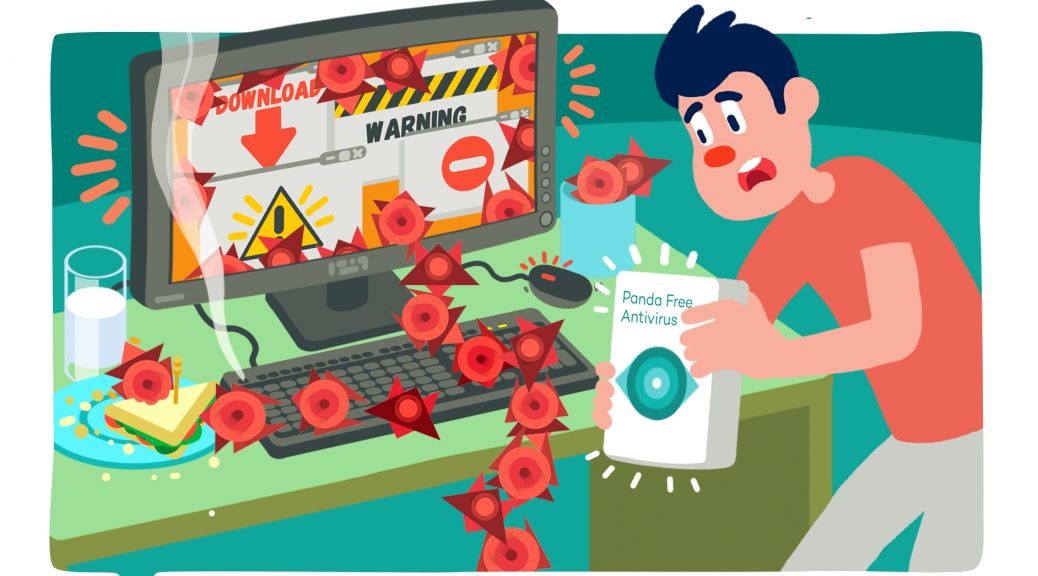
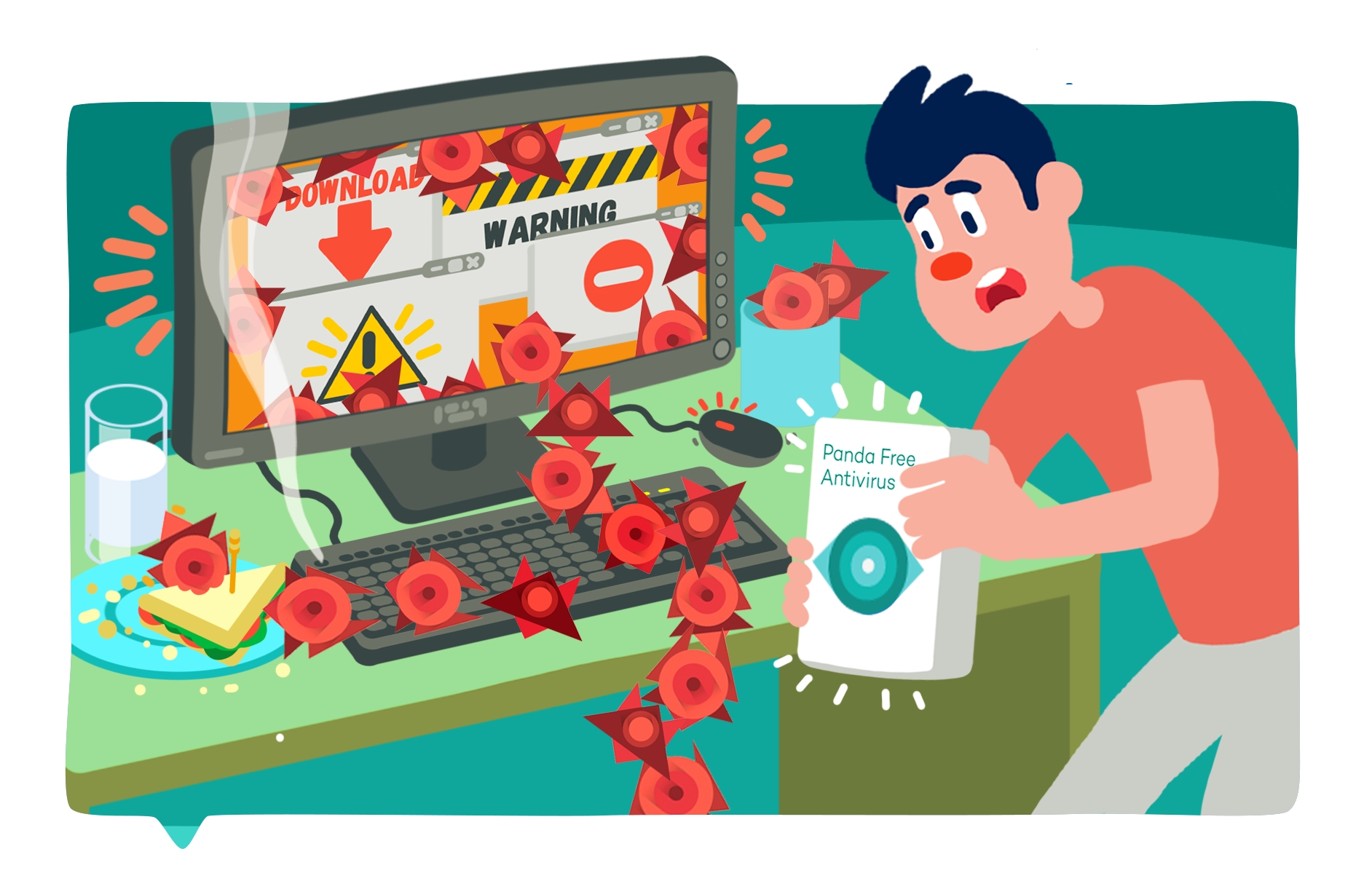
What about cyber-security? Let’s not forget that hackers take advantage of large security holes in order to attack Internet users. To protect ourselves from the 227,000 new malware samples that have been detected each day this year, we have free solutions like Panda Free Antivirus 2016a great value with Panda´s guarantee. Quality isn´t always costly!

Who said it was expensive to keep your system up-to-date?

The post The Best Free Tools for your PC appeared first on Panda Security Mediacenter.

The danger of shortened links: exposed personal information

enlacesacortados_1Microblogging gives us the freedom to turn our thoughts or our status posts into conversations.  Social networks like Twitter have opened doors for this type of instant communication.  Even shorter than Twitter’s 140 characters is bit.Ly, an insanely popular platform for shrinking long URLs.  But as always, with Bitly’s effectiveness and convenience, comes great security risks.

Most of us are aware that these shortened links have the possibility of being dangerous because… we don’t really know what is behind “the link”.  All we see is a condensed URL (unless we click it).  We need to use a special service to see the original URL before “clicking” it. Browser extensions like Mozilla Firefox’s Unshorten.it (Mozilla Firefox) or Google Chrome’s LongURL were created to make this process easier.


Relying on shortened links can be dangerous


A recent study published by a group of researchers from the School of Technology at Cornell University in New York has demonstrated that the danger doesn’t only exist in the links themselves, but also, where-in-the-internet they might take you.  There also exists a possible threat to your private information stored in files on the Cloud. The bad guys have gained access to thousands of files in OneDrive, Google Drive and Google Maps from these shortened links.


The problem is that these reduced URLs are not only short but also very predictable. They all follow the same structure. It is extremely easy to see hundreds or thousands of possible variants, automatically and in a matter of seconds, by checking to see if the link is directed to a file in the cloud.


When links fall into the wrong hands


“OneDrive URLs have predictable structure.  From the URL to a single shared document (“seed”), one can construct the root URL and automatically traverse the account”, as explained in the study. Following this procedure, researchers have gained access to nearly a million and a half files, “including hundreds of thousands of PDFs and Word documents, spreadsheets, multimedia and executables”.


Once the appropriate links are discovered, an attacker could not only access sensitive information contained in the files, but they could also take advantage of the Cloud so they can infect devices like mobiles and desktops. “This means that anyone who randomly scans bit.ly URLs will find thousands of unlocked OneDrive folders and can modify existing files in them or upload arbitrary content, potentially including malware.” This way of distributing malware is worrisome because it is both quick and effective.


The post The danger of shortened links: exposed personal information appeared first on Panda Security Mediacenter.