Monthly Archives: July 2015
Three UK Politicians 'Hacked' Using Insecure WiFi
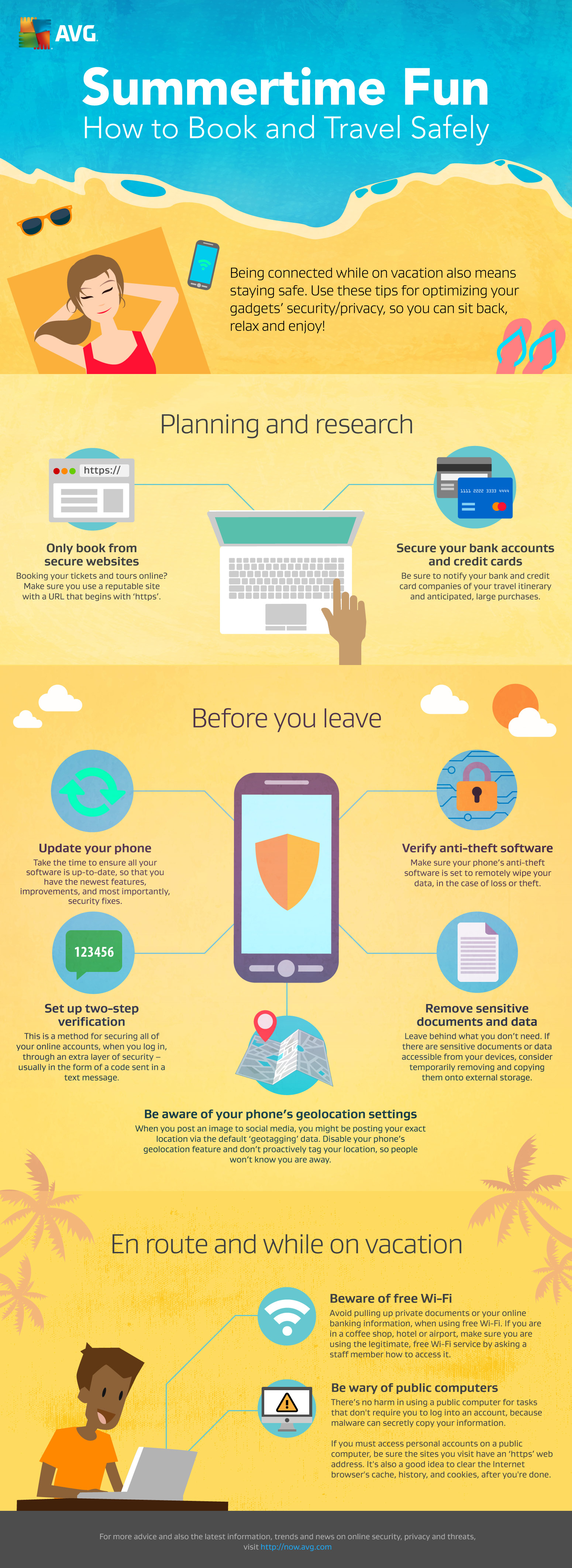
10 Tips to stay safe online this summer vacation
I recently got back from a family holiday in Yellowstone where there was no Internet connection at all. For me it was a blissful digital detox but my son didn’t take so kindly to it. He would jump onto any public network that appeared, regardless of its security, in an attempt to get himself back online where he could game and chat with his friends.
It got me thinking that, from start to finish, there were a lot of things during a summer vacation that could lead to some risky online behavior.
With that in mind, I’ve put together my 10 tips to help you and your family stay safe while booking, travelling and enjoying your vacation.
Read more
For full details on all the above tips and more, check out my simple fact sheet.


OpenSSL Patches Critical Certificate Validation Vulnerability
A high-severity bug in OpenSSL was disclosed today, and it affects only organizations that installed an update released in June, and allows anyone with an untrusted TLS certificate to become a CA.
Apps on Google Play Steal Facebook Credentials
Over 500,000 Android users targeted by phishing apps harvesting their Facebook credentials. ESET detects these trojans as Android/Spy.Feabme.A.
The post Apps on Google Play Steal Facebook Credentials appeared first on We Live Security.


Spying on your company’s emails can be as easy as (literally) coupling into its optical fiber

Five minutes. That is the time needed for an attacker to intercept your company’s communications in the most simple and alarming way. Unfortunately, they don’t have to circumvent complex security measures, install malware on the employees’ computers or anything like that.
The legendary hacker Kevin Mitnick, once convicted cybercriminal and now renowned expert in computer security, has shown that coupling the optical fiber connection of a company or an individual is too easy for someone with evil intentions and the right skills.
Replicating the usual configuration of an office’s network, Mitnick simulates a daily situation: any employee sends an email that, before reaching its destination, will stop on a server (represented by a second laptop in the demo, for practical reasons).
Attackers do not require physical access to any of the two computers. Their task is limited to finding a point where they can intercept the optical fiber. As shown in the video, they can couple into any cassette or junction box carrying the cable before it reaches the victims office or home.
Probably you have seen these cassettes when the technician on duty went to install them. They are usually stacked in a box in the telecommunications room (RITI) of the building, a room that is usually in the garage or in the access floor – or maybe it is the same where the electricity meters are.
If the room is closed with a key, probably it won’t be the place chosen by an intruder to hack the connection. Still in the building, on the upper floors, he could tap the junction box where the cables which end in every home or office start. And also outside the building, on the street, the cybercriminal can find somewhere to couple the cable.
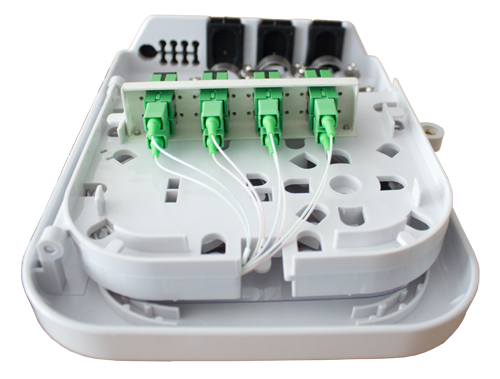
Once located the spot, the attacker will tap the communication thanks to a small ordinary device. Known as ‘clip-on coupler‘, is a device that technicians use for maintaining and identifying the cables. Mitnick used it on his show, and a specific software installed in the computer, to intercept data packets travelling by optical fiber.
This time is the email (and its content, an important password) that ends up in the hands of the fictional attacker. In a real scenario, the cybercriminal could spy any communication that is not encrypted. Moral: do not send passwords, confidential reports or other sensitive material unencrypted via e-mail.
How to prevent your optic fiber from being coupled
- Restrict access to the optic fiber cabinets to authorized personnel.
- Use secure tools for sharing files and information.
- And common sense.
The post Spying on your company’s emails can be as easy as (literally) coupling into its optical fiber appeared first on MediaCenter Panda Security.
Three reasons to protect your Windows 10 machine with AVG
If you’re on Windows 7 or 8.1, the free upgrade to Windows 10 is quite compelling as it sports the return of the Start menu, a fresh look and some exciting new features.
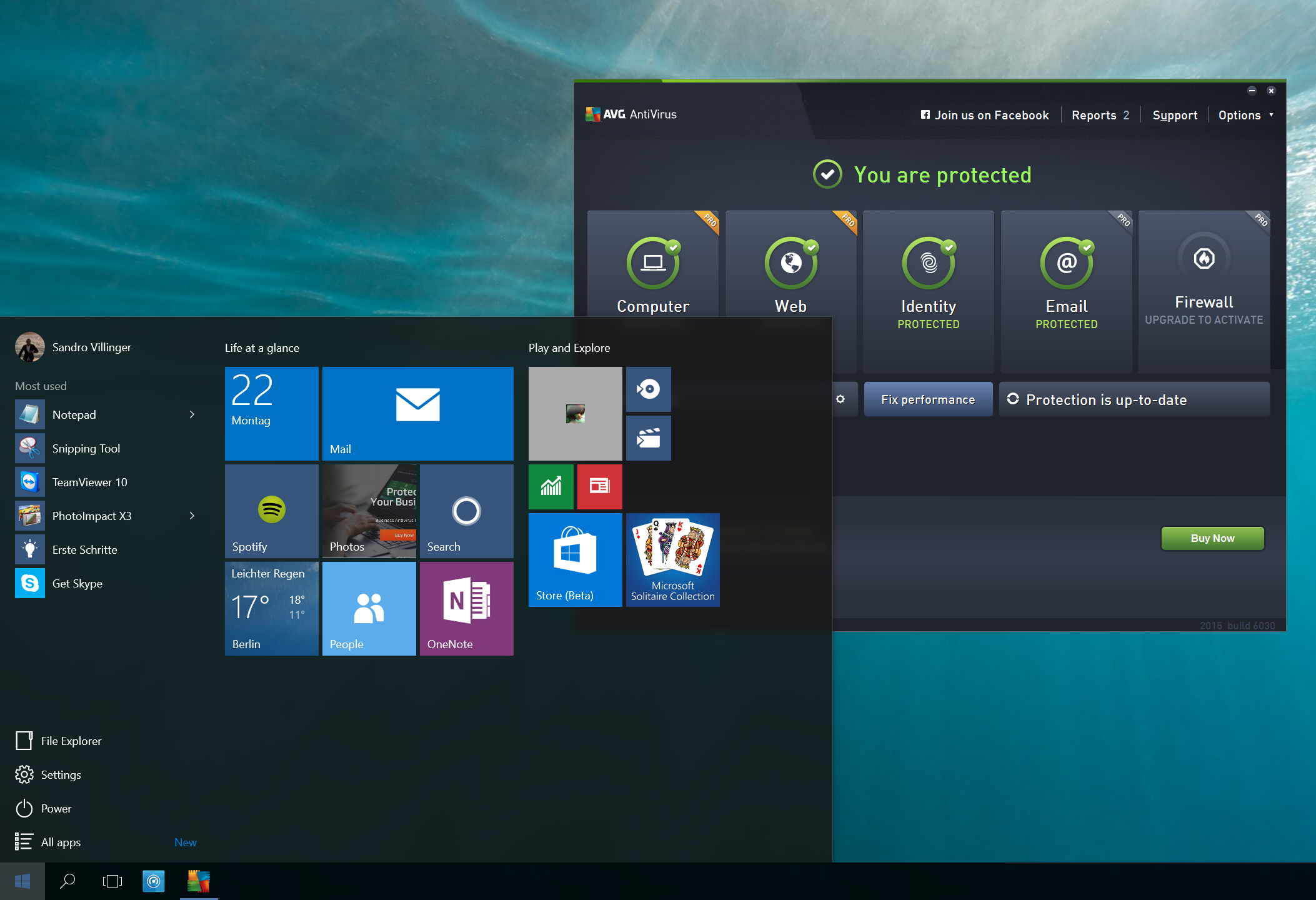
But with millions of users upgrading, it becomes the next big target for hackers and scammers. Having robust security software will be no less important on Windows 10 than on previous versions.
AVG helps keep you safe, no matter whether you’ve upgraded your old PC or got a brand new one. Here’s three reasons why AVG can help keep you safer than the Windows 10 built in Windows Defender:
Better Protection
In AV Comparatives monthly real-world protection study, Windows Defender provides a 90.9% protection rate which is just not competitive. AVG scored 99% with zero false positives in May of 2015.
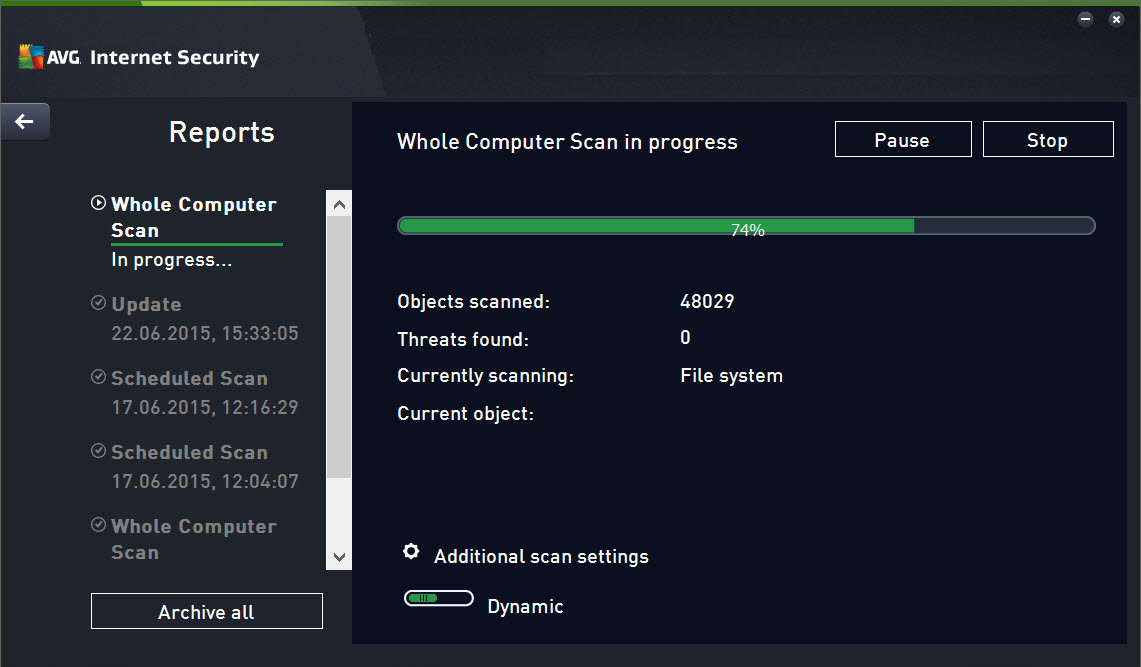
Better Reviews
PCMag wrote in April 2015: ‘It’s true that Windows 8 and 8.1 come with antivirus protection built in, but you can’t rely on it to protect you against malware attacks.’ – According to the reviews, the detection hasn’t improved noticeably with Windows 10, so specialist solutions are recommended.
On the other hand, Windows 10 compatible AVG AntiVirus Free 2015 has 4/5 stars on CNET and 8/10 on Top Ten Reviews.
More features
While the built-in protection could help you against viruses, there are a wide variety of threats on the Internet.
A good, free antivirus product such as AVG AntiVirus sticks out of the pack by not just offering critical on-demand scans or real-time protection, but also anti-phishing mechanisms, URL scanning and behavior-based detection scans. And with the full-featured AVG Internet Security Suite you will get not just the award-winning antivirus protection, but the following essentials on top:
- E-Mail Protection: Detects infected or rogue inbound attachments so they can’t damage your PC.
- Online Shield: Checks files before you download them to ensure they are safe
- Data Safe: Encrypts and stores your valuable documents
- More frequent updates: Checks for updates every 2 hours if you want to.
- Anti-Spam: Stops spammers and scammers getting to you.
- Shopping Protection with Enhanced Firewall: Blocks hackers attempting to access the private data stored on your PC.
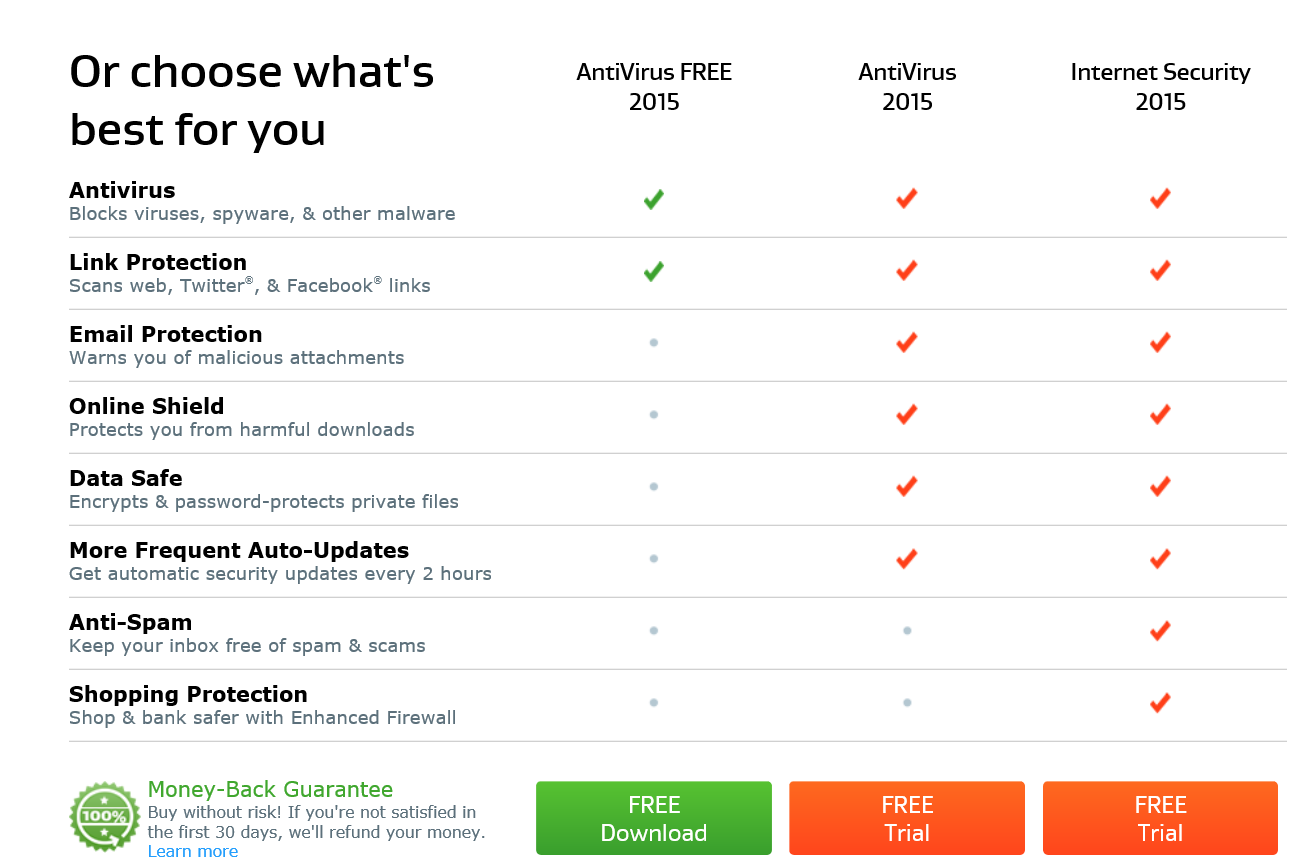
All our AVG security products are 100% compatible with Windows 10 and help protect you from all threats going forward.
Existing Users: How to Ensure Ongoing Protection
Are you running AVG AntiVirus, AVG Internet Security or AVG Protection? If so, then you should’ve already received the free update to the latest product version which is tested and ready for Windows 10, as detailed here in this blog post.
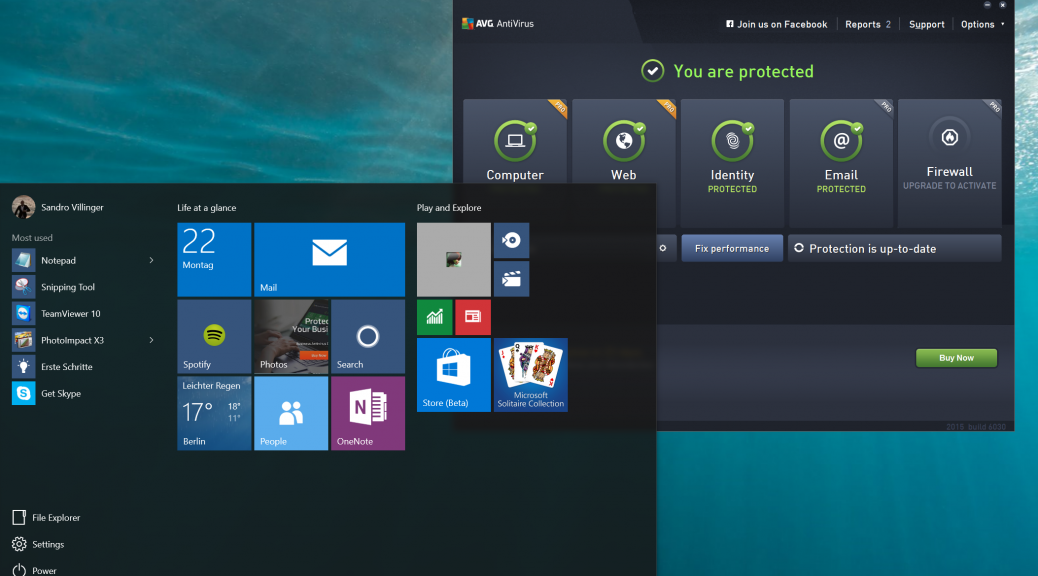
If you don’t see the latest dashboard (such as the one below), then there’s a slight chance something went wrong and you may have to download the latest versions:
- AVG Internet Security, AntiVirus, or AntiVirus Free users click here.
- AVG Protection or Ultimate bundle customers click here.
Done? Perfect. Once you’ve upgraded from Windows 7 or 8 to Windows 10, all you need to do is check your task bar and see whether your AVG product is still active.
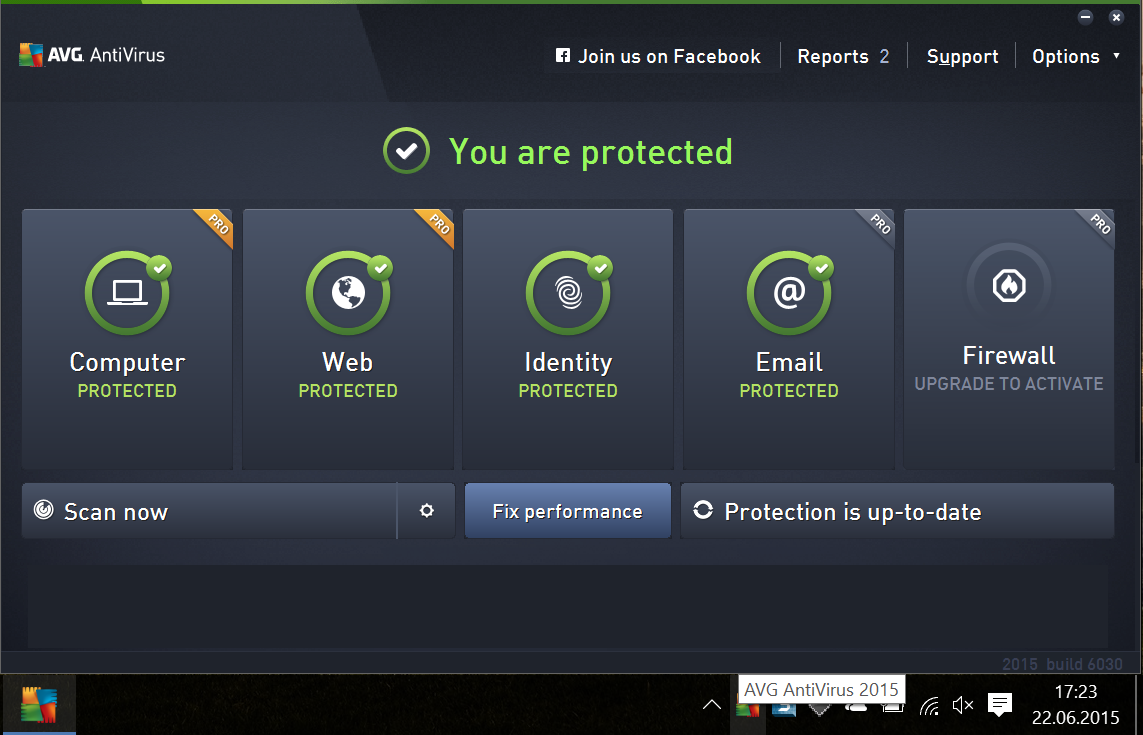
If for some reason, the protection is inactive or you can’t find the AVG icon, please download and install the latest versions as mentioned above. That’s all it takes! Again, this process should be fully automated and won’t need to manually update.


Bugtraq: SQL Injection in easy2map-photos wordpress plugin v1.09
SQL Injection in easy2map-photos wordpress plugin v1.09
Bugtraq: Merethis Centreon – Unauthenticated blind SQLi and Authenticated Remote Command Execution
Merethis Centreon – Unauthenticated blind SQLi and Authenticated Remote Command Execution
Bugtraq: [CORE-2015-0011] – AirLink101 SkyIPCam1620W OS Command Injection
[CORE-2015-0011] – AirLink101 SkyIPCam1620W OS Command Injection