CEBA-2014:1328 CentOS 6 libcgroup BugFix Update
CentOS Errata and Bugfix Advisory 2014:1328

Upstream details at : https://rhn.redhat.com/errata/RHBA-2014-1328.html

The following updated files have been uploaded and are currently
syncing to the mirrors: ( sha256sum Filename )

i386:
18d3cb7b351152d05f0fcb643606c89aa8afdadc2f37a2fb781bd16081e9180c  libcgroup-0.40.rc1-6.el6_5.1.i686.rpm
296c697bde3eaf5882a61ca393f49a126944e3f9ce5fabda793ba6a7446f7ed8  libcgroup-devel-0.40.rc1-6.el6_5.1.i686.rpm
f3129b133ef068cc7e7fcbe828cb6faadd3fd604629bbfe6822d3274a51cffc0  libcgroup-pam-0.40.rc1-6.el6_5.1.i686.rpm

x86_64:
18d3cb7b351152d05f0fcb643606c89aa8afdadc2f37a2fb781bd16081e9180c  libcgroup-0.40.rc1-6.el6_5.1.i686.rpm
0bba2bff403634d6d9f39da167e3ab075cc21f6f9d9e9ac64a12e1f64ed48c1c  libcgroup-0.40.rc1-6.el6_5.1.x86_64.rpm
296c697bde3eaf5882a61ca393f49a126944e3f9ce5fabda793ba6a7446f7ed8  libcgroup-devel-0.40.rc1-6.el6_5.1.i686.rpm
cd77dc37627104ae294655707ff1a0c74c88c46df4e036ca72d5a25bb325b044  libcgroup-devel-0.40.rc1-6.el6_5.1.x86_64.rpm
f3129b133ef068cc7e7fcbe828cb6faadd3fd604629bbfe6822d3274a51cffc0  libcgroup-pam-0.40.rc1-6.el6_5.1.i686.rpm
730f7edc7748cd0c4b09ec8cab82b1f4539c175be4f0643623eb5c0f00fff65e  libcgroup-pam-0.40.rc1-6.el6_5.1.x86_64.rpm

Source:
902a501c5c91465d7b36e7ffe679e60194ce9678723b2b98bc38051e4fef416c  libcgroup-0.40.rc1-6.el6_5.1.src.rpm
How to fix Shellshock Bash on Mac OS X: Mavericks edition
Apple Mac OS X users concerned about the Bash vulnerability dubbed Shellshock got some relief late yesterday as Apple published fixes for various versions of OS X. But if you use Mavericks you will need to install 10.9.5 before the Bash fix will work.
The post How to fix Shellshock Bash on Mac OS X: Mavericks edition appeared first on We Live Security.

Experienced Social Media Ninja wanted!
Take care of Avast Communities &Â Â A-team!
At Avast we are convinced that our Community of 5 million fans and followers deserve our full attention.
Therefore, we have a dedicated social media team that creates, monitors, and participates in conversations across social media, engaging with AVAST users, journalists, and key influencers. We blog, tweet, pin, simply do what all Social Media Ninjas should do, in order to earn the title Ninjas! One of us is leaving, to take care of a newly-arrived little Ninja, therefore we are looking for someone who can join our Social Media A-Team! ;)Â
Avast Social Ninja should be 
- Experienced and multi-functional community manager: Monitor, prioritize, respond, and assign conversations across all of AVAST’s 20 social media touch points!
- Able to assist our local social media community managers: Monitors trends, tools, and new techniques, so you can support and guide our local managers through the social media jungle!
- Creative story-telling via short-form content and blogging is your weapon, and you know how to play with words!
- Focused and capable of planning ahead.
- Be able to manage Social Media campaigns and report results to the Master of Ninjas!
Perfect Ninja should
- Prove at least 2 years experience in the Social Media ring.
- Be flexible and focused on the users’ needs. Understanding that our American, French, Russian, German, etc. communities require different approaches is crucial!Â
- Understand that Social Media Ninjas fight together. Work closely with communications, marketing, support, and product teams.
- Be tech savvy enough to know that the AVAST Virus Lab doesn’t create new viruses, phishing doesn’t use worms for bait, a false positive isn’t positive for Avast or our users. Basically you need a working knowledge of online and mobile security!
- Fluent in English (written and spoken) is a MUST. Any other language is a plus (Japanese will give you extra points. )
What you can expect from us?
- Great, unique experience in social media, lots of fun, space for creativity, and new ideas!
- Fantastic team atmosphere and close cooperation within our international environment with Deborah (American, currently in Florida, USA, before living in China, Finland), Albert from Spain, Anna from Russia, Andre from Brazil, Dominika from Czech Republic, Sarah from France!
- Working in the AVAST HQ in Prague, one of the most beautiful cities in the world.
- Plenty of benefits that all Ninjas like: Flexible working hours, lunch vouchers, 5 weeks of vacation, sick days, language courses, training, pension insurance.
What won’t happen to you:
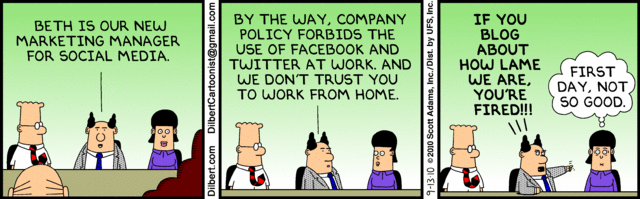
Challenge accepted?Â
Send us your CV, link to your blog, Twitter profile, Google + Â and a letter explaining why you ARE THEÂ ONEÂ at [email protected] or [email protected]
Last, but not least, follow us on Facebook, Twitter and Google+. Business owners – check out our business products.
New Signed Version of CryptoWall Ransomware On the Loose
Researchers have discovered a variant of the CryptoWall ransomware that has a valid digital signature and is being distributed through malicious ads on several top-ranked Alexa Web sites. CryptoWall is one of the more successful ransomware strains in recent memory, with researchers estimating last month that the malware had grossed more than $1 million for […]
StealthGenie CEO arrested for marketing ‘illegal stalking app’
The creator of an app that secretly allows you to monitor another person’s smartphone usage without their knowledge has been arrested in Los Angeles, according to Slashgear.
The post StealthGenie CEO arrested for marketing ‘illegal stalking app’ appeared first on We Live Security.

FBI Director “very concerned†with smartphone encryption
With Apple, Google and other tech companies responding to users’ demands for privacy with further smartphone encryption options, not everyone is happy. FBI Director James Comey is “very concerned†about increased mobile OS encryption, according to TechSpot.
The post FBI Director “very concerned†with smartphone encryption appeared first on We Live Security.

Support Scams: Expect the Scammish Inquisition*
An update on support scams: but are the scammers looking for fresh fields and posturings new?
The post Support Scams: Expect the Scammish Inquisition* appeared first on We Live Security.

LinkedIn: How to avoid being scammed

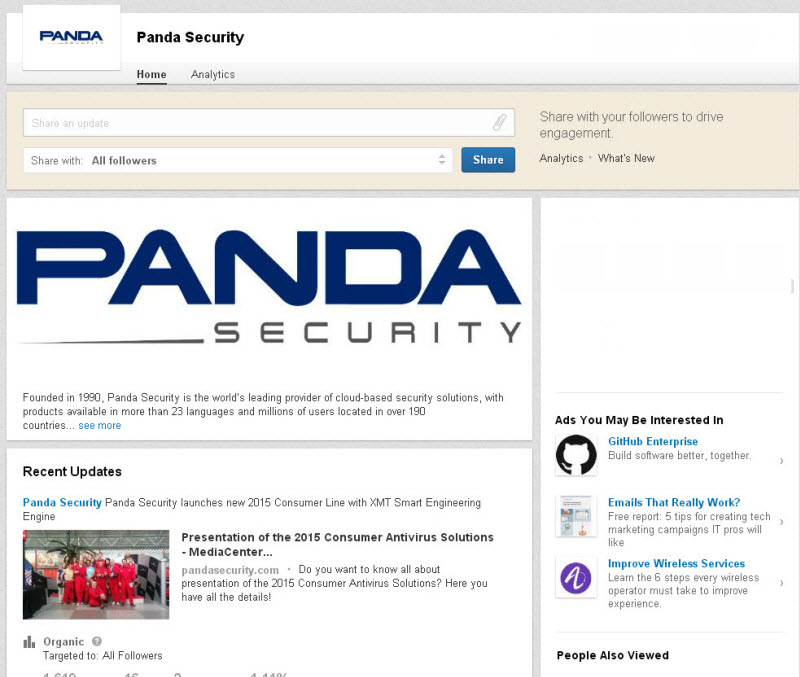
Nowadays, practically everyone has a profile on LinkedIn. This is a useful tool for letting companies know who you are, your work experience, your present position and the best way to contact you. Along with other personal details, it is common to include an email address.
Yet despite these benefits, the platform also has its drawbacks, at least when it comes to security. The tool is not only useful for human resources managers, but also for spammers and cyber-criminals on the lookout for email addresses to which to send fraudulent messages.
More often than not, the real target of these attacks is not the owner of the email account, but the company where they work, and its data. For a cyber-criminal, this social network is like an address book containing the company email addresses of thousands of users, who use these addresses instead of their personal ones for any professional business.
Once they have found several accounts with the same company name, they make a note of the address structure (usually [email protected]). Then, with a slightly more refined search, they can get a list of all employees’ email addresses.
If the hacker knows the structure of the network that the company uses, they can access the system by sending an email to the employees in their address book. This mail might include, say, a link to a page where the recipients are asked to enter the username and password to access the organization’s platform. Once they have them, they have free reign to spy on internal information.
Those often excluded from the attack are the IT department, as they might rumble what’s going on. However, customer services, marketing, accounts, and human resources are much more attractive targets for hackers.
If the criminals manage to enter the systems, this is just the first step to getting other type of information: personal details, account numbers, passwords and databases can all be compromised.
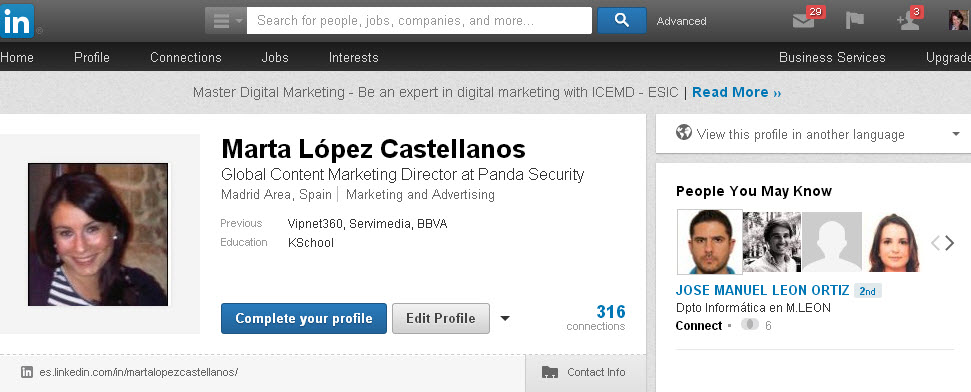
Companies often encourage employees to have a presence on Linkedin. Yet saying where they work, looking for new customers and employees and increasing brand visibility on the Internet has its risks.
How to keep unwanted messages out of your professional inbox
- Stay up-to-speed on IT security. It’s a good idea to go on courses or for companies to organize workshops. If employees can recognize scams it can help prevent them from falling into the traps set by criminals.
- Employees should be clear about what kind of data they will be asked for on the company’s ICT platforms so as not to enter personal information on external websites. Recognizing the email account used for internal memos is also a useful aid for distinguishing suspicious messages.
- Another thing you should consider when protecting your company (and also yourself) is to understand the mechanisms that are available to alert technicians to any strange items. IT managers can also play their part, warning about the importance of these actions. A timely warning can prevent someone from clicking a fraudulent link or revealing personal data.
- Use a personal email account in LinkedIn. This makes it more difficult to identify, although the same advice still applies: don’t open emails from unknown senders, don’t click on the links to unknown content and be careful where you enter your data.
The post LinkedIn: How to avoid being scammed appeared first on MediaCenter Panda Security.
WordPress Refraction Theme XSS / Content Spoofing / Path Disclosure
WordPress Refraction theme suffers from cross site scripting, path disclosure, and content spoofing vulnerabilities.