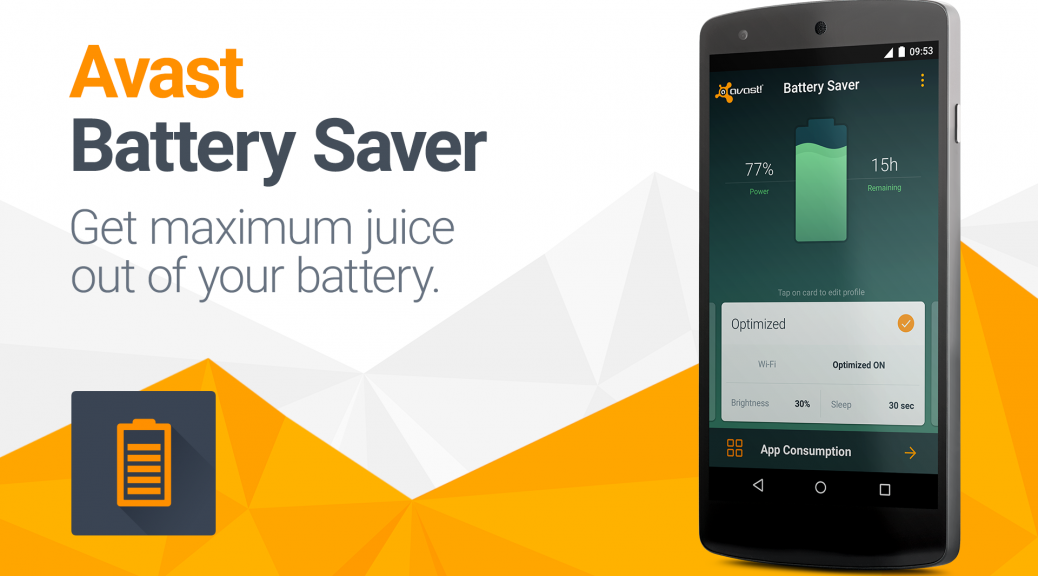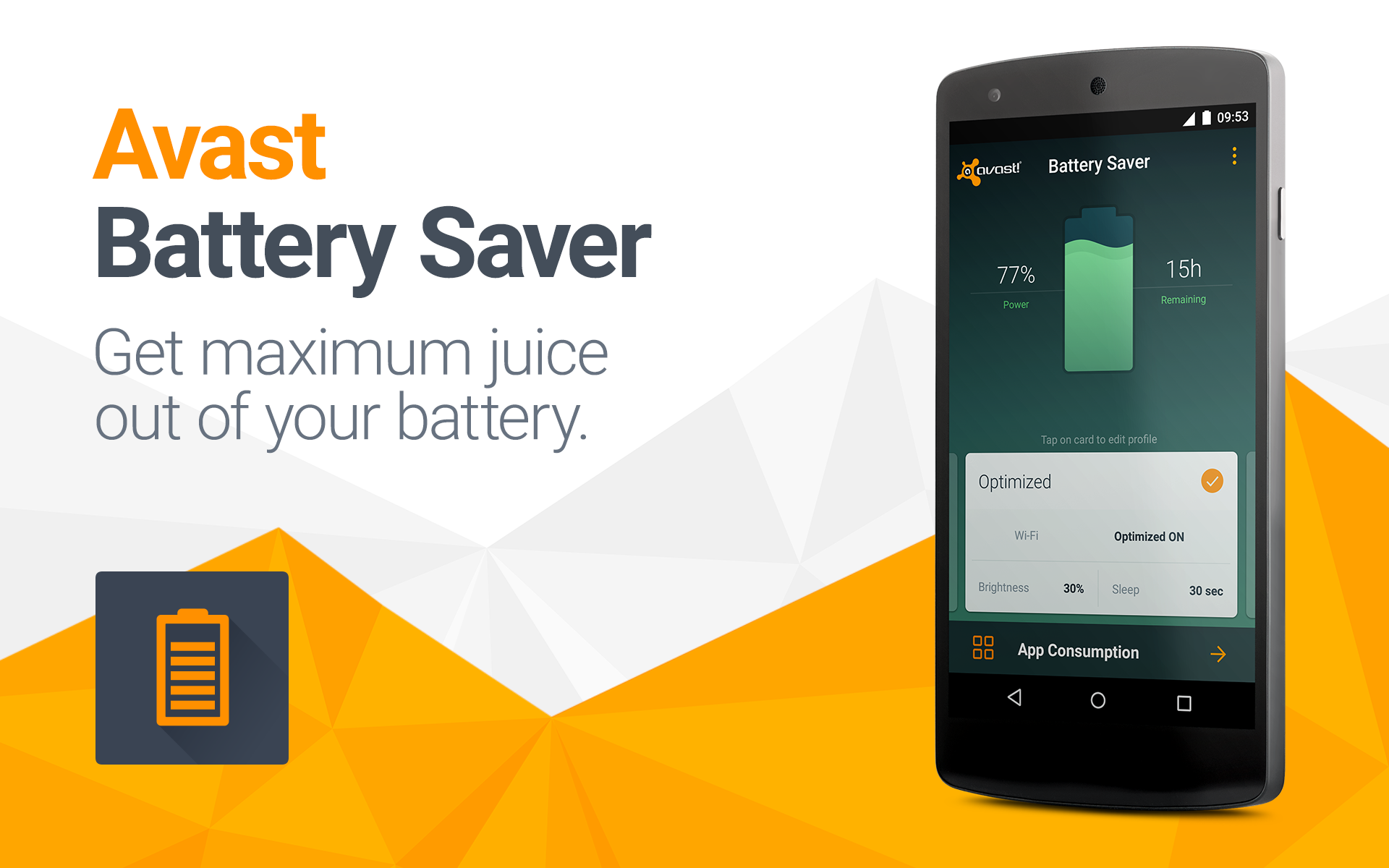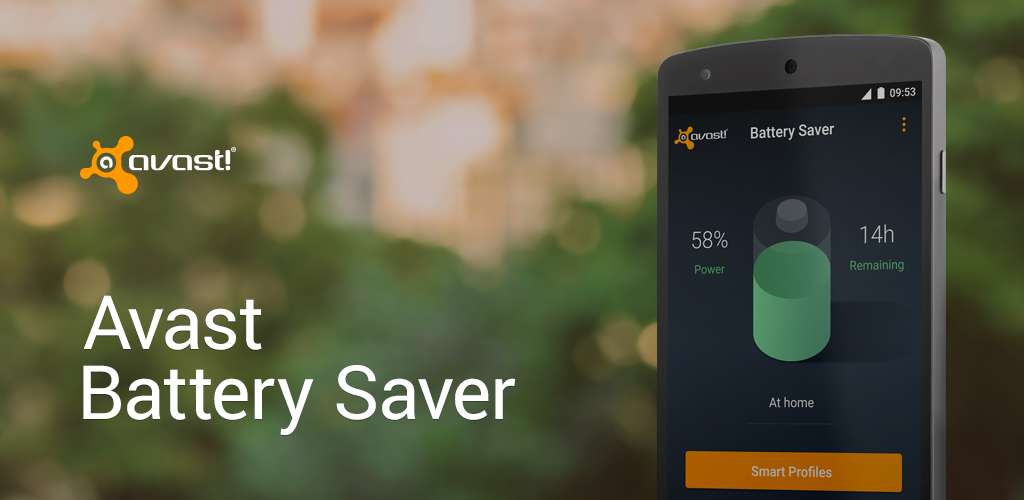
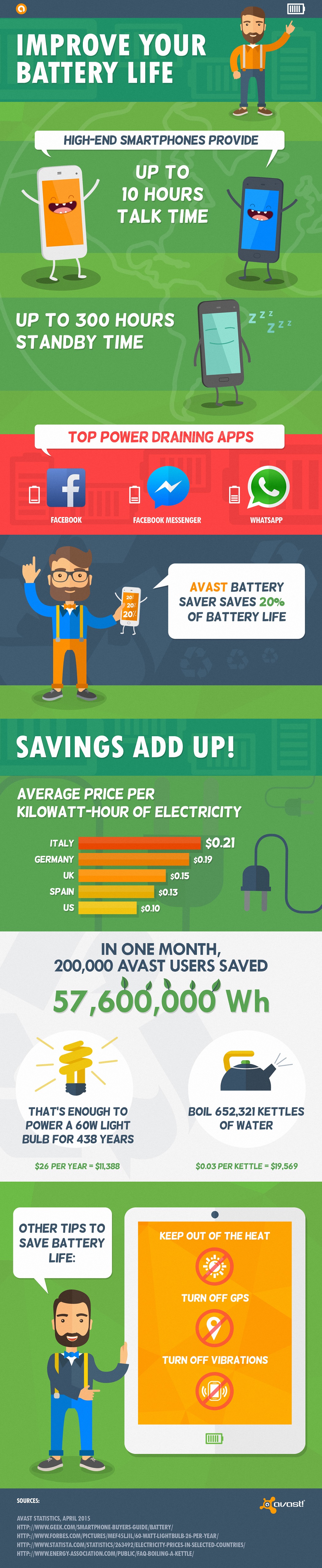
Avast Battery Saver increases battery life by an average of 7 hours.
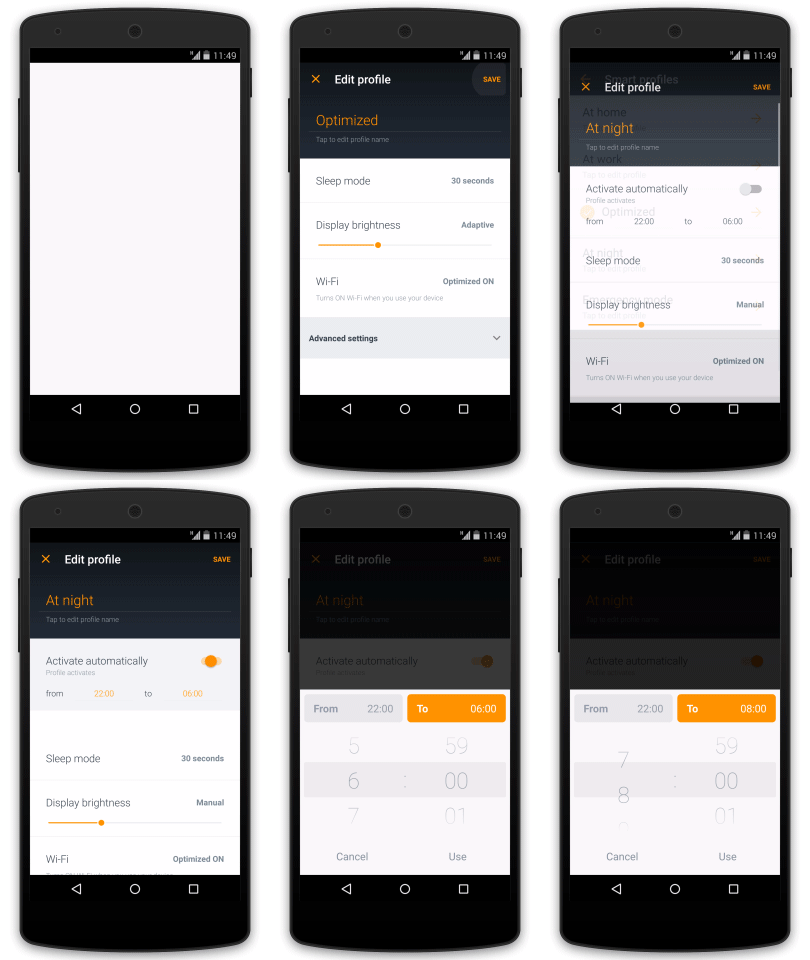
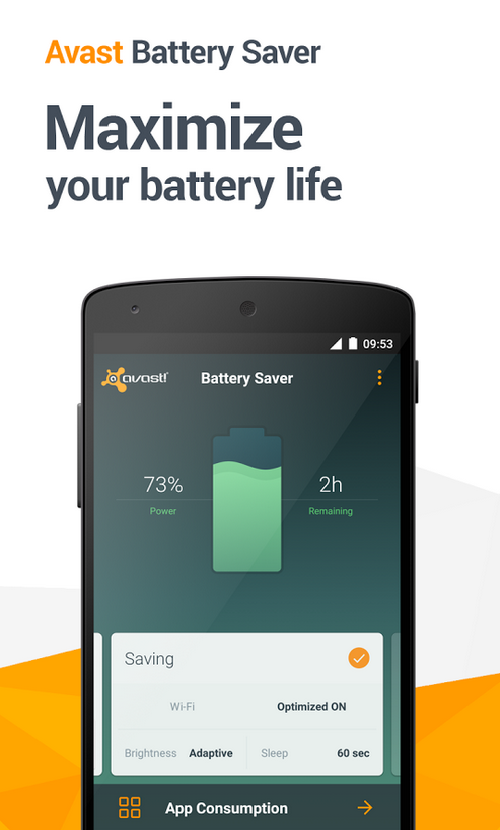
We’ve recently told you about Avast Battery Saver, an application which saves your Android’s power without hassle. It optimizes phone settings such as Internet connectivity, screen brightness, and timeout according to your needs. We’d now like to announce an exciting new feature of the app: Wi-Fi-based smart power profiles. These profiles are activated automatically based on designated local Wi-Fi networks that are detected. Users can now assign specific wireless networks to be used within their home or work smart profiles. Not only are Wi-Fi-based profiles more precise than GPS-based profiles, but they are also more efficient and require less energy to detect.
In contrast to other battery-saving applications, Avast Battery Saver learns about your daily routine and thus suggests the best smart profiles for your phone. It doesn’t require you to change your behavior or usage, nor does it affect voice calls, text messages, or the ring volume of your phone.
“Everyone needs more battery life for their mobile devices, but most battery savers shut down the wrong apps,” said Jude McColgan, Avast’s President of Mobile. “Avast Battery Saver learns which apps are most important to the user, and shuts down only those that are less used.”
Avast Battery Saver significantly improves battery life, saving up to 20% on one charge — and it’s free from the Google Play Store.
New Wi-Fi-based profiles have been added to make the app’s convenient features significantly more efficient
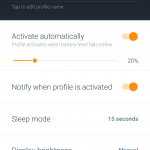
- Smart profiles activate automatically based on time, location, user-designated Wi-Fi networks and battery level.
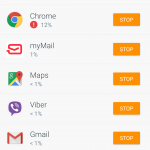
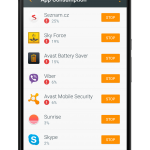
- App consumption detects and permanently stops apps that drain too much battery life.
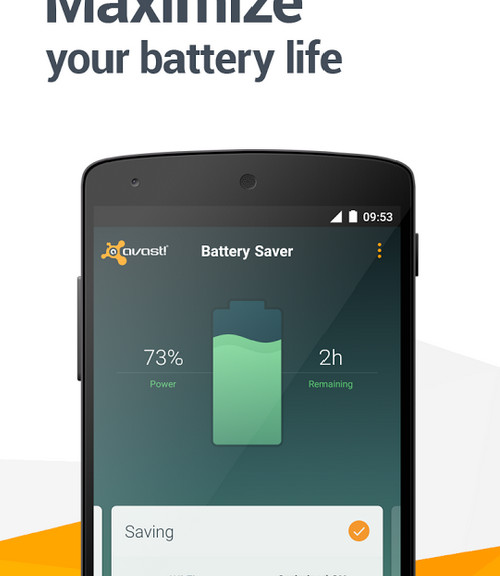
- Precise estimate of remaining battery life based on actual phone usage and historical data. Battery level is displayed in a percentage and time remaining in status bar notification.
- The application can turn off Wi-Fi when there are no known hotspots nearby.
- Your phone limits connections to the Internet to every 5, 10, 15 or 30 minutes, based on your current profile configuration, when its screen is turned off.
- Emergency mode is activated when your battery level is very low, and it turns off all functions that require significant energy, saving power for when you really need it (e.g. Wi-Fi, data connection, Bluetooth or GPS).
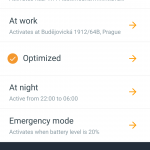
The app currently works with the following four profiles: Home, Work, Night, and Super-Saving Emergency Mode. You can easily access the list of profiles by clicking the “Smart Profiles” button on the app’s home screen. Avast Battery Saver is available for download in the Google Play Store.

 Independent testing lab AV-TEST gave their coveted certification to our popular mobile security application, Avast Mobile Security. If you are still on the fence regarding protecting your Android smartphone then read
  Many smartphone owners are more worried about losing their device then they are about becoming infected with malware. That’s why we created Avast Anti-Theft. Make sure you have the latest version of our free app so if your phone gets lost, you can track it via your My Avast account or using SMS notifications from your friend’s phone.
  The mobile development team released a handy little app called Avast Battery Saver. This free app from Google Play helps you save some battery power. But not just any app can do it. The blog post
 The unsecured Wi-Fi hotspot at the local cafe can be bad news if thieves capture your login credentials. Android users with Avast Mobile Security have a built-in feature called Wi-Fi Security that warns them if any issues are detected. We are now seeking iOS beta testers for an app called Avast SecureMe that will include the same type of feature for iPhone users. Check our blog
  Cybercrooks use a variety of attack vectors to reach their victims. Targeted spearphishing attacks use email messages to trick people into providing sensitive information while malicious apps for Android disguise themselves as innocent games. The scary ransomware locks up all your files and demands ransom for the key to unlock it – on both PCs and and mobile devices! Avast keeps you aware of cybercrooks latest tricks in