Tag Archives: Mobile Security

WhatsApp calls available for Android!

whatsapp phone

Waiting is over! Calls via WhatsApp are available for Android users, but just for some users and only if they have the latest version installed. These calls can be made with an app beta version and also with the 2.12.5 update, launched already in Google Play.

Nevertheless, if you are an Android user and meet these requirements, but still aren’t able to use it, don’t despair. As before, WhatsApp hasn’t deployed it automatically yet.

How can you activate the calls in WhatsApp? For example, if you get a call from one of your contacts that already has it activated!

If not, just a bit of patience, and wait for your turn! Meanwhile, don’t fall for scams!

And if you want to protect your phone, download now our free Android antivirus.

The post WhatsApp calls available for Android! appeared first on MediaCenter Panda Security.

New threats for Android phones, how do they work? Beware of your battery!

smartphone battery charging

When buying a smartphone one of the first things we do is choosing an unlock pattern, trusting that by doing this our WhatsApp conversations will be protected from our nosy surroundings. If you are one of those who think that just one finger is able of drawing a complicated route on the screen, you are mistaken! Hacking an Android’s phone lock is easier than what you thought!

Digital thieves can reach even more. Not only can they get physically inside your phone, but they can also do it virtually or, using the phone’s microphone. Now they can even spy on you when the phone is turning off.

Those who trust that clicking on their smartphones “off” switch is enough to stop their contact with the outside world are in trouble. Virtual spies are able to remotely pull the strings, even so when the owner and his phone were sleeping. Security researchers have demonstrated how a Trojan for Android phones can make the users believe that they have turned it off as they usually do.

PowerOffHijack, the new malware, succeeds a very particular task: Hijacks the users’ shutdown process. When pressing the on/off button a fake dialog box appears making the users believe that their phone is turning off. Meanwhile, the malware is manipulating the operating system “system server” file.
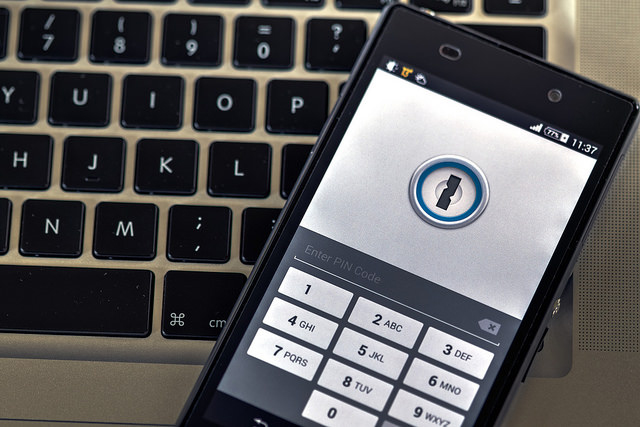
smartphone and computer

The owner rests peacefully, even though the device is not at ease: the Trojan can make outgoing calls (even to foreigner numbers), make pictures and many other things without notifying the user. In China there have been more than 10.000 devices infected by this malware; it seems it expands via some apps.

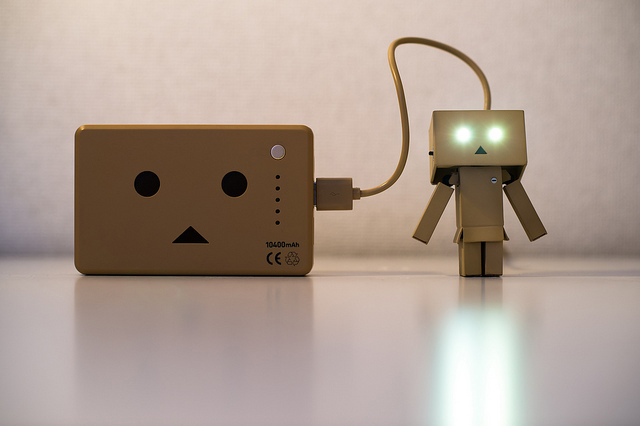
In order to avoid this mocking Trojan we recommend you to pull out your battery so it doesn’t raise your phone bill to unsuspected limits. As much as the spies try, they are still not capable of controlling the phones without lithium. Another tip is to uninstall the apps that may have caused these silent thieves entry.

Although taking the battery off and putting it back on can resolve the Power Off Hijack issue, some hackers are using the battery’s internal information to spy mobile phones. Researchers of Stanford University together with a group of Israelis experts have developed Power Spy, a new technology that gathers the Android phone’s geolocation, even when the GPS is turned off. How? Tracking the phone’s power consumption over time.

WiFi and GPS connections need the user’s permission in order to work, but the battery consumption data doesn’t. So the cyber criminals can track your phone with 90% accuracy, later using this location information as they please, being able to locating you at all times.
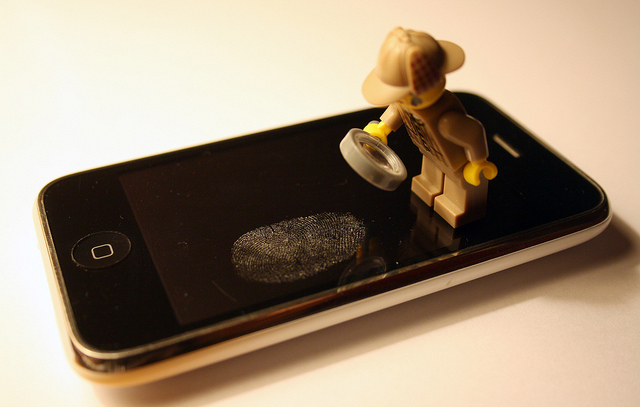
lego on smartphone

The researchers have proven Power Spy’s capacities in two Nexus phones. This program enabled them to locate the phone even if its owner wasn’t using it at the moment. Power Spy would access your phone without you knowing it. The issue is that you might be downloading it together with any app without noticing it.

“We show that measuring the phone’s aggregate power consumption over time completely reveals the phone’s location and movement”, says Yan Michalevsky, one of the researchers.

Fortunately this technology has its limitations: in order to work it needs predefined routes and to have already traveled along the route before. “If you take the same ride a couple of times, you’ll see a very clear signal profile and power profile,” says Michalevsky.  In addition the tracking accuracy increases if the phone has just  a few apps rather than in the ones with more, where power is used unpredictably.

Anyone can start spying on your phone in ways you would have never suspected. Security is not only needed in your desktop computer, it is essential in the tiniest corners of your phone.

Do you want to try our free antivirus for Android?

The post New threats for Android phones, how do they work? Beware of your battery! appeared first on MediaCenter Panda Security.

BlackBerry Warns Many Products Vulnerable to FREAK Attack

BlackBerry is warning customers that a large portion of the company’s product portfolio is vulnerable to the FREAK SSL attack. Many versions of the BlackBerry OS and BlackBerry Enterprise Server are vulnerable to FREAK, as are a number of versions of BlackBerry Messenger. The advisory from BlackBerry says that there are no workarounds for the […]

5 ways to thwart the thief who stole your Android

Avast Anti-Theft is free

Remote recovery options help you keep control of your device, even when it’s lost.

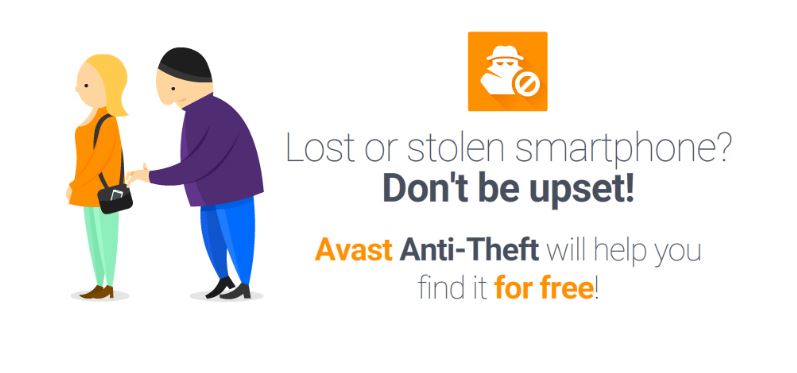
Avast Anti-Theft is a free app designed for Android smart phones and tablets. It’s main purpose is to help you locate your lost or stolen mobile device, allowing you to track it on a map and control it remotely. You recover your phone by controlling it remotely with SMS commands or via the internet by logging in to your My Avast account.

If your phone is lost or stolen, here are some things you can control remotely:

  1. 1. Locate your device on a map – Whether you misplaced your phone, left on the bus, or a thief grabbed it and ran, the GPS on your phone can be enabled so you can receive continuous GPS location updates.

Avast Anti-Theft user Ducky Boy wrote about his experience finding his phone that he dropped on the highway while riding his motorcycle using the GPS feature. Read about it in On the road with avast! Mobile Security.

  1. 2. SIM card change notification – Thieves usually change the SIM card after stealing a phone. Anti-Theft recognizes when this happens and notifies you of the new number and geo-location so you can maintain contact with your phone.

Partier and Avast user Andreas lost his phone during a particularly fun party. The next morning he remembered he had installed Avast Anti-Theft. Here’s how he got his phone back, Don’t be sorry for party rocking – install Avast Anti-Theft!

  1. 3. Activate the remote siren – Scare the wits out of the thief by activating an extremely loud siren with an SMS command. We guarantee that everyone will hear it. When the thief tries to turn it down, it goes to maximum volume.

Our Avast Communications team decided to try out the siren just to see how loud it really got. Believe me, it was loud. And annoying. We quickly learned How to turn off Avast Mobile Security’s Anti-Theft Siren.

  1. 4. Call/SMS forwarding – We took a page from the spy handbook with this feature! You can instruct your phone to call you, with screen blacked out, so you can silently listen in on the thief and obtain details of calls made and received as well as copies of text messages.
  1. 5. Remote Memory Wipe – If all hope is gone, you can still protect your privacy by remotely triggering a full, permanent wipe of all phone data (contacts, call log, text messages, browser history, apps, email accounts), including reliable, physical wipe of memory cards (limited functionality on older versions).

This step is super important even if you didn’t lose your phone. We did an experiment where we bought 20 used phones from eBay and found all kinds of personal stuff including nude photos, private messages, even financial documents! Here are the details about what we found, Tens of thousands of Americans sell themselves online every day

Anti-theftPrepare yourself before disaster strikes
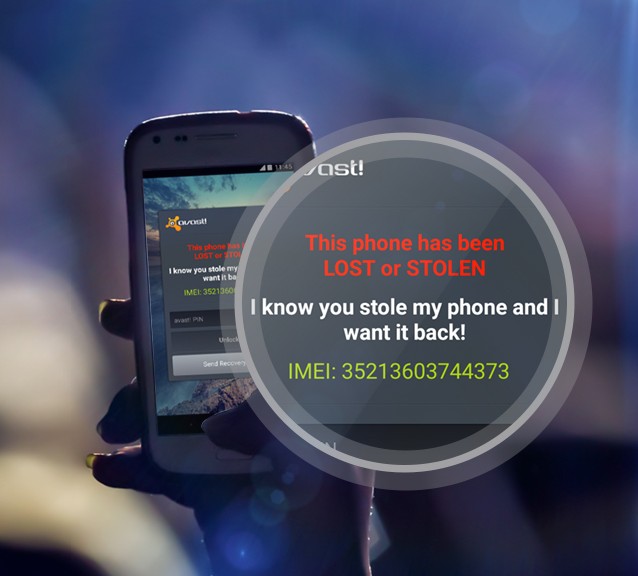
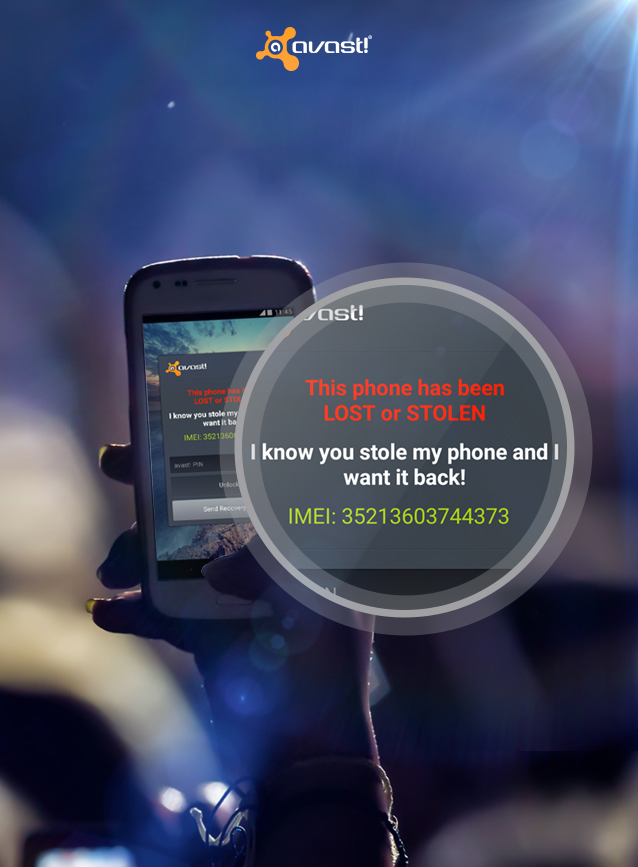
Hopefully, you will never need to use Avast Anti-Theft, but it’s best to be prepared just in case something bad happens. You can install Avast Anti-Theft for free from the Google Play Store along with Avast Mobile Security.

Now that you have Avast Anti-Theft  on your phone, there are a few things you need to set up. Learn what you need to do here, How to set up your smartphone for remote control.


Don’t be sorry for party rocking – install Avast Anti-Theft!

Andreas L. lost his phone at a party, but that’s not the end of the story. Avast Anti-Theft helped him find the thief and get his phone back.

A lot can happen when you go to a party: you may bump into old friends, make new ones, or dance like there is no tomorrow. Losing track of your personal belongings can also happen when you party, which is exactly what happened to Andreas from Bangkok.

Andreas recently commented the following on our Facebook page:

// <![CDATA[
(function(d, s, id) { var js, fjs = d.getElementsByTagName(s)[0]; if (d.getElementById(id)) return; js = d.createElement(s); js.id = id; js.src = “//connect.facebook.net/en_US/all.js#xfbml=1”; fjs.parentNode.insertBefore(js, fjs);}(document, ‘script’, ‘facebook-jssdk’));
// ]]>

We were happy to hear Avast Anti-Theft helped Andreas get his phone back and asked him what happened and how exactly he used Avast’s features to get his phone back. Here is his story:

Andreas went to a party in Bangkok where he made new friends, had a few drinks and at the end of the night Andreas responsibly took a taxi home. When he woke up the next morning he realized that every smartphone owner’s worst nightmare had happened to him, his phone was missing! Losing a smartphone is not only frustrating because the hardware is expensive, but because it contains so much personal information.

Avast Anti-theft can help you find your lost phone.

Find your lost phone with Avast Anti-Theft like Andreas did.

Avast Anti-Theft to the rescue!

While Andreas worried about his phone, he received a message from Avast. The message informed him that his phone’s SIM card had been changed and provided him with the new SIM card’s number and service provider. That is when Andreas realized he could use Avast’s other anti-theft features to GPS locate his phone and perform commands like wiping his phone remotely. Luckily, Andreas did not have to go as far as wiping his phone, but the option did help him in his efforts to get his phone back.

I will look for you, and I will find my phone

With his phone’s new number in hand, Andreas called the thief to confront him and demand he return his phone. Andreas let the thief know that he knew his location (and more) and could render the phone useless and go to the police if the thief did not cooperate. The thief gave in and sent Andreas his phone.

Andreas’ story is one of many lost and found stories we have received from Avast Anti-Theft users and each story gets more interesting! From this experience we can only recommend partiers install Avast Anti-Theft before going out, we will have your back so you can party worry free!

You can install Avast Anti-Theft for free from the Google Play Store.

If you have a story to share, write us on our Facebook or Google+ page. We could share it in our blog.


Mobile World Congress 2015: the unstoppable growth of mobile devices

mobile world congress

After attending the Mobile World Congress 2015 one thing is clear to us: the growth of mobile devices is unstoppable!

As the number of users and mobile devices increase, the number of threats and attacks do too. And with more and more mobile devices and users linked to movility the cyber-criminals have found their target niche.

How can we protect ourselves from that raising number of threats?

Panda Mobile Security: Maximum protection for your Android devices

This is not the first time we talk about our antivirus for Android, but today we want to tell you about the new features our colleagues in PandaLabs are working on!

For example, a couple of moths ago we saw how the downloading of some apps traped us in to using SMS Premium. That’s why Panda Mobile Security has created in “Privacy Auditor” a new functionality called “Cost Money”.  So if you downloaded a Weight Loss app or a QR reader, or any app with permissions to behave in this malicious way will be flagged as such. Check them and if they seem malicious remove them rightaway!

Nor should we forget that the threats there were previously founded on other platforms now can be atacking our mobile phones or tablets. For instance, the Ramsonware virus that “hijack” the device requesting a payment, as it renders useless the device and prevents us accessing our data.

We are even descovering threats cybercriminals created to take pictures of the users while the device is turned off or paused, and steal their data.

In addition, Panda Mobile Security, available in 16 languages in a few days, highlights the importance of geolocation. For example, the “Theft Alert” allows the device when someone  introduces the wrong password, takes a photo and sends it via email with the device location.

What to protect with a mobile antivirus?

We want that our Android antivirus to be a complete security solution so it makes the users life easier and safer!

With that in mind we are able to protect againts virus, fraud and threats, locate the mobile phone or tablet in case you lose it (or someone steals it!), protects private data and resource management.

Want to try our free antivirus for Android?

The post Mobile World Congress 2015: the unstoppable growth of mobile devices appeared first on MediaCenter Panda Security.