Ubuntu Security Notice 2617-1 – Tavis Ormandy discovered that FUSE incorrectly filtered environment variables. A local attacker could use this issue to gain administrative privileges.
Monthly Archives: May 2015
KCodes NetUSB Buffer Overflow
KCodes NetUSB suffers from a kernel stack buffer overflow vulnerability.
Security Questions Not So Secure
The Internet knows a lot about you, including your mother’s maiden name, your favorite food, and what street your first pet grew up on. And, according to some new research from Google, attackers have a good chance of figuring those things out pretty easily, too. The security questions that Google and other companies ask users as […]
What app permissions should I be wary of?
Mobile applications increasingly want access to various functions on your smartphones and tablets, such as your location and contacts book. But some of these app permissions should not be granted.
The post What app permissions should I be wary of? appeared first on We Live Security.

Millions Exposed By Latest Health Insurer Hack
NetUSB Flaw Puts Millions Of IoT Devices At Risk
Senator Rand Paul Stages Filibuster To Protest Patriot Act
Obscene Image Shown On Hacked US Billboard
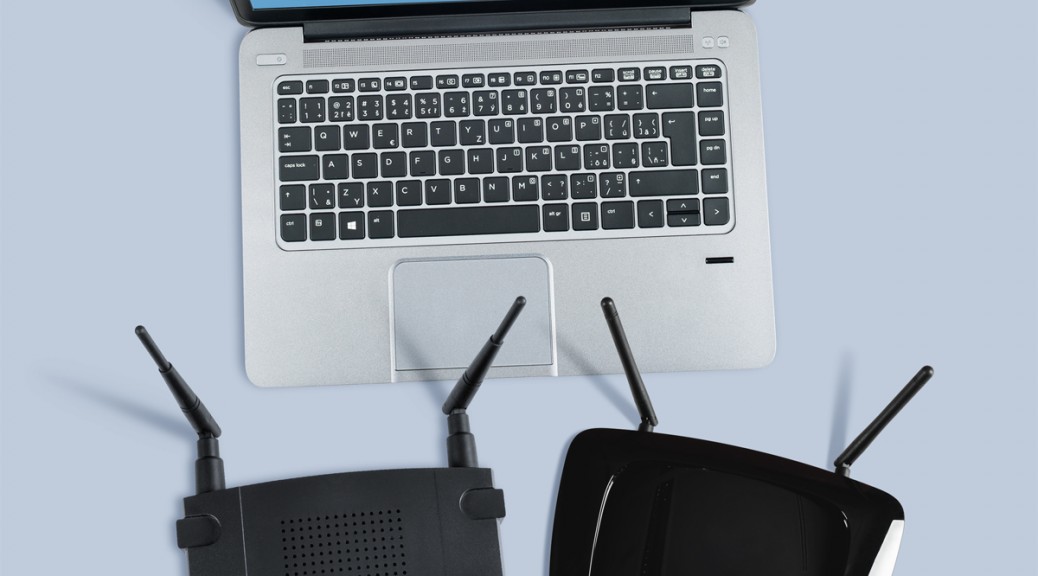
Avast Home Network Security is ideal for the self-employed
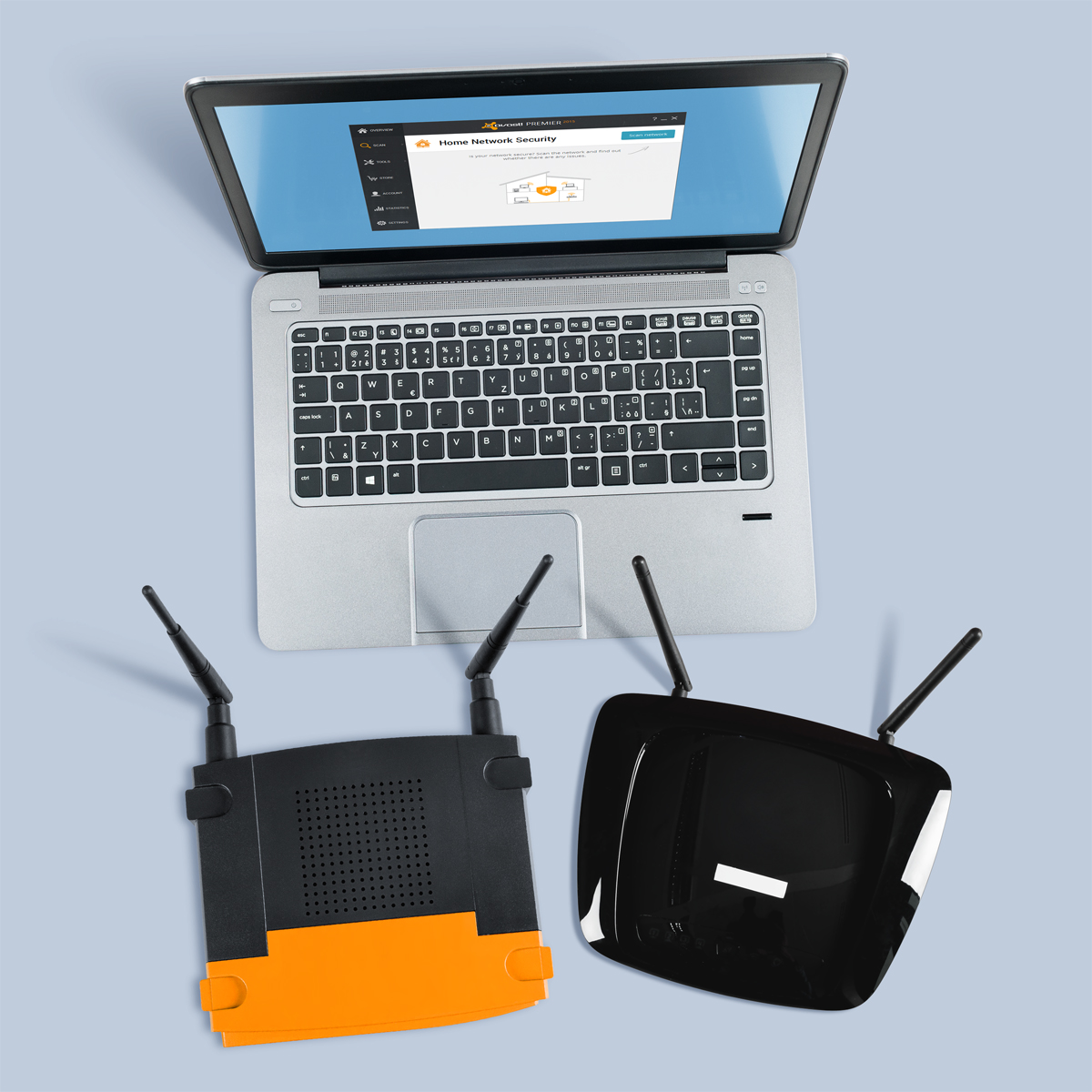
Don’t let your router be the weakest link when it comes to protecting your home business.
For those of us who are self-employed and/or work from home, our houses are sacred spaces on both personal and professional levels. Although often overlooked, our routers hold the key to our productivity, as they provide the powerful and consistent network connection that we depend on in order to get our work done. Unfortunately, we often take these little guys for granted, and because of this, routers have become the weakest security point in many home and small business networks these days.
“Unsecured routers create an easy entry point for hackers to attack millions of American home networks,” said Vince Steckler, chief executive officer of Avast. “If a router is not properly secured, cybercriminals can easily gain access to an individual’s personal information, including financial information, user names and passwords, photos, and browsing history.”
Securing your router is vital for both you and your business
You may have heard about the recent NetUSB driver flaw that made millions of routers vulnerable to malicious attacks. Unfortunately, this is just one case surrounded by the larger issue of users not taking the necessarily precautions to properly secure their home networks.
Avast now features Home Network Security (HNS), which scans for home router security problems. Avast is the only security company to offer a tool to help you secure this neglected area. Avast Home Network Security scans a user’s home network and routers for potential security issues that could allow a hacker attack. The scan looks for misconfigured Wi-Fi networks, exposes weak or default Wi-Fi passwords, vulnerable routers, compromised Internet connections, and enabled, but not protected, IPv6. It also lists all devices on the network so you can make sure only your known devices are connected.
In addition to protecting your devices using Avast Home Network Security, there several steps you can take in order to further improve your router’s security.
- Change the default admin username and password to a strong password. Do not use default passwords because they’re generated from well-known algorithms that makes hacker attacks even easier. Do not use your name, date of birth, home address or any personal information as the password.
- Turn off WPS, the automated network configuration method that makes your wireless password more vulnerable to hacker attacks.Turn on WPA2 encryption and, if you can, protect it with a strong password.
- Change the default admin username and password to a strong password. Do not use default passwords because they’re generated from well-known algorithms that makes hacker attacks even easier. Do not use your name, date of birth, home address or any personal information as the password.
- Upgrade your router firmware to fix known vulnerabilities of the router.
- Don’t forget to log out after managing the router, avoiding abuse of the authenticated browser sessions.
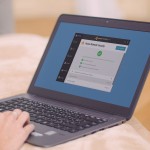
The Home Network Security Solution is available in free and paid versions of Avast. Get it at www.avast.com.
Follow @avast_antivirus
// <![CDATA[
!function(d,s,id){var js,fjs=d.getElementsByTagName(s)[0],p=/^http:/.test(d.location)?’http’:’https’;if(!d.getElementById(id)){js=d.createElement(s);js.id=id;js.src=p+’://platform.twitter.com/widgets.js’;fjs.parentNode.insertBefore(js,fjs);}}(document, ‘script’, ‘twitter-wjs’);
// ]]>
Fedora 20 Security Update: dcraw-9.25.0-2.fc20
Resolved Bugs
1221249 – CVE-2015-3885 dcraw: input sanitization flaw leading to buffer overflow
1221251 – CVE-2015-3885 dcraw: input sanitization flaw leading to buffer overflow [fedora-all]<br
This update contains a fix for a bug which could cause dcraw write past array boundaries.
Additionally, it updates dcraw to version 9,25.0 which contains updated color matrices and supports the Canon EOS 5DS.