Many of the Wi-Fi hotspots you use in your hometown and when you travel have major security flaws making it easy for hackers to see your browsing activity, searches, passwords, videos, emails, and other personal information. It’s a public Wi-Fi connection, meaning that you are sharing the network with lots of strangers. Those strangers can easily watch what you’re doing or steal a username and password to one of your accounts while you sip your latte.
An easy and affordable way to maintain your security whenever you use free Wi-Fi is to use a virtual private network (VPN). It sounds techie, but Avast has made it simple.
A VPN service, like our SecureLine VPN, routes all the data you’re sending and receiving through a private, secure network, even though you’re on a public one. That way, SecureLine makes you 100% anonymous while protecting your activity.
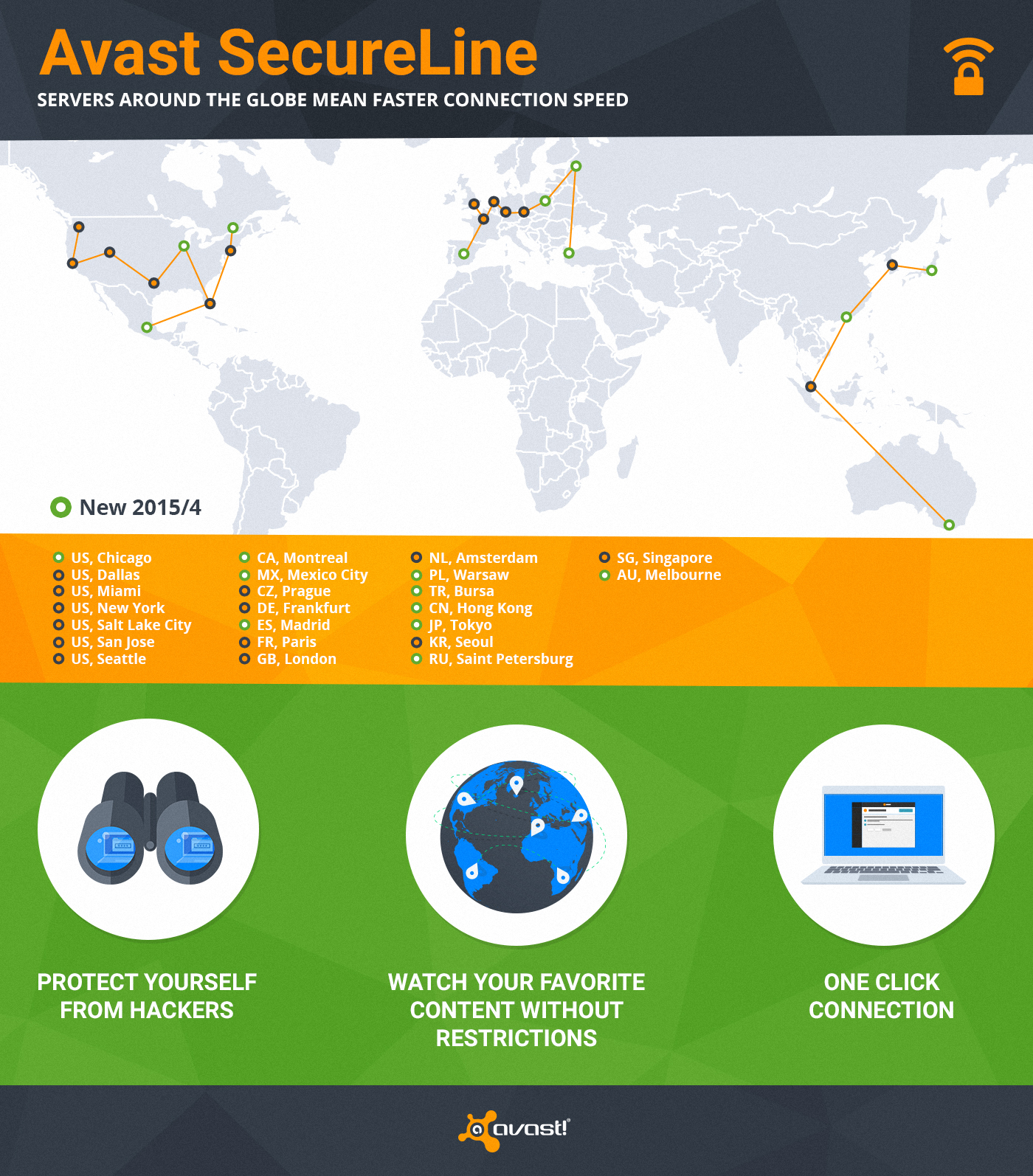
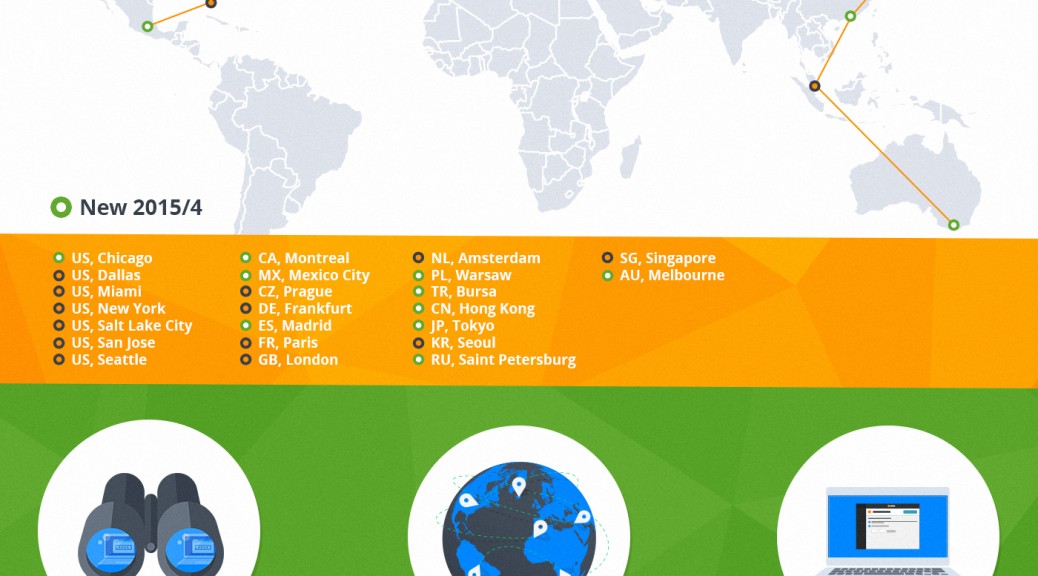
We have servers all over the world so you can connect to our virtual locations anytime you don’t want anyone to monitor or log your Internet activity. We just expanded SecureLine with an additional 10 servers to ensure you have a faster connection speed.
One of the great bonuses of SecureLine is that it allows you to visit local websites restricted to visitors from abroad. With SecureLine connected to a local server, you can watch your favorite shows or listen to streaming radio in another country. That’s because SecureLine makes it look like you’re connected from the right location to access the content. (You know those countries that have blocked Facebook, YouTube, and Twitter? A VPN is how people can still connect.)
When you connect SecureLine on your PC, Mac, or Android phone, here’s what you can expect.
1) Privacy protection – hides your Internet activity anywhere on the web
2) Bypassing geo-restricted content, so you can watch your favorite content
3) You are anonymous – we don’t log what users do when connected through SecureLine
4) Ease of use – only one click and you are connected to one of 24 servers worldwide
How to use SecureLine VPN
SecureLine VPN is part of Avast Antivirus. Simply open your Avast user interface, choose the Tools option in the left menu, then click the SecureLine VPN button. Licenses for Windows, Android, and iOS versions of Avast SecureLine VPN are separate.
Supports: Windows, iOS 7.0 or later, Android 4.0 and up
Servers: North America – Chicago, Dallas, Miami, New York, Salt Lake City, San Jose, Seattle, Montreal, Mexico City; Europe – Prague, Frankfurt, Madrid, Paris, London, Amsterdam, Warsaw, Bursa, Saint Petersburg; Asia/Oceania – Hong Kong, Tokyo, Seoul, Singapore, Melbourne



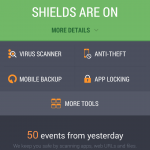 Independent testing lab AV-TEST gave their coveted certification to our popular mobile security application, Avast Mobile Security. If you are still on the fence regarding protecting your Android smartphone then read
  Many smartphone owners are more worried about losing their device then they are about becoming infected with malware. That’s why we created Avast Anti-Theft. Make sure you have the latest version of our free app so if your phone gets lost, you can track it via your My Avast account or using SMS notifications from your friend’s phone.
 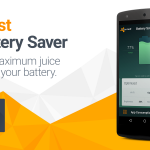 The mobile development team released a handy little app called Avast Battery Saver. This free app from Google Play helps you save some battery power. But not just any app can do it. The blog post
 The unsecured Wi-Fi hotspot at the local cafe can be bad news if thieves capture your login credentials. Android users with Avast Mobile Security have a built-in feature called Wi-Fi Security that warns them if any issues are detected. We are now seeking iOS beta testers for an app called Avast SecureMe that will include the same type of feature for iPhone users. Check our blog
  Cybercrooks use a variety of attack vectors to reach their victims. Targeted spearphishing attacks use email messages to trick people into providing sensitive information while malicious apps for Android disguise themselves as innocent games. The scary ransomware locks up all your files and demands ransom for the key to unlock it – on both PCs and and mobile devices! Avast keeps you aware of cybercrooks latest tricks in



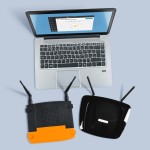 Speaking of Wi-Fi – Just like in real estate, one of the most important things for your router is location, location, location.
  I run because I really REALLY like Beer!
 World Backup Day
 The family IT expert knows how frustrating it can be to help someone solve a computer problem over the phone. Avast makes it easier with our Remote Assistance service. Now you can
  With all the security improvements in browsers and operating systems, some people have questioned whether they still need antivirus protection. The business of malware has changed, but it can still be devastating if you are targeted. COO ONdrek Vlcek explains why Avast is